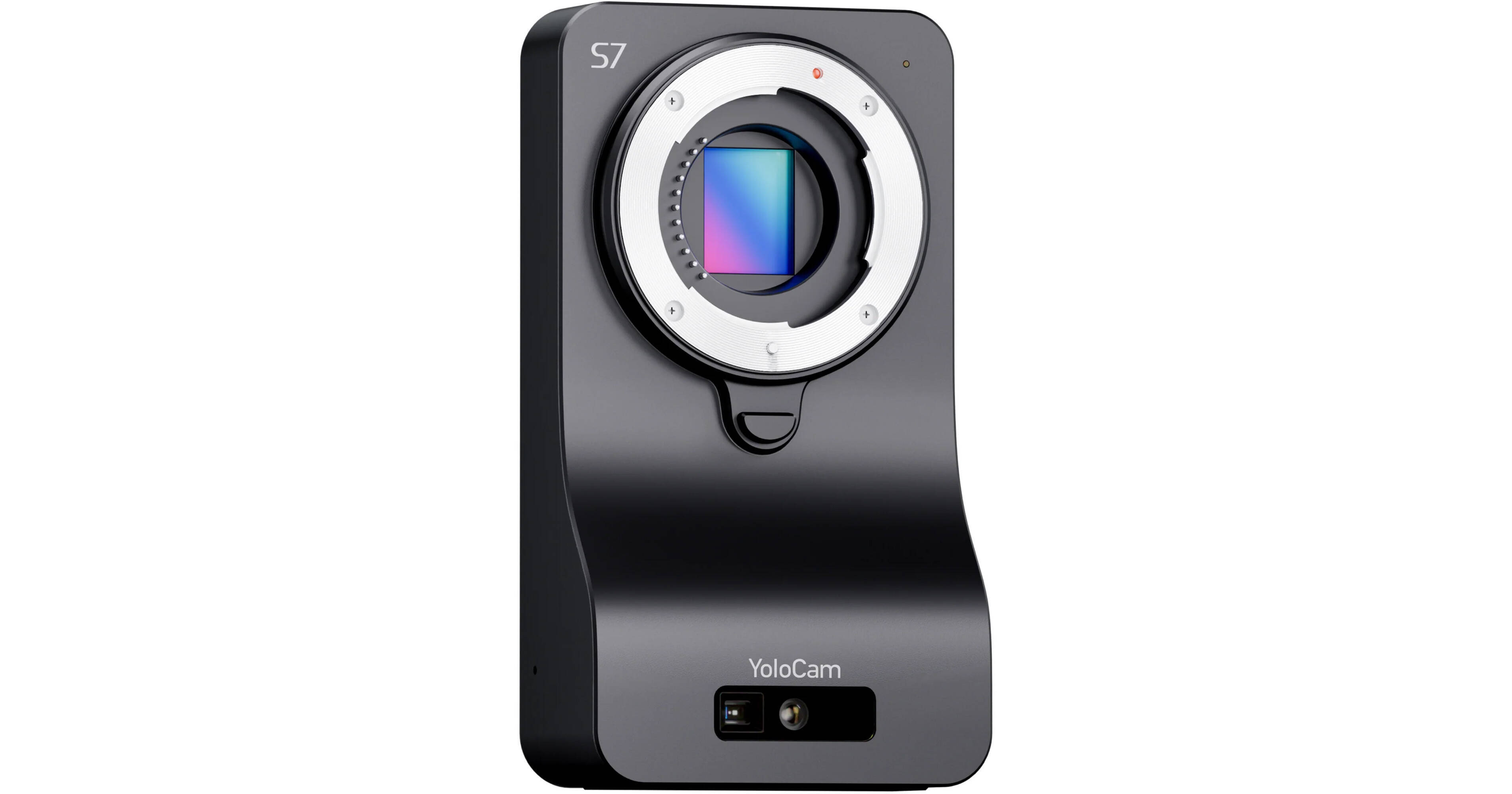
UHD 4K60 Streaming with Interchangeable Lens
The YoloCam S7 4K60 Streaming Camera from YoloLiv provides plug-and-play video streaming using interchangeable Micro Four Thirds lenses. This compact camera features a large 4/3" sensor, MFT lens mount, real-time autofocus, webcam mode, efficient heat dissipation for 24/7 use, and seamless integration with YoloBox/YoloLiv.
4/3" Sensor and UHD 4K60 Output
The YoloCam S7's 4/3" sensor is larger than many streaming and action cameras, producing optimal images at rates up to UHD 4K60.
Micro Four Thirds Lens Mount
The Micro Four Thirds mount enables you to use interchangeable lenses to capture the best angle for your content.
Live Streaming
- This versatile camera provides multiple ways to stream your content.
- Use it with the YoloBox/ATEM setup for easy multi-camera streaming.
- Pair it with your computer for home studio content creation.
- Stream content vertically using the YoloCam with the YoloLiv Instream monitor/encoder device.
- Use with TikTok Studio and your computer.
Instantaneous Autofocus
The YoloCam S7 features lightning fast ToF (time of flight) autofocus, eliminating blurs and producing perfectly focused video.
Dual Native ISO
Dual native low and high ISOs enable the YoloCam S7 to capture clear images with minimal noise in any lighting condition while preserving a wide dynamic range.
24/7 Streaming
An aluminum alloy body with efficient heat dissipation lets the YoloCam S7 operate 24/7 for smooth, uninterrupted streaming.
YoloLiv Compose Software
Use the YoloLiv Compose software to access real-time color correction and other camera settings, creating professional-looking video streams.
UPC: 762715516428