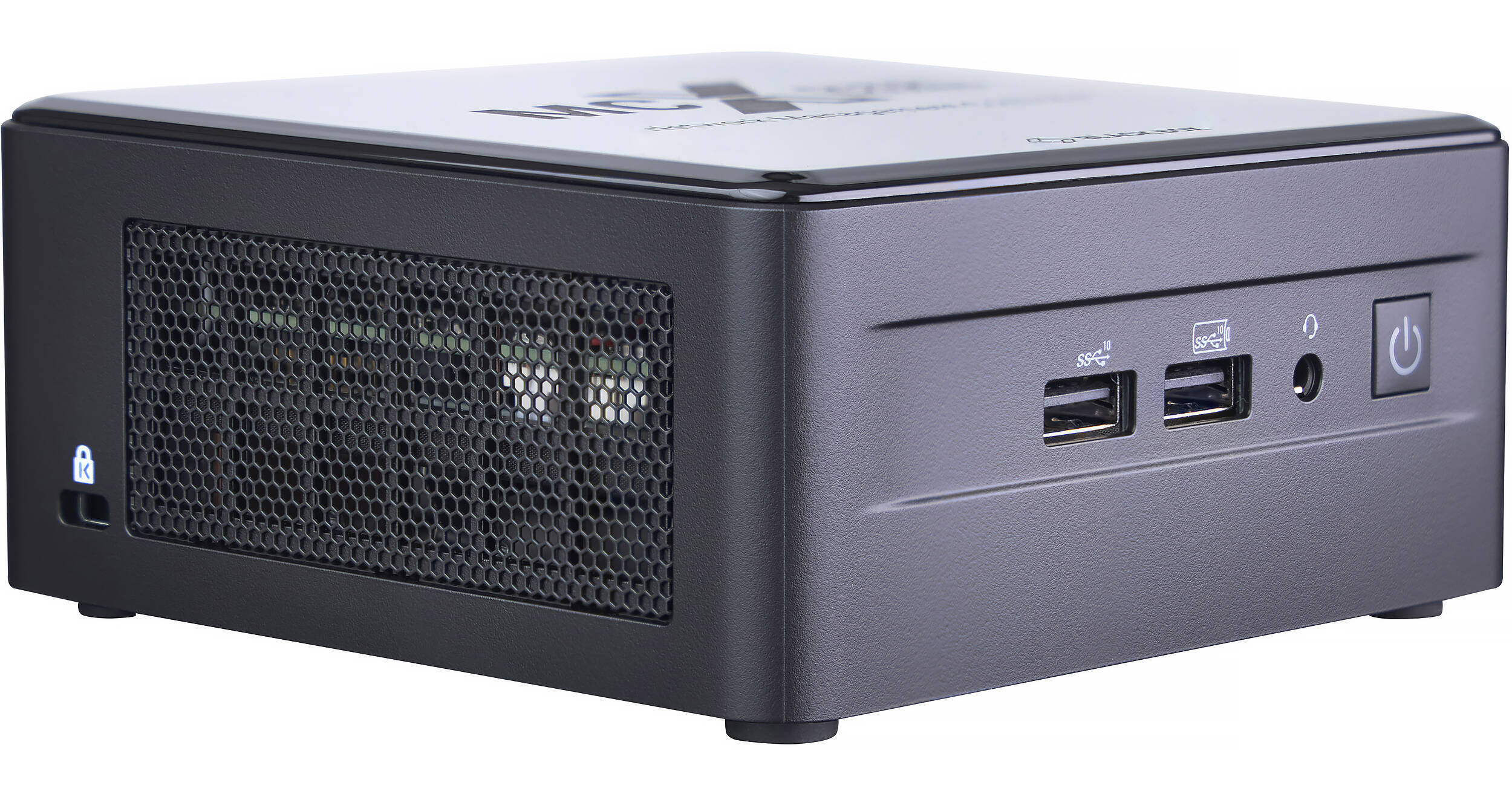
Manage your MCX AVoIP system with the MCX-G2-CTRL-12 MCX Gen 2 AVoIP Management Controller from Black Box. This all-in-one SDVoE/AVoIP network controller boasts an intuitive user interface with seamless matrix switching, strong security, and advanced analytics. A VESA mounting kit is included for your convenience.
Simplified Setup
The controller makes setting up your AVoIP system easy and features a CSV import capability to accommodate large deployments. You can also assign icons to both source and display endpoints to assist in identification.
Complete Control UI
Create browser-based interfaces to control the essential functions of your projects with a "no-programming" approach to GUI design. Control matrix, video wall, and multiview functions, as well as external devices like displays and media players. You can also create no-touch UIs with a pin-coded QR system. This makes setting up touch panels and control boards simple and cost-free.
System Design Testing
With the controller, you get granular testing of all encoder and decoder functionality, as well as any attached IR or RS-232 devices. It also gives you reboot and reset options for individual endpoints or groups of endpoints.
Status Monitoring
The controller provides real-time data on encoder and decoder operations, as well as insight into source and display operations.
Extensive Firmware Management
The controller features extensive firmware management that provides high-level admin access to individual endpoints or groups of endpoints.
Strong Security
Individual encrypted encoder and decoder pairings protect against unauthorized content viewing. Additional permission settings can allow or disallow routing.
EDID Management
The controller offers flexible EDID handling with full reporting of monitor information, and the EDID validation process ensures the integrity of information.
Automate Events
Automate actions like turning on displays upon source detection or initiating room off procedures after source disconnection. You can even combine the controller with multiple encoders to create a priority auto-switching system.
Schedule Preset Commands
Schedule any number of preset commands for unattended operation. From ensuring all displays are turned off at the end of the day to changing source content on the lobby video wall, the possibilities are endless.
Track Your AV Devices
Get full asset tracking of devices. The controller logs the entire history of every device it manages, regardless of the length of service.
SLA Adherence
Time-stamped logging of devices to meet system integrator SLA commitments. You can also create reports that show when and how long devices were out of service.
Advanced Analytics
Better understand AV behavior by studying user AV interactions. Create reports that show when AV was used, how long it was used, and the time it took to start AV in any meeting.
Additional Details
- Configure, manage, and control your MCX AV-over-IP system
- Seamless matrix switching of video, audio, USB, and control signals
- Switch all signals at once or individually with independent breakaway switching
- Advanced video wall capabilities with drag-and-drop display configuration
- Intuitive multiview functionality for enhanced content monitoring
- Security that protects against unauthorized content viewing
- Automate events and schedule preset commands with ease