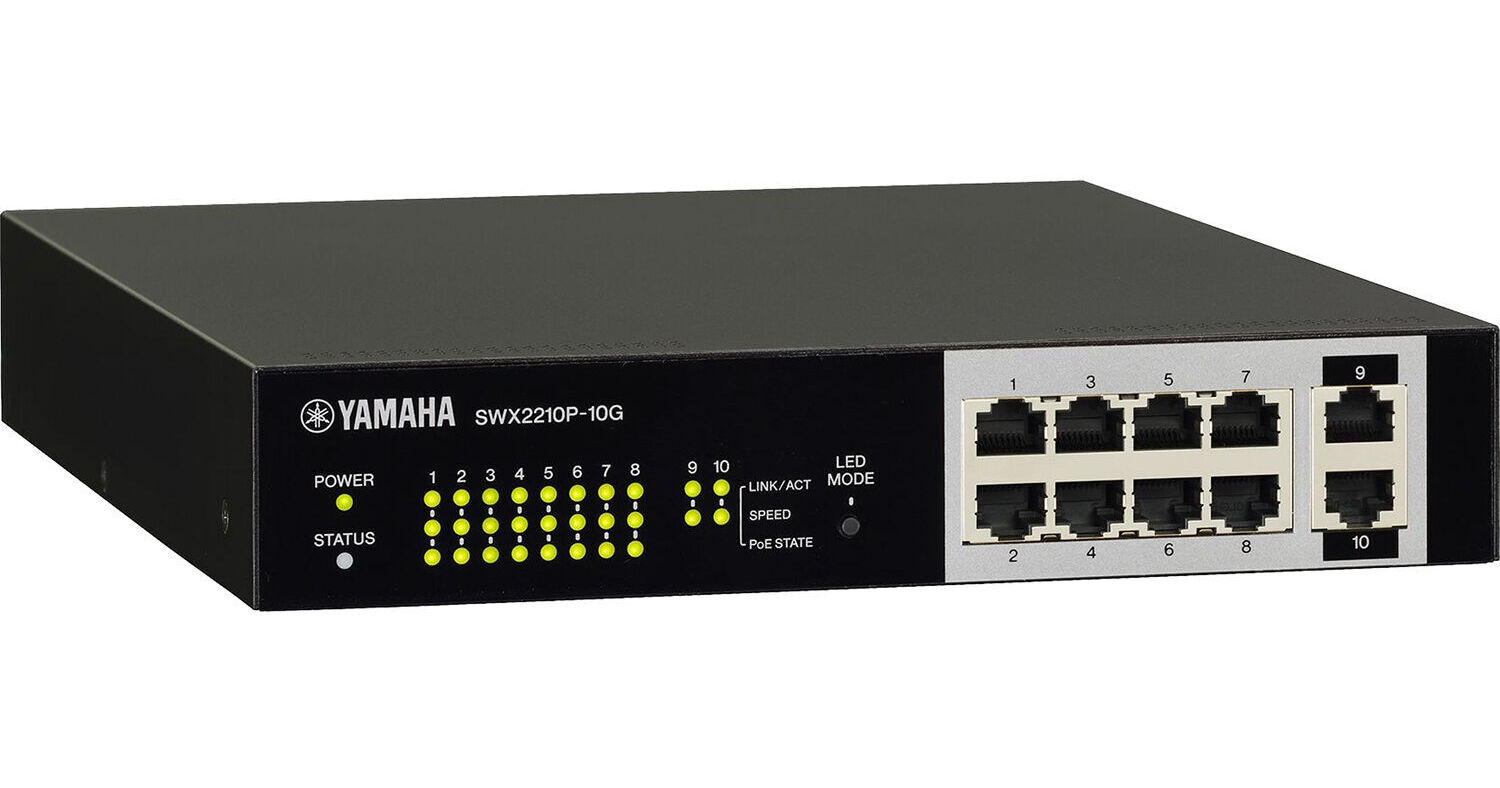
Optimized for Dante and PoE+ for medium/small ADECIA systems, the Yamaha SWX2210P-10G is a smart L2 switch that can supply power to PoE powered devices on the network, allowing integrators to quickly establish stable networks by simplifying settings, monitoring, management, and operation.
When Dante PoE devices, like the VXL1-16P, are connected to the SWX2210P-10G, settings optimized for Dante are automatically applied via LLDP, a protocol for exchanging system management data between neighboring devices. PoE+ compliant ports can supply up to 30W to each port simultaneously, powering not only PoE compliant devices like wireless access points, but also higher-output PoE+ devices such as the VXL1-16P, VXC2P, and RM-CR.
- Smart L2 switch optimized for Dante and PoE+ for Medium/Small ADECIA systems
- Auto-apply Dante settings upon connection to ADECIA devices
- Ports 1-8 support PoE+
- Supports PoE+ up to 30W per port (total: 124W)
- IGMP and QoS settings can be automatically optimized for Dante network operation by simply selecting the Dante profile in the web-based GUI. These network settings are not critical in simple systems, but proper configuration is essential to ensure maximum stability in larger Dante networks.
- In the Web GUI's ProAV Settings enables to assign settings for major ProAV profiles like Dante, NDI, and so on to ports with just a click. This makes it easy to use both NDI and Dante on the same switch.
- Additionally, the ProAV Settings screen in the Web GUI allows you to easily check multicast settings and operations. It clearly shows multicast activity, which helps quickly resolve issues that often cause problems in ProAV networks.
- Yamaha LAN monitor is a dedicated software that allows for quick troubleshooting. Easily check PoE status, turn PoE on/off, and use the snapshot function to detect any differences or faults in the network state since setup. The web GUI provides a full range of monitoring functionality, including dead/alive monitoring for PoE devices, allowing you to restart a PoE device if a fault occurs and receive email notifications of faults.
Snapshot Function Makes Troubleshooting Easy
- Take a “snapshot” when the network is initially set up to automatically keep track of any alerts or setting changes that could cause trouble like cable disconnections, devices turning off, or incorrect connections made prior to performances.
Enhanced Device ID with Icons, Labels, and Comments
- Identifying devices connected to a switch with only IP or MAC addresses is a difficult and error-prone approach. Dante devices can use icons and device IDs when set up via the Dante Controller software. Label and Comment fields also let users add useful info, like the location of the device.