Ask Our Experts800-606-6969
Hello, Log InAccount & Orders
Video Chat with a Pro Audio Expert - Live
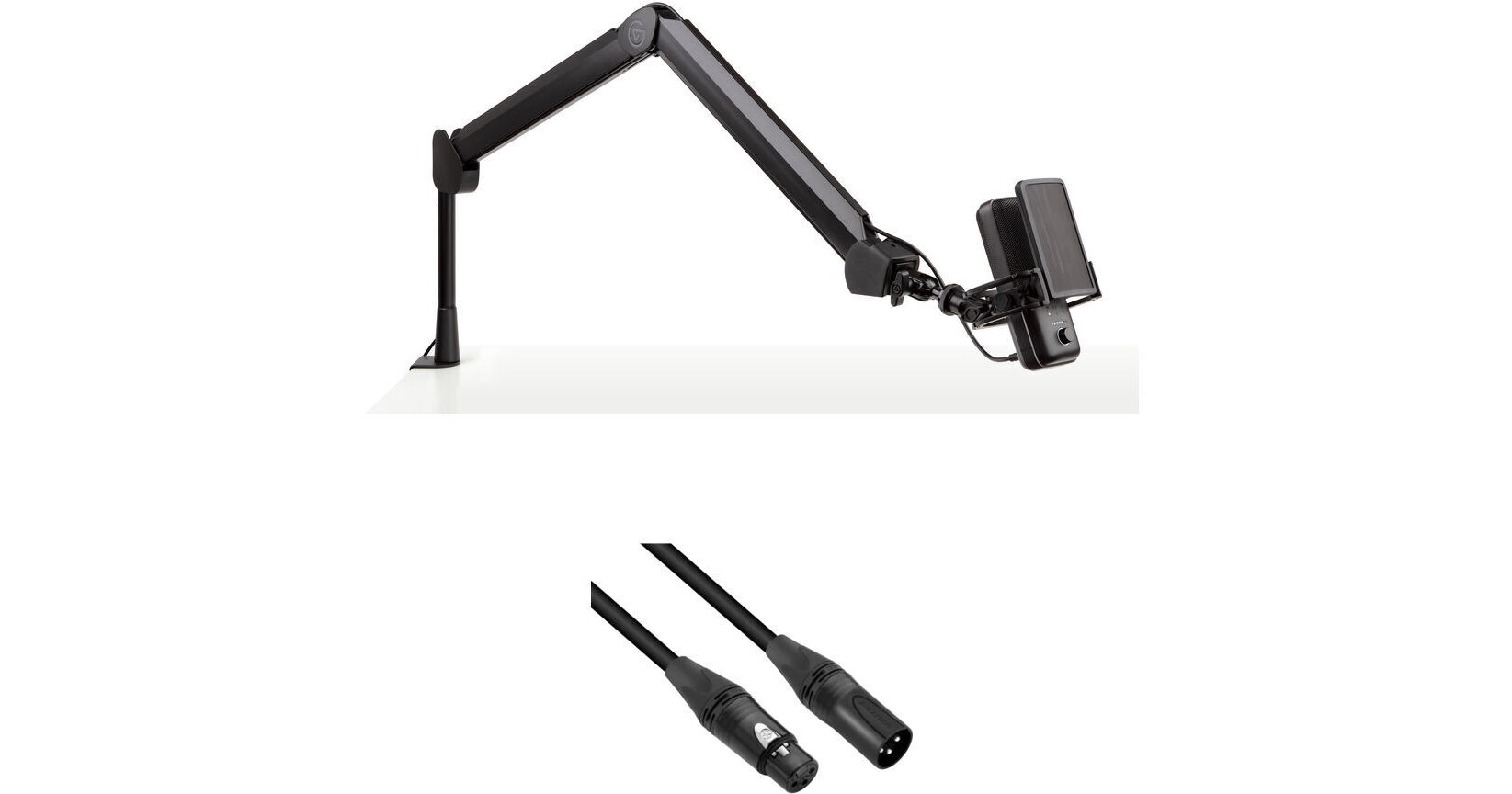
Key Features
- Podcasting, Streaming, Broadcasting
- Includes XLR Cable
- C-Clamp for Surface Mounting
- 29.5" Vertical Reach, 5.9" Riser
This Elgato Wave Mic Arm Kit with XLR Cable from B&H pairs the two-section suspension boom arm with an XLR cable, so you can immediately get started recording, streaming, or podcasting, with your existing audio gear and the XLR microphone of your choice.
More DetailsIn Stock
Protect Your Gear
Add a protection plan from $19.99
See Options
See any errors on this page?
How much depth on the edge of a desk is needed to ...
How much depth on the edge of a desk is needed to safely clamp this arm onto? Would a 1" lip be enough? 1-1/2"?
Clearance requirements for the Elgato Wave Mic Arm have not been provided by Elgato, but typically for clamp mounting a broadcast arm you will want at least 2" of clearance.
Date published: 2024-05-26
Is it possible to mount this to a c-stand or ...
Is it possible to mount this to a c-stand or light stand or does it always have to be mounted to a table?
The Elgato Wave Mic Arm comes with a flat, padded clamp that opens up to 2.4". It is not made for mounting to a C-stand, a light stand, or any kind of stand. However, you can use an adapter to be able to match the threading of the shock mount of your microphone to a light stand or C-stand. Alternatively, you can use a studio boom stand for your mic like the On-Stage SB96+ (B&H # ONSB96P), for example.
Date published: 2024-08-08