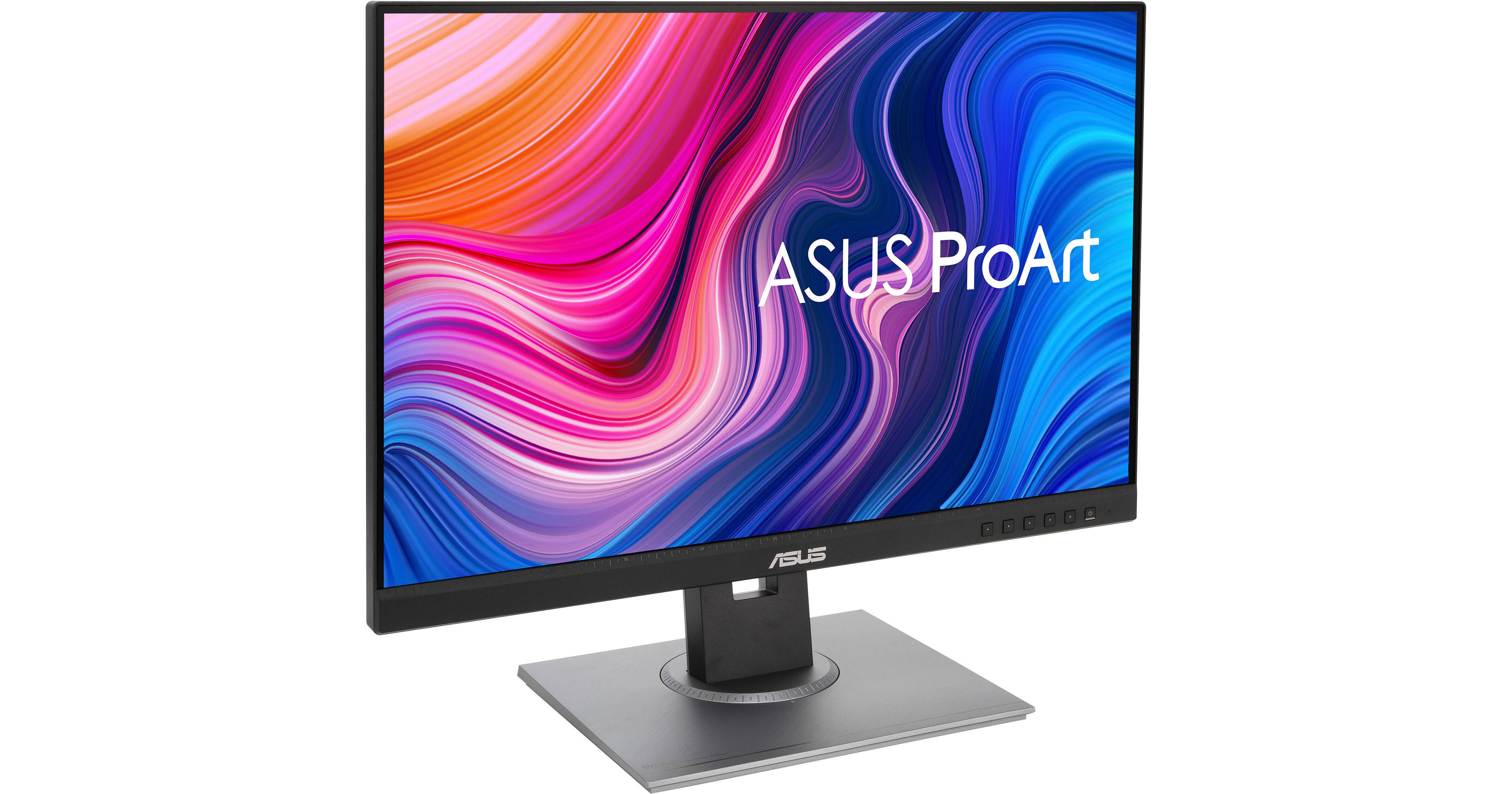
ASUS Dual ProArt Display PA248QV 24.1" Full HD Monitor Kit

BH #ASPA248QV2K
Print
ASUS Dual ProArt Display PA248QV 24.1" Full HD Monitor Kit

2

Pack

Key Features
  • 24.1" 16:10 IPS Panel
  • HDMI | VGA | DisplayPort
  • Full HD+ 1920 x 1200 Resolution
  • 1000:1 Static Contrast Ratio
Enhance your workflow with the Dual ASUS ProArt Display PA248QV 24.1" Full HD Monitor Kit from B&H. It includes two 24" displays, which allows you to set up a dual monitor configuration for more room to organize windows and view large projects.
More Details
In Stock
No Store Display
$399.98
Calculate Shipping
Protect Your Gear
Add a protection plan from $31.99
Ask an Expert
212-444-6615

ASUS PA248QV Overview

Enhance your workflow with the Dual ASUS ProArt Display PA248QV 24.1" Full HD Monitor Kit from B&H. It includes two 24" displays, which allows you to set up a dual monitor configuration for more room to organize windows and view large projects.

Color Accuracy
The ProArt Display PA278QV is designed for creative professionals in mind. Thus, it's factory calibrated and Calman-verified with a color accuracy delta E value of less than two and covers 100% of the sRGB and Rec.709 color spaces.
ProArt Preset
ASUS ProArt Presets offers users multiple modes for quick color-gamut adjustments. These include options for sRGB, Rec.709, Scenery, Reading, Darkroom, and Rapid Rendering.
ProArt Palette
The ASUS ProArt Palette lets users quickly and easily adjust monitor settings such as color hue, temperature, and gamma directly via an onscreen menu.
Adaptive-Sync
Adaptive-Sync technology syncs the display's refresh rate with your graphics card's frame rate output to reduce screen tearing, stuttering, and ghosting for a smoother experience.
QuickFit Virtual Scale
ASUS QuickFit Virtual Scale displays an onscreen overlay, so users can see exactly how their design may look before printing. It includes options such as A4, B5, Ruler, and Alignment Grid.
ASUS Eye Care
ASUS Ultra-Low Blue Light and Flicker-Free technologies help to reduce eyestrain and fatigue over extended viewing periods.
UPC: 192876602430

ASUS PA248QV Specs

Key Specs
Display Size
24.1"
Panel Type
IPS-Type LCD
Native Resolution
1920 x 1200
Maximum Brightness
300 nits / cd/m2
HDR Support
No
Color Support
16.7 Million Colors (8-Bit)
Color Gamut
100% sRGB
100% Rec. 709
Finish
Anti-Glare
Touchscreen
No
A/V Inputs
3.5 mm / DisplayPort 1.2 / HDMI 1.4 / VGA
A/V Outputs
3.5 mm
USB I/O
USB-A 3.2 Gen 1
Built-In Speakers
Yes: 2x 2 W
Display
Size
24.1"
Panel Type
IPS-Type LCD
Aspect Ratio
16:10
Native Resolution
1920 x 1200
Maximum Brightness
300 nits / cd/m2
HDR Support
No
Contrast Ratio
1000:1
Response Time
5 ms (GtG)
Refresh Rate
75 Hz
Variable Refresh Technology
Adaptive-Sync
Color Support
16.7 Million Colors (8-Bit)
Color Gamut
100% sRGB
100% Rec. 709
Viewing Angle (H x V)
178 x 178°
Curved Display
No
Finish
Anti-Glare
Surface
Touchscreen
No
Connectivity
A/V Inputs
1x 1/8" / 3.5 mm
1x DisplayPort 1.2
1x HDMI 1.4
1x VGA
A/V Outputs
1x 1/8" / 3.5 mm
HDCP Support
Yes: Version 1.4
USB I/O
4x USB-A 3.0 / 3.1/3.2 Gen 1
Multi-Input Support (PIP/PBP)
No
Speaker
Built-In Speakers
Yes: 2x 2 W
Electrical
Power Consumption
Standby: 0.5 W
Typical: 15.0 W
Input Power
100 to 240 VAC, 50 / 60 Hz
General
Adjustments
Adjustable
Rotation: 180° (-90 to 90°)
Swivel: 180° (-90 to 90°)
Tilt: 40° (-5 to 35°)
Height: Up to 5.12" / 130.05 mm
VESA Mounting-Hole Pattern
100 x 100 mm
Lock Slot
Yes: Kensington
Dimensions
21 x 19.9 x 8.3" / 533.4 x 505.5 x 210.8 mm (with Stand)
21 x 14.2 x 1.9" / 533.4 x 360.7 x 48.3 mm (without Stand)
Weight
13.45 lb / 6.1 kg (with Stand)
8.6 lb / 3.9 kg (without Stand)
Packaging Info
Package Weight
17.54 lb
Box Dimensions (LxWxH)
25.3 x 18.7 x 7.6"

ASUS PA248QV Reviews

So Far So Good!

By Susan
Rated 5 out of 5
Date: 2026-03-16

It was easy to set up and integrate with my all-in-one desktop computer. Having it makes working with multiple documents and/or web sites open at the same time and moving between them so much easier and really speeds up my work progress.

Good 24 monitor

By John
Rated 4 out of 5
Date: 2025-01-16

Monitor exactly what was required as a replacement for a home computer system. Shipped as promised i two days. Setup simple and color did not need to be adjusted. Additional information on internet was helpful although at times difficult to understand/useful. But with time I will figure it out.

See any errors on this page?

it has vesa support out the box ?

it has vesa support out the box ?
Asked by: Jorge
Yes, the ASUS ProArt Display PA248QV 24.1" 16:10 Adaptive-Sync IPS Monitor does support VESA 100x100 mm.
Answered by: Andrew R
Date published: 2024-03-17

I want to purchase two of these and hook them up ...

I want to purchase two of these and hook them up to my Legion 5 Pro laptop. Using them as separate monitors (not duplicate). Would these work and if so what would cables would I need? (Would like to run them both at 75Hz.)
Asked by: Justin
You could use two of these monitors with that laptop. You would need to use USB-C to HDMI cables to attach them.
Answered by: Reuben K
Date published: 2022-05-11

Can you hook external speaker up to monitor?

Can you hook external speaker up to monitor?
Asked by: Cassie
Yes.
Answered by: ASUS Answers
Date published: 2023-10-28

what is the warranty on this monitor?

what is the warranty on this monitor?
Asked by: Isabella
This model comes with ASUS' Limited 3-Year Warranty.
Answered by: Michael M
Date published: 2021-07-01

What cables are needed to hook up to HP Desktop?

What cables are needed to hook up to HP Desktop?
Asked by: Cassie
You can use any of the following cables: DisplayPort HDMI VGA
Answered by: ASUS Answers
Date published: 2023-10-28

Can this monitor be daisy chained so that I can ...

Can this monitor be daisy chained so that I can use one display port for three monitors?
Asked by: Gary
The ASUS ProArt Display PA248QV 24.1" 16:10 Adaptive-Sync IPS Monitor cannot be daisy-chained.
Answered by: Michael S
Date published: 2025-05-08

can the Hight monitor be adjusted ?

can the Hight monitor be adjusted ?
Asked by: Robert
Yes.
Answered by: Anonymous
Date published: 2022-11-18

what cable is needed to hook the monitor up to a ...

what cable is needed to hook the monitor up to a MacBook Pro?
Asked by: Monique
For a more recent MacBook Pro (2016 and higher), you will need either a USB-C to HDMI, USB-C to DisplayPort, or USB-C to VGA cable/adapter. No cables are included and we would recommend connecting to HDMI or DisplayPort for best resolution.
Answered by: Gregorio M.
Date published: 2022-06-22
  • y_2026, m_7, d_8, h_11CST
  • bvseo_bulk, prod_bvqa, vn_bulk_3.0.47
  • cp_1, bvpage1
  • co_hasquestionsanswers, tq_21
  • loc_en_US, sid_1933369, prod, sort_[SortEntry(order=HAS_STAFF_ANSWERS, direction=DESCENDING)]
  • clientName_bhphotovideo
Whatever You Need, We've Got It