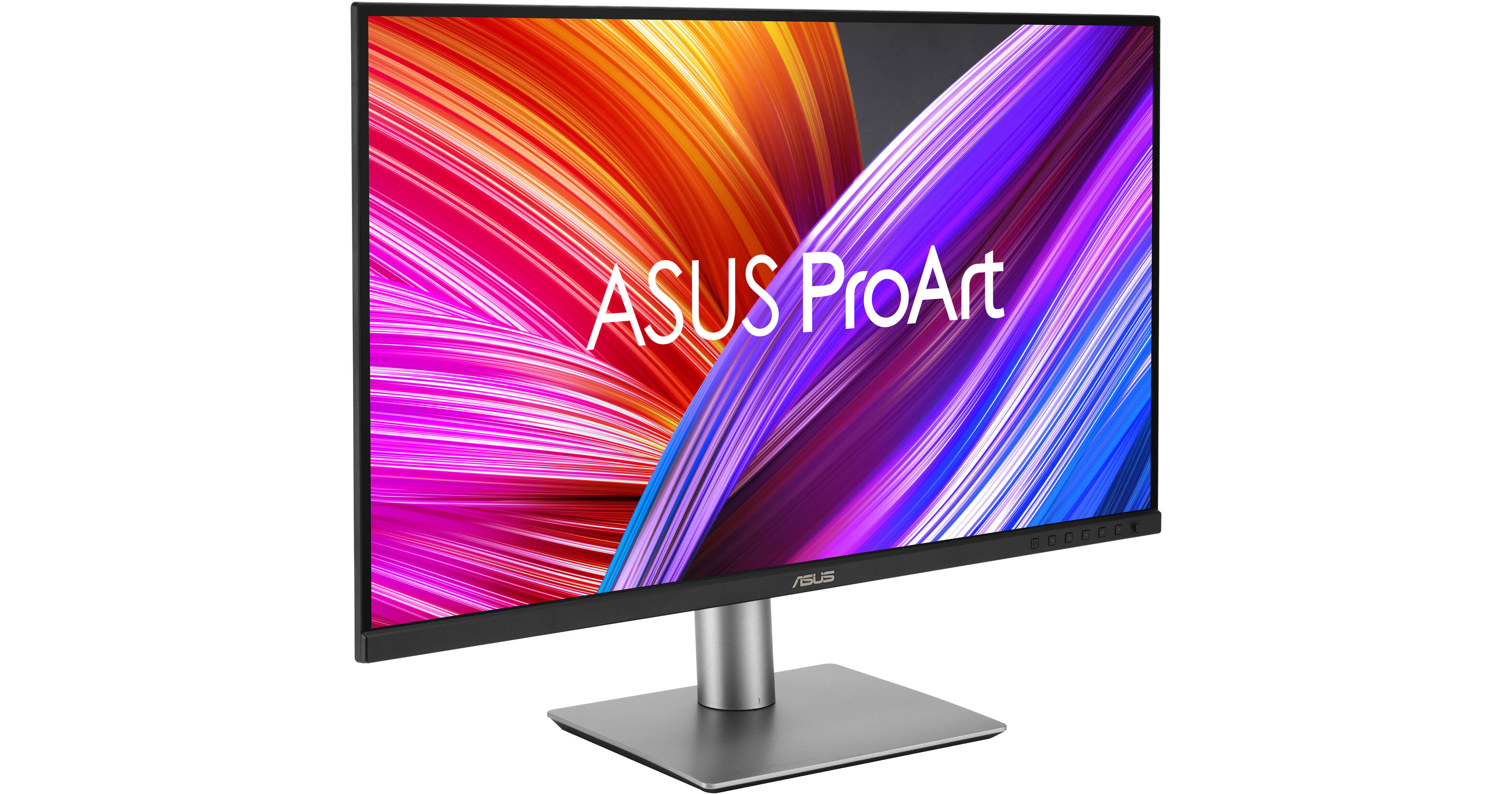
Enhance your workflow with the Dual ASUS ProArt Display PA279CRV 27" 4K HDR Monitor Kit from B&H. It includes two 27" displays, which allows you to set up a dual monitor configuration for more room to organize windows and view large projects.
Exceptional Color
Designed for creative professionals, the ProArt Display PA279CRV is factory calibrated and Calman-verified for a color accuracy average of Delta E <2. Additionally, it's 27" In-Plane Switching (IPS) panel supports a crisp 3840 x 2160 4K resolution, providing 1.07 billion colors that cover 99% of the DCI-P3 and 99% of the Adobe RGB gamut. Other features include high-dynamic range support, a 1000:1 static contrast ratio, 400 nits peak brightness, and 5 ms (GtG) response time.
Quick Color Gamut Adjustments
Use the integrated ProArt Presets to switch between multiple color settings that include sRGB, Rec.709, Adobe RGB, DCI-P3, and DICOM modes. The PA279CRV is compliant with the DICOM Part 14 standard to ensure smooth gradations and accurate identification of grayscale shading.
Sleek Design
The ProArt Display PA279CRV features a space-saving design that's 33% thinner and 30% slimmer than the previous generation, measuring just 8mm at its slimmest point. The aluminum plate ensures optimal cooling performance, and the stand includes a convenient cable management system.
Versatile Connectivity
The ASUS ProArt Display includes two HDMI 2.0 ports alongside a DisplayPort 1.4 input. You can also transfer video, data, and up to 96W of power over a single cable using the main USB-C port. Connecting compatible computers gives you access to a hub comprised of a 15W USB-C 3.2 Gen 1 port and three 5 Gb/s USB-A ports. A 3.5mm headphone jack is also available for listening privacy.
Daisy Chain
Expand your view by using daisy chaining additional displays to a single source using the DisplayPort out connector.
ProArt Palette
Customize your display with a variety of adjustments, including color hue, temperature, and gamma configurations, using an onscreen menu.
QuickFit Plus
The ASUS QuickFit Plus feature overlays a grid onto your projects, allowing you to preview and align content in real-time. The center marker and safety area tools help you to avoid bringing video images beyond the screen when you're on the set shooting. The ruler provides an actual size inch ruler along the screen's edge, and you can customize its size to fit your preference.
ASUS Eye Care
ASUS Ultra-Low Blue Light and Flicker-Free technologies help to reduce eyestrain for comfortable viewing over extended periods of time.
Ergonomics
Rotate the screen 90° in either direction to view content in portrait mode and adjust the height, tilt, and swivel to match your preferences. The 178° horizontal and vertical viewing angles allow you to see the screen clearly from almost any position. Additionally, the stand's quick release makes it easy to remove the display so that you can mount it to a wall or swivel arm using the 100 x 100mm VESA pattern.
UPC: 195553951531