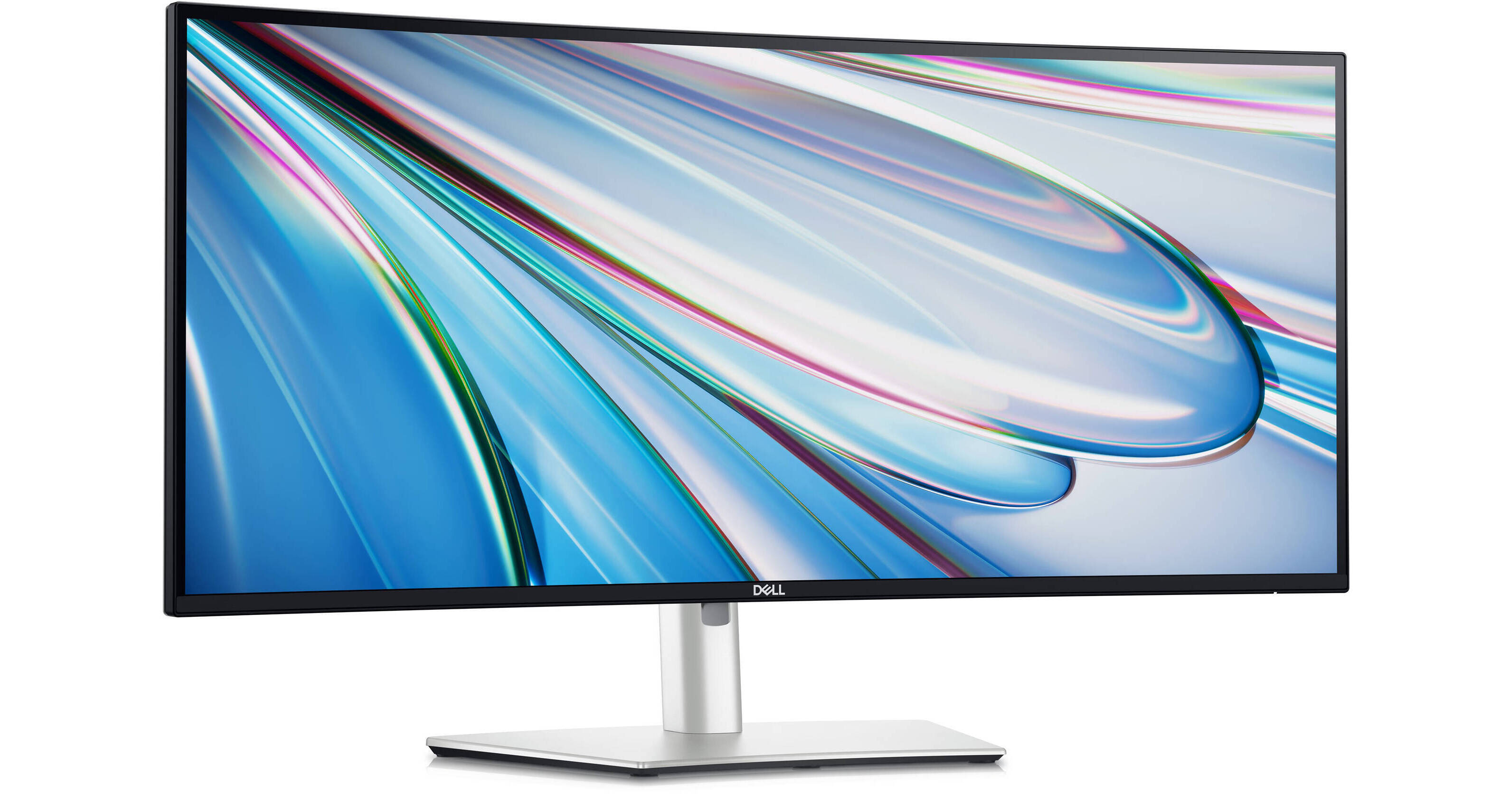
Set up a multi-monitor workspace with the UltraSharp 34" 1440p 120 Hz Curved Thunderbolt Hub Monitor 2-pack from B&H. With dual 34" 1440p curved monitors, you'll have much more real-estate for multi-tasking. Boost productivity with the integrated KVM and expansive USB port connectivity.
Video Ports
The UltraSharp provides you with ample connectivity options, giving you a single HDMI and DisplayPort video inputs alongside a single USB-C Thunderbolt 4 port which uses DP Alt-mode and 90W Power Delivery to support a wide range of laptops. An additional USB-C 3.2 Gen 2 upstream port is also available.
KVM Capabilities
Easily swap between connected devices with KVM capabilities. The UltraSharp provides you with five USB-A and two USB-C ports operating on the USB 3.2 Gen 2 standard, giving you up to 10 Gb/s data transfer speeds, ideal for resource-demanding devices from your keyboards and mice to your external storage drive. You also get a 2.5 GbE LAN port which provides you with a strong and reliable wired networking connection.
Integrated Audio
Dual 5W speakers provide you with deep and immersive audio for your media and games alike. A 3.5mm audio jack gives you private listening options with support for a wide range of headsets.
Internal Multi-Stream Transport
Partition your display as if there were two 1720 x 1440 physical monitors instead of one. No external software or DisplayPort splitter needed.
Dell Display Manager
Organize your screen with Easy Arrange and save profiles with Easy Arrange Memory. Quickly access your favorite features and functions with the menu launcher and hot keys. Manage your fleet of monitors with remote management features that are automatic, comprehensive, and compatible with several tools.
Dell Color Management
Easily calibrate your monitor's colors on the new Dell Color Management software, with Calman Verified certification. Create, store, and manage ICC profiles on your computer dynamically through the software dashboard.
Sustainable Design
This monitor is made with 50% recycled steel, 85% post-consumer recycled plastics including closed loop plastics, 100% recycled aluminum, and at least 20% recycled glass. Ships in a box made with 100% renewable content that is also recyclable.
UPC: 884116452034