Ask Our Experts800-952-1815
Hello, Log InAccount & Orders

2
Pack
Key Features
- 27" 16:9 IPS Panel
- HDMI | DisplayPort | USB-C (96W)
- UHD 5K 5120 x 2880 at 60 Hz
- 5 ms (GtG) Response Time
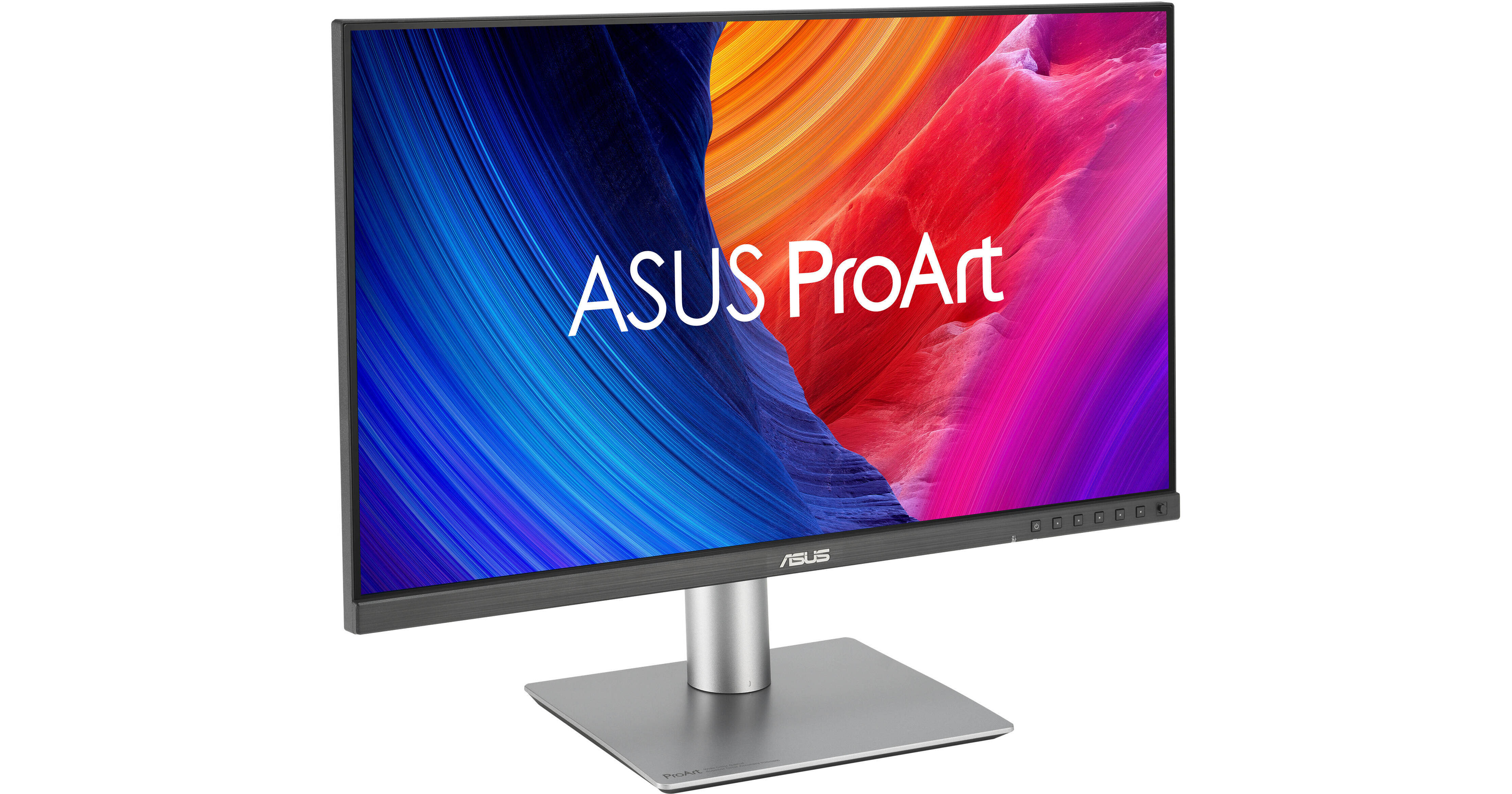
Set up a multi-monitor workspace with the ProArt Display PA27JCV 27" 5K HDR Monitor 2-pack from B&H. Easily multi-task with these sharp UHD 5K 5120 x 2880 resolution monitors with expansive connectivity and integrated KVMs to help streamline your workflow.
More DetailsIn Stock
Protect Your Gear
Add a protection plan from $79.99
See Options
Savings Available:
Save Up to $5.00
Build Bundle
See any errors on this page?
What is the Adobe RGB color gamut spec rating?
What is the Adobe RGB color gamut spec rating?
The ASUS ProArt Display PA27JCV 27" 5K HDR Monitor covers 95% of the Adobe RGB color gamut.
Date published: 2025-04-28
Can I properly run this monitor at 5K through the ...
Can I properly run this monitor at 5K through the provided HDMI cable that comes in the box?
The ASUS ProArt Display PA27JCV 27" 5K HDR Monitor (B&H # ASPA27JCV) can display 5K using the cable provided and connecting to a computer that supports HDMI 2.1.
Date published: 2025-03-24
what are the connection for using this monitor ...
what are the connection for using this monitor with MBP?
If your MacBook Pro is newer and has Thunderbolt 3 or 4 ports, you can use either the HDMI or USB-C connections on the ASUS ProArt Display PA27JCV 27" 5K HDR Monitor. If your MacBook Pro is older and has Thunderbolt 2 and HDMI, you could also use HDMI or USB-C, but for the latter, you'd need the following adapter: the Apple Thunderbolt 3 Male to Thunderbolt 2 Female Adapter (B&H # APMMEL2AMA).
Date published: 2024-11-01
Can this monitor be updated so the HDMI ports ...
Can this monitor be updated so the HDMI ports support HDCP 2.3?
It is not possible to upgrade the firmware on the ASUS ProArt Display PA27JCV 27" 5K HDR Monitor so that it supports HDCP 2.3.
Date published: 2025-08-18
Does anybody know if I would be able to control ...
Does anybody know if I would be able to control brightness using the macOS MonitorControl app with this monitor?
I use "ABetterDisplay" (paid version), and can adjust the brightness and sound using my magic keyboard and mouse. The feature to enable in the app is called DDC control.
Date published: 2025-11-15
Does this ASUS 5K monitor work well with a Mac ...
Does this ASUS 5K monitor work well with a Mac Mini M4?
Yes, the ASUS ProArt Display PA27JCV 27" 5K HDR Monitor works well with the Apple Mac mini with M4 chip.
Date published: 2025-07-09
For the KVM function how does one switch from one ...
For the KVM function how does one switch from one computer to the other? Specifically I have one Mac mini M4 and a Windows PC.
Once you have enabled the KVM functionality on the ASUS ProArt Display PA27JCV 27" 5K HDR Monitor, B&H # ASPA27JCV, you would switch between devices by changing the input through the monitor's OSD (On Screen Display).
Date published: 2024-12-27
What kind of usb c cable is included in the box? ...
What kind of usb c cable is included in the box? Is it rated for 5K DP or 3.2 Gen 1?
The ASUS ProArt Display PA27JCV 27" 5K HDR Monitor, B&H # ASPA27JCV, includes a USB-C to USB-C cable, which supports DisplayPort Alt Mode and is 5K resolution-capable.
Date published: 2024-11-13