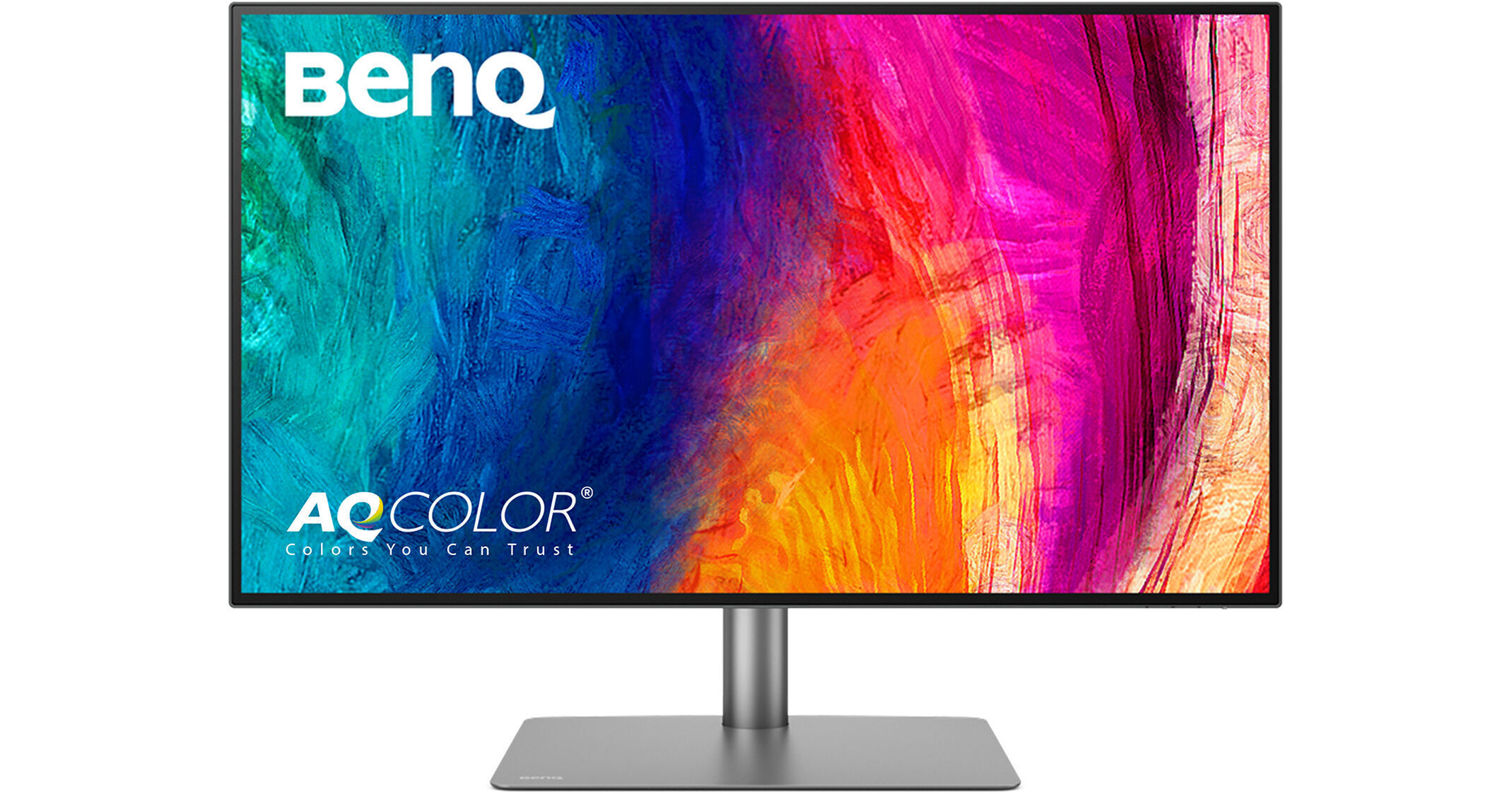
BenQ PD3225U DesignVue Designer 31.5" 16:9 HDR 4K IPS Monitor (2-Pack)

BH #BEPD3225U2K
Print
BenQ PD3225U DesignVue Designer 31.5" 16:9 HDR 4K IPS Monitor (2-Pack)

2

Pack

Key Features
  • 31.5" 16:9 IPS Black Panel
  • Thunderbolt 3 | HDMI | DisplayPort
  • UHD 4K 3840 x 2160 at 60 Hz
  • 5 ms Response Time (GtG)
Set up a multi-monitor workspace with the BenQ PD3225U DesignVue Designer 31.5" 16:9 HDR 4K IPS Monitor 2-pack from B&H. These dual 31.5" 4K UHD monitors are designed to give accurate colors, making them ideal for designers and creative professionals.
More Details
See any errors on this page?

Can I use a thunderbolt 4 cable with this ...

Can I use a thunderbolt 4 cable with this monitor’s thunderbolt 3 port?
Asked by: Andrew
Yes, you can use a Thunderbolt 4 cable to connect the BenQ PD3225U
Answered by: BenQ Customer Service
Date published: 2025-09-09

What are the dimensions of the stand?

What are the dimensions of the stand?
Asked by: Ray
Dimensions of the BenQ PD3225U DesignVue Designer 31.5" 16:9 HDR 4K IPS Monitor's stand alone are not provided by the manufacturer. The overall dimensions with the stand attached are 28.1 x 24.7 x 10.7 inches (713.7 x 627.4 x 271.8 mm).
Answered by: Calvin M
Date published: 2024-11-25

Though this is not a AdobeRGB monitor, is it ...

Though this is not a AdobeRGB monitor, is it recommended for photo editing? The product page on benq shows a lady using pshop.
Asked by: Prashant
The BenQ PD3225U DesignVue Designer 31.5" 16:9 HDR 4K IPS Monitor is a great choice for photo editing, especially if you primarily work with the sRGB, Rec. 709, and DCI-P3 color spaces. However, if you specifically need the Adobe RGB color space, I recommend the BenQ SW line of photography monitors.
Answered by: BenQ Customer Service
Date published: 2024-07-19

Can I run adobe premiere pro on this monitor with ...

Can I run adobe premiere pro on this monitor with no issues?
Asked by: Andy
Yes, you can use the BenQ PD3225U DesignVue Designer 31.5" 16:9 HDR 4K IPS Monitor with Adobe Premiere Pro with no issues. It's less about the monitor being able to run the software and more about your computer having the capability to.
Answered by: Michael S
Date published: 2025-06-12

Can I daisy chain two of these monitors from a ...

Can I daisy chain two of these monitors from a MacBook M1 Max laptop?
Asked by: Andy
Yes, as long as you're using Thunderbolt 3 (or higher) cables and the Thunderbolt ports on the BenQ PD3225U DesignVue Designer 31.5" 16:9 HDR 4K IPS Monitor, you can daisy-chain two of them from a MacBook Pro with an M1 Max chip.
Answered by: Elliot A
Date published: 2025-06-16
  • y_2026, m_7, d_7, h_13CST
  • bvseo_bulk, prod_bvqa, vn_bulk_3.0.46
  • cp_1, bvpage1
  • co_hasquestionsanswers, tq_5
  • loc_en_US, sid_1933449, prod, sort_[SortEntry(order=HAS_STAFF_ANSWERS, direction=DESCENDING)]
  • clientName_bhphotovideo
Whatever You Need, We've Got It