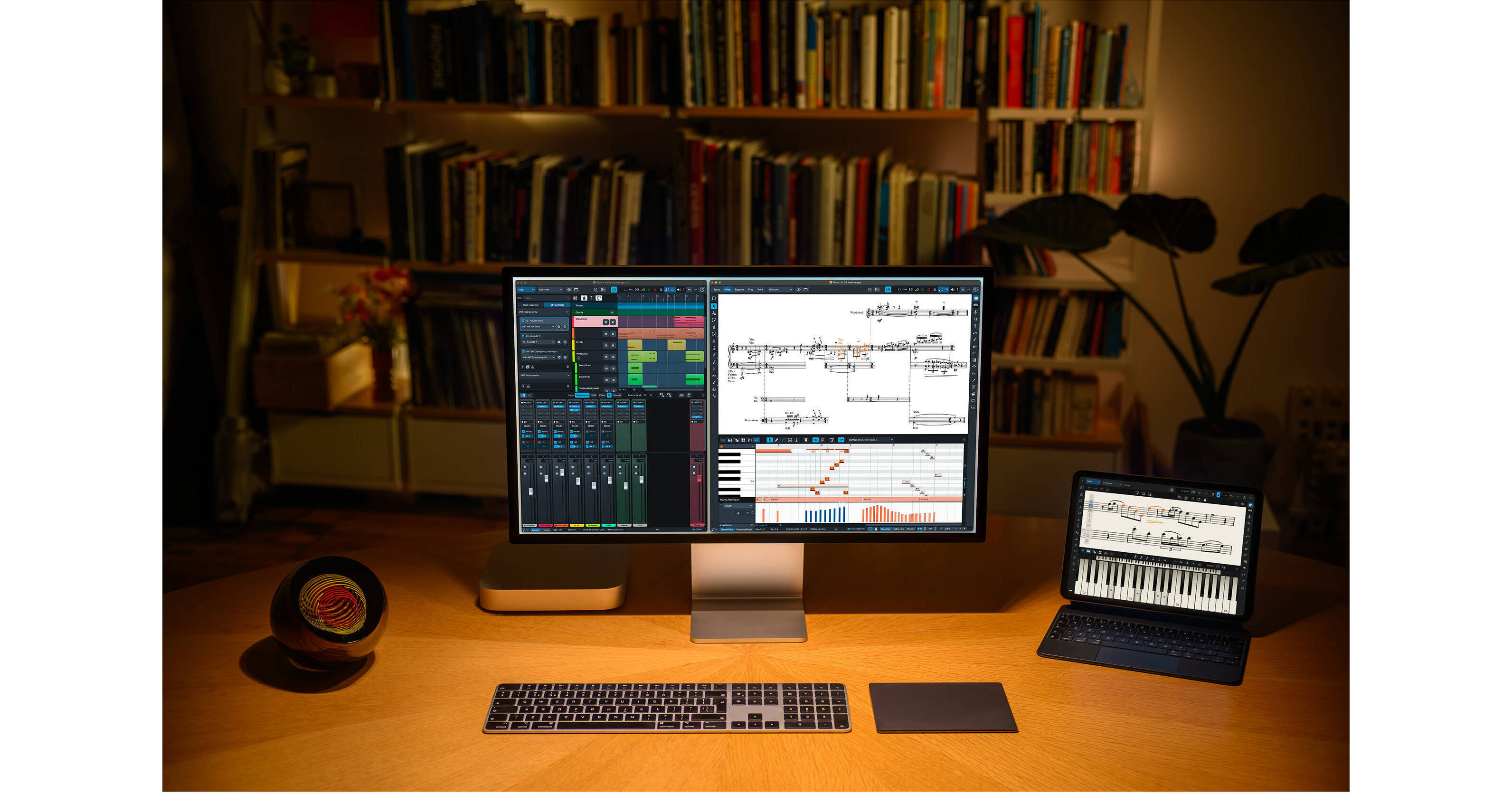
Compose and arrange music for ensembles of any size with Steinberg Dorico Elements 6, a music notation and composition program. Ideal for students and those working at home, Dorico Elements 6 offers everything you need to make beautiful scores, arrange and format compositions properly, and prepare them for publishing in a timely manner.
New in Dorico Elements 6
Expert Eyes
Dorico automatically checks your score as you edit in the new Proofreading panel, highlighting issues that could raise questions in rehearsal and recording sessions.
Grand Entrance
Experience the expressive clarity of a world-class Yamaha C3X grand piano with the new Etude Elements sounds, at no extra cost.
Cycle Playback
Loop any section of your score during playback, and hear your edits live in the next cycle.
Power Chords
Show multiple rows of chord symbols with optional extender lines. Create your own custom chord symbols, and easily override every aspect of their appearance.
Sight Reading
Fill view makes maximum use of your available display, flexibly flowing as many systems of music as possible into the width and height of the window.
Just My Type
Access enhanced typographical control with full support for OpenType glyph positioning and glyph substitution features.
Marking Time
Exercise complete control over where tempos, rehearsal marks, repeats, and large time signatures appear.
Measure Up
Show rulers and a customizable grid in page view for precision control over item placement.
More Features New with Elements 6
Instant Access
Every one of Dorico's thousands of options is now at your fingertips via the jump bar, so you can find and change any setting simply by typing one or two keywords.
All Lined Up
All the essential sounds you need for marching snares, cymbals, toms, and bass drums, in partnership with Tapspace, makers of Virtual Drumline.
Import/Export User Settings
Easily move all your customizations to Dorico from one computer to another with import and export of all your user settings.
Refined MusicXML
Improved export of guitar tablature, better handling of transposed instruments, lyric font support, and more.
Power User Filtering
Use the keyboard to access the Properties panel filter, and show properties for all selected items for power user control.
Margin Control
Show staff labels outside the left page margin, allowing consistent control over the precise width of every system, as preferred by some publishers.
Player Group Labels
Selectively hide or show player group labels on any system, and show group labels even when individual staves show no labels
Easy Editing
Double-click staff labels and player group labels to directly edit instrument and player group names. Double-click Project Info placeholders to directly edit title, composer, lyricist, and copyright information.
View Options
Use the new View Options dialog to set your own preferred options for every new project, with all relevant settings at your fingertips.
Tempo in Scores and Parts
Tempo marks can now have a different relative size in full score and part layouts; and you have greater control over how gradual tempos and metronome marks appear.
Refined Handles
When you zoom in, frame outlines, handles, and other non-printing items are proportionally smaller, obscuring the notation less, and making finer Engrave mode edits easier.
Status Bar
The information readout in the status bar is enriched with page, timecode, and harmony descriptions.
Double Systemic Bar Lines
If one system ends with a double bar line, it shows a double bar line at the start of the following system.
HDR Color Management
Videos using HDR color look better by default on sRGB displays, and playback performance is improved.
Light and Dark
Dorico's visual appearance can optionally automatically follow the operating system light and dark themes.
Main Functions
Compose
Dorico is one of the only music notation software programs designed from the ground up for composing, and it supports you at every stage in the process. Flexible input and editing tools allow you to change your mind about any decision at any time, and work without constraint.
Arrange
Quickly move music between players, and explode or reduce it onto more or fewer instruments. Powerful transformation tools allow you to change tonality, perform inversions, map onto new scales, and more. You can even create fully voiced parts from chord symbols.
Perform
Dorico comes with hundreds of high-quality sounds, more than 30 effect processors, and a full audio Mixer, plus tools to help you make your music sound as good as it looks. The integrated Key Editor allows you to tweak every aspect of your score's performance.
Share
Dorico can import MIDI and MusicXML, and export MIDI, MusicXML, audio, and graphics. Whether you're working on your own or part of a team, it's easy to get music into the hands of your performers or collaborators. Projects are also fully compatible between desktop and iPad.
Publish
Dorico formats your music beautifully, completely automatically.
Learn
Dorico is widely used in schools, colleges, and universities. It's perfect for producing learning materials and for building an understanding of music theory. And it's easy for students to learn with dozens of helpful tutorials and well-structured documentation.