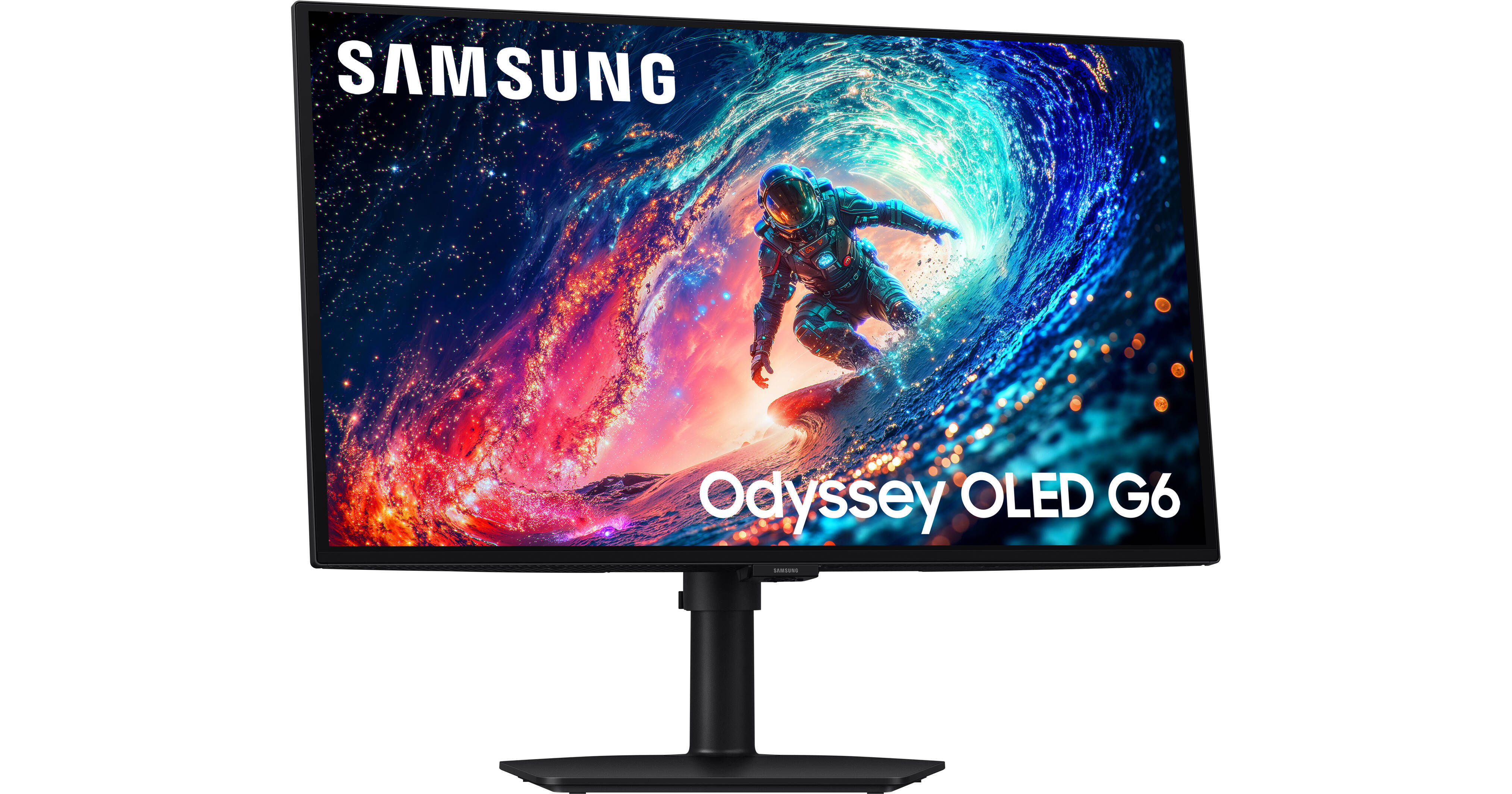
Samsung Odyssey OLED G6 G61SH 27" 1440p HDR 240 Hz Gaming Monitor

BH #SA27HG612SNX • MFR #LS27HG612SNXZA
Print
Samsung Odyssey OLED G6 G61SH 27" 1440p HDR 240 Hz Gaming Monitor
Key Features
  • 27" 16:9 QD-OLED Panel
  • HDMI 2.1 | DisplayPort 1.4
  • QHD 2560 x 1440 at 240 Hz
  • FreeSync Premium
Catch every detail as you play fast-paced games and watch movies on the 27" Samsung Odyssey OLED G6 G61SH 1440p 240 Hz Gaming Monitor. Designed primarily for enthusiasts, this 2560 x 1440 resolution Quantum Dot OLED display delivers ultra smooth visuals by practically eliminating motion blur with a 240 Hz refresh rate and 0.03 ms response time. AMD FreeSync Premium technology removes screen tearing and stuttering with compatible graphics cards.
More Details
In Stock
No Store Display
$599.99
Calculate Shipping
Protect Your Gear
Add a protection plan from $31.99
Ask an Expert
212-444-6615

Samsung OLED G6 G61SH Overview

Catch every detail as you play fast-paced games and watch movies on the 27" Samsung Odyssey OLED G6 G61SH 1440p 240 Hz Gaming Monitor. Designed primarily for enthusiasts, this 2560 x 1440 resolution Quantum Dot OLED display delivers ultra smooth visuals by practically eliminating motion blur with a 240 Hz refresh rate and 0.03 ms response time. AMD FreeSync Premium technology removes screen tearing and stuttering with compatible graphics cards.

In addition to high responsiveness, the Odyssey enhances games and videos with realistically bright highlights and deep shadows while glare-free technology minimizes distractions. At the same time, integrated OLED Safeguard features help to prevent burn-in. Connect your device using the DisplayPort 1.4 and HDMI 2.1 port to get started.

Performance
Stunning Visuals
The Pantone validated 27" QD-OLED display delivers cinematic graphics with 1.07 billion colors, covering 99% of the DCI-P3 gamut. HDR10+ support delivering lifelike images and videos with a 1 million:1 contrast ratio and 400-nit peak brightness.
Fast Response
A 240 Hz refresh rate and 0.03 ms response time provide liquid smooth performance as you dodge, counter, and engage with opponents.
AMD FreeSync Premium
Reduce screen tearing with AMD's FreeSync Premium Technology. FreeSync enables the monitor to dynamically adjust its refresh rate to the frame rate being output by the graphics card, thereby greatly reducing screen tearing, stuttering, and other artifacts.
Glare Free
Samsung's Glare Free Technology helps to keep your display free from distracting reflections from light sources. A Glare Free film makes the screen about 54% less glossy than conventional anti reflection film.
Samsung OLED Safeguard
Thermal Modulation System
Algorithms predict surface temperature and automatically control the brightness to prevent overheating.
Logo and Taskbar Detection
The brightness on static images such as logos and taskbars is automatically reduced to help prevent burn-ins.
Screen Saver
The screen dims itself after 10 minutes of inactivity and comes back to regular brightness with any input.
Design
Connectivity
The Odyssey OLED G6 offers versatile connectivity with one HDMI 2.1 port and one DisplayPort 1.4 input.
Ergonomic Comfort
Rotate the display 92° in either direction to view content in portrait mode, and adjust the screen's height, tilt, and swivel to suit your preferences. The 178° vertical and horizontal viewing angles allow you to see the screen clearly from almost any position. You can also attach the display to a wall, swivel arm, or multi-monitor stand with the 100 x 100mm VESA mount.
UPC: 198957260100

Samsung OLED G6 G61SH Specs

Key Specs
Display Size
27"
Panel Type
OLED
Native Resolution
2560 x 1440
Maximum Brightness
200 nits / cd/m2
HDR Support
Yes: HDR10/HDR10+
Color Support
1.07 Billion Colors
Color Gamut
99% DCI-P3
Finish
Anti-Glare
Touchscreen
No
A/V Inputs
DisplayPort 1.4 / HDMI 2.1
A/V Outputs
3.5 mm
USB I/O
No
Built-In Speakers
No
Display
Size
27"
Panel Type
OLED
Aspect Ratio
16:9
Native Resolution
2560 x 1440
Maximum Brightness
200 nits / cd/m2
HDR Support
Yes: HDR10/HDR10+
Contrast Ratio
Near Infinite (Black Pixels Emit No Light)
Response Time
0.03 ms (GtG)
Refresh Rate
240 Hz
Variable Refresh Technology
FreeSync Premium
Color Support
1.07 Billion Colors
Color Gamut
99% DCI-P3
Viewing Angle (H x V)
178 x 178°
Curved Display
No
Finish
Anti-Glare
Surface
Touchscreen
No
Connectivity
A/V Inputs
1x HDMI 2.1
1x DisplayPort 1.4
A/V Outputs
1x 1/8" / 3.5 mm (Headphone)
HDCP Support
Yes: Version 2.2
USB I/O
No
Multi-Input Support (PIP/PBP)
No
Speaker
Built-In Speakers
No
Electrical
Power Consumption
Maximum: 78.0 W
Input Power
100 to 240 VAC, 50 / 60 Hz
Power Adapter Type
External
General
Operating Conditions
50 to 104°F / 10 to 40°C at 10 to 80% Humidity
Certifications
UL
Adjustments
Adjustable
Rotation: 184° (-92 to 92°)
Swivel: 90° (-45 to 45°)
Tilt: 28° (-3 to 25°)
Height: Up to 4.1" / 104.1 mm
VESA Mounting-Hole Pattern
100 x 100 mm
Lock Slot
No
Packaging Info
Package Weight
12.5 lb
Box Dimensions (LxWxH)
26 x 19 x 5"

Samsung OLED G6 G61SH Reviews

Scummy misleading promotion

By Jacob
Rated 1 out of 5
Date: 2026-05-11

Misled to believe youd get a copy of re9 included with purchase only to find that only the first 10k get the copy extremely misleading and scummy I will never be purchasing a samsung product again.

Smooth Performance and Stunning OLED Visuals

By kiritriedit
Rated 4 out of 5
Date: 2026-04-28

[This review was collected as part of a promotion.] I've been using the Samsung Odyssey g6 for a few weeks now, mostly for gaming and some regular work stuff and overall I am pretty happy with it. Usage is very smooth and gaming is fantastic on the monitor. I personally do a lot of high end gaming and I am thoroughly impressed with the performance. It has a auto dim feature that protects the panel from burn ins and the blacks and colors on the panel are great. One thing I didn’t expect was how fast the response time feels. There’s basically no noticeable blur during fast movement, which is great when playing competitively. I also use it during the day near a window, and glare hasn’t really been an issue for me. That said, it’s not perfect. The brightness could be better if you’re in a really bright room, and I did have to tweak a few settings to get it looking exactly how I wanted. The menu system isn’t the most intuitive at first either. Overall though, it’s been a great upgrade. If you’re mainly using it for gaming and want something smooth with good picture quality, it’s definitely worth considering.

See any errors on this page?
Whatever You Need, We've Got It