Ask Our Experts800-606-6969
Hello, Log InAccount & Orders
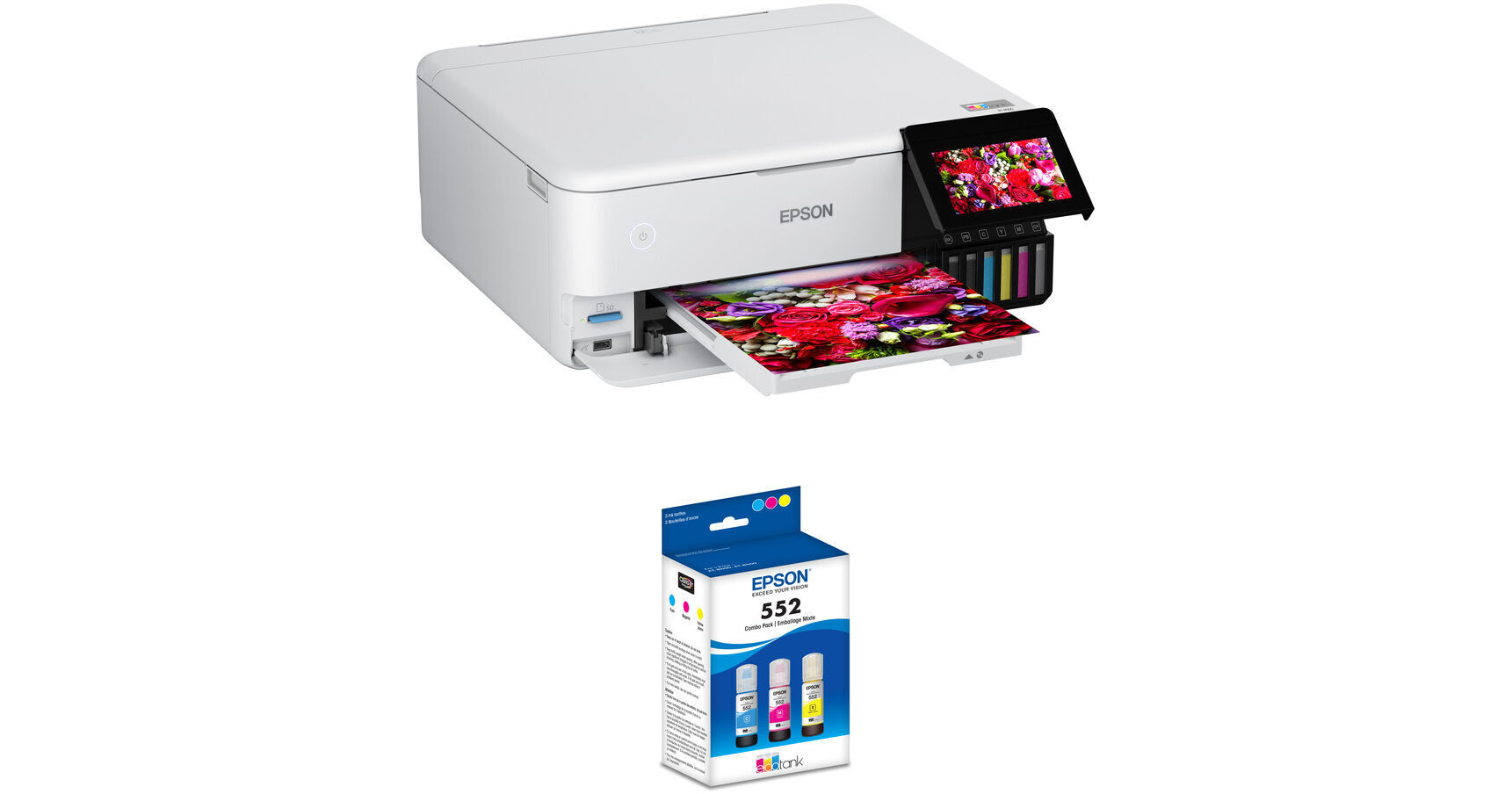
Epson EcoTank Photo ET-8500 Wireless Color All-in-One Supertank Printer and Claria ET Premium T552 3-Pack Kit
Key Features
- Print, Scan, Copy
- Automatic 2-Sided Printing
- Max Print Resolution: 5760 x 1440 dpi
- Borderless Photos up to 8.5 x 11"
Print everything from documents to photos with the Epson EcoTank Photo ET-8500 Wireless Color All-in-One Supertank Printer and Claria ET Premium T552 5-Pack Kit from B&H. This printer features an economical cartridge-free printing system. This kit includes the Claria ET Premium T552 3-Pack, which includes one bottle each of cyan, magenta, and yellow.
More DetailsIn Stock
Protect Your Gear
Add a protection plan from $54.99
See Options
See any errors on this page?
Is the ET-8500 scanner fully compatible with MAC ...
Is the ET-8500 scanner fully compatible with MAC Ventura 13.2.1?
Yes, the Epson EcoTank Photo ET-8500 Wireless Color All-in-One Supertank Printer is compatible with MacOS Ventura.
Date published: 2023-03-28
can all wireless function be turned off? My use ...
can all wireless function be turned off? My use in in an assisted living community resident med. devices preclude staff use.
Although this is the Epson EcoTank Photo ET-8500 Wireless Color All-in-One Supertank Printer, the wireless functions can be turned completely off, and this can print from a computer with a cable, or standalone from a memory card or a thumb drive.
Date published: 2023-03-26
Do I need to buy a cable to connect to a MacBook ...
Do I need to buy a cable to connect to a MacBook Pro 16"(Monterey 12.6.3)? I prefer a cable over wifi/other options.
The Epson EcoTank Photo ET-8500 (as well as almost all other printers) does not come with a USB cable. This Rocstor cable would be compatible to connect the printer to a Mac with a USB-C port: https://bhpho.to/3YZeIJj
Date published: 2023-03-13
Is this printer suitable for printing on Moab ...
Is this printer suitable for printing on Moab Artist Card 200 gsm paper?
Yes, through the rear feed of the Epson EcoTank Photo ET-8500 Wireless Color All-in-One Supertank Printer, you can use 200 gsm Moab Artist Card paper.
Date published: 2024-03-21
Does it do 2-sided printing?
Does it do 2-sided printing?
Yes, this printer does have the Automatic Duplexing feature built in.
Date published: 2021-08-25
Does this print on cardstock?
Does this print on cardstock?
Yes, so long as the specific type of cardstock being used is 64 to 90 gsm / 16 to 24 lb or less in Media Weight.
Date published: 2022-02-03
Can you print on regular paper is it recommended? ...
Can you print on regular paper is it recommended? I wouldn"t like to buy another printer for the office. And how is the quality of printing on matte photo paper.
You can print on standard paper. In fact, we list the Hammermill Tidal MP Copy Paper as a compatible accessory.
Date published: 2023-12-19
can the Et-8500 scan transparencies?
can the Et-8500 scan transparencies?
The Epson EcoTank Photo ET-8500 Wireless Color All-in-One Supertank Printer, B&H # EPET8500, is not capable of scanning transparencies.
Date published: 2025-10-16