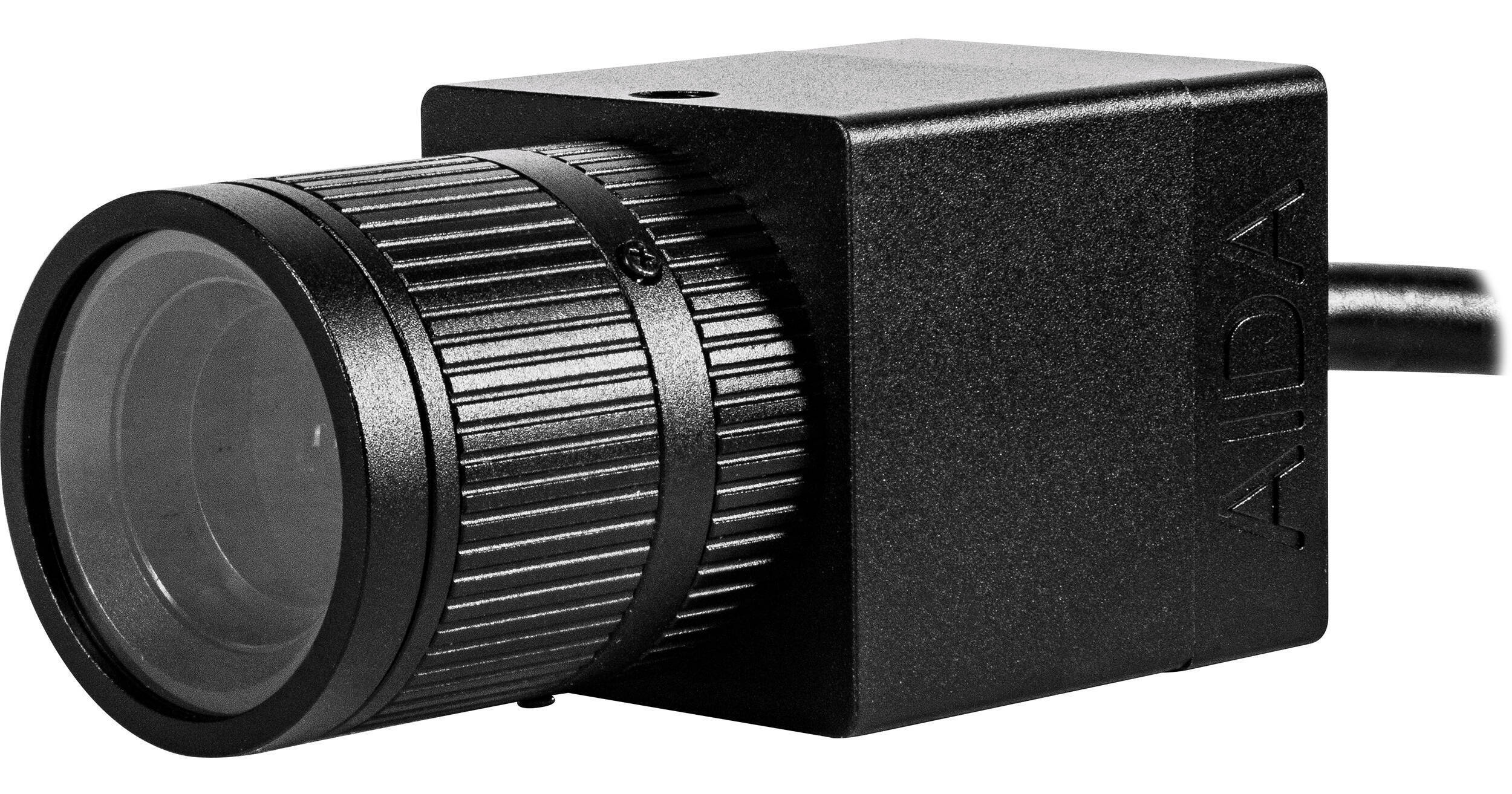
The ultracompact HD-100A-VF Full HD HDMI Box Camera from AIDA Imaging is ideal for web-conferencing, sports, medical, broadcasting, and other live production applications. It features a 2.8-12mm varifocal lens, 1/3"-type CMOS sensor, support for up to 1080p60 HDMI video, and a weatherproof design.
- 1/3"-Type Sensor, 1080p60 HDMI Video
- Attached 2.8-12mm Varifocal Lens
- 80 to 32° Horizontal Field of View
- 3.5mm Stereo Audio Line Input
AIDA Imaging HD-100A Overview
AIDA Imaging HD-100A Specs
| Image Sensor | |
| Video Output | |
| Digital I/O | |
| Supported Protocols |
| Image Sensor |
| Internal Recording | |
| Video Output |
| Shutter Type | |
| Compensation Mode | |
| Minimum Illumination | |
| White Balance |
| Focal Length |
| Digital I/O | |
| Embedded Audio | |
| Power I/O | |
| Adapter / Cable | |
| Internal Storage | |
| Media/Memory Card Slot | |
| Wireless | |
| Supported Protocols | |
| Remote Control | |
| Mobile App Compatible |
| PoE Support | |
| Voltage | |
| Power Consumption |
| Operating Conditions |
| Accessory Mounting | |
| Dimensions | |
| Weight |
| Package Weight | |
| Box Dimensions (LxWxH) |
AIDA Imaging HD-100A Reviews
Big dollar quality in a budget friendly package
I had been looking for one of these cameras after seeing so many people use Marshall cameras for POV angles, but I couldn't afford the Marshall cameras and kept researching. I stumbled upon this camera and decided to give it a try. Out of the box, the camera worked right away. No major setup required, except changing the resolution to 1080p60 which took under 30 seconds. The picture quality was excellent and had little to no artifacts or noise, even in low light. White balance reacted quickly, and other features like auto-exposure were accurate and controlled. I wasn't bothered by the lack of autofocus since this camera would only be used in stationary positions. My biggest complaint, which is quite a stretch, is the control joystick on the I/O cable. It will sometimes rubberband (move in one direction then instantly go back once the other way) or not respond at all, and it takes some pressure and dexterity to push the proper buttons. It felt like I had to force the buttons down slightly, and I got nervous because I didn't want to accidentally break it. I didn't have to access the menus much in here, but once you get the feel of the joystick, you'll work around it easily. I'm glad I kept researching and found this AIDA camera.
Awesome
Awesomeness in a little package.
