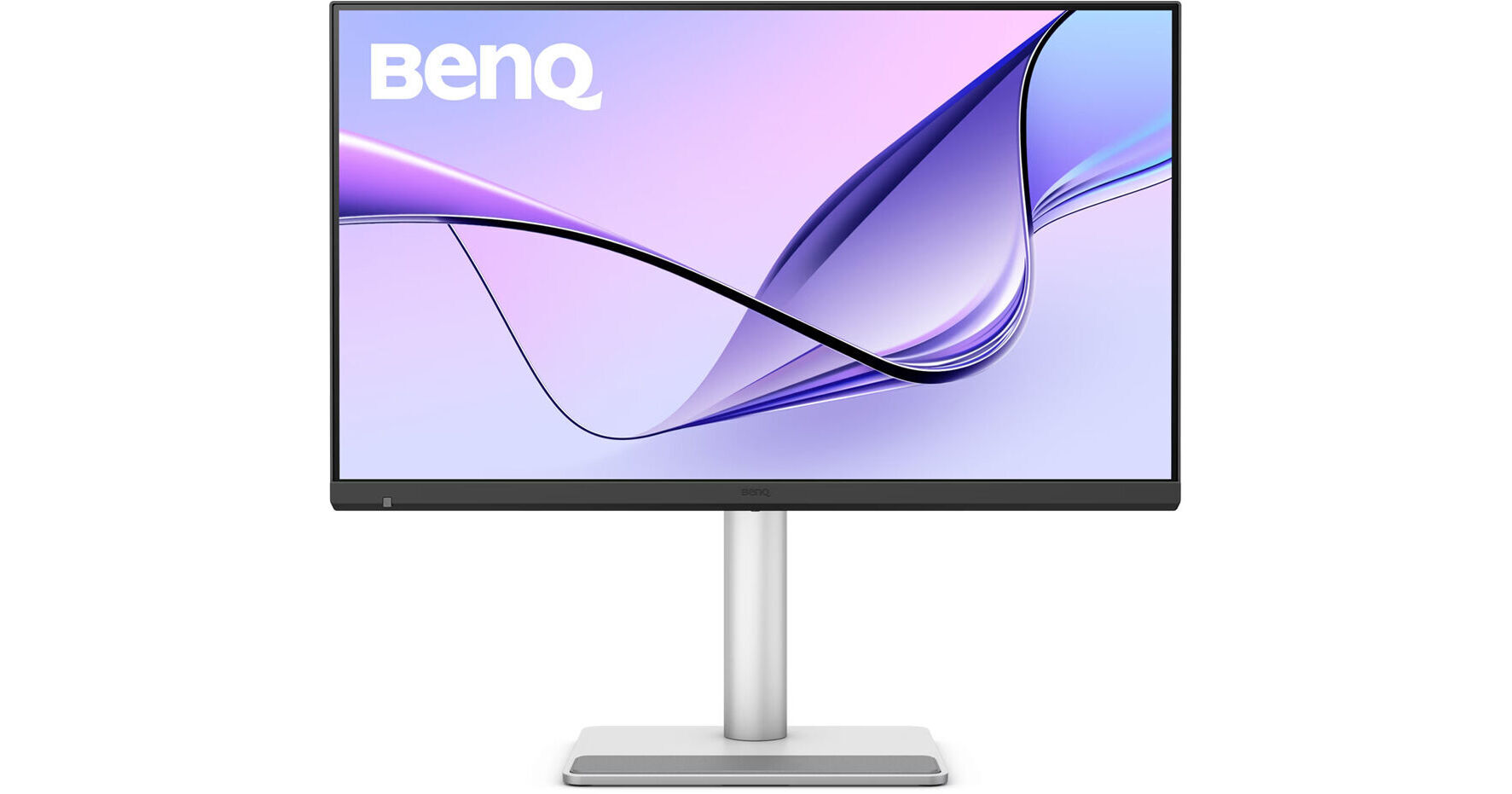
BenQ Dual 27" MA270S 5K HDR Nano Gloss Monitor (2-Pack)

BH #BEMA270S2K
Print
BenQ Dual 27" MA270S 5K HDR Nano Gloss Monitor (2-Pack)

2

Pair

Key Features
  • 27" 16:9 IPS Nano Gloss Panel
  • HDMI 2.1 | Thunderbolt 4 (96W)
  • UHD 5K 5120 x 2880 at 70 Hz
  • 5 ms Response Time
Enhance your creative workflow with this 2-pack of the Dual 27" BenQ MA270S 5K HDR Nano Gloss Monitor from B&H. These displays may be daisy chained together, giving you the space to organize your windows and work on large projects.
More Details
Temporarily Out of Stock
No Store Display
Free 2-Day Shipping
Ask an Expert
800-606-6969

BenQ MA270S Overview

Enhance your creative workflow with this 2-pack of the Dual 27" BenQ MA270S 5K HDR Nano Gloss Monitor from B&H. These displays may be daisy chained together, giving you the space to organize your windows and work on large projects.

Nano Gloss Panel
The nano gloss panel is designed to provide exceptional detail, rich color, and deep contrast while minimizing glare.
Color Matching
Avoid the hassle of having different color settings between your laptop screen and the external display. The MA270S's 27" IPS panel delivers 1.07 billion colors with 99% sRGB and DCI-P3 coverage to closely match with MacBook screens. HDR10 support with a 2000:1 static contrast ratio, 5 ms response time, and 450-nit brightness provide bright highlights and deep shadows.
Sync with MacBook Control
Adjust the monitor's brightness and volume from your MacBook.
Expand Your View
A 15W Thunderbolt 4 out port allows you to daisy chain additional MA270S monitor and other devices.
Built-In USB Hub
The side panel includes a USB-C and two USB-A 3.2 Gen 2 ports.
Easy Multitasking
An integrated KVM allows you to control multiple connected devices simultaneously in picture-by-picture and picture-in-picture mode with a single keyboard and mouse set.
Integrated Speakers
Use the built-in 3W stereo speaker system to enjoy music and videos without cluttering your desk. Plug your favorite pair of headphones into the 3.5mm audio jack for listening privacy.
Display Pilot 2
Use the customizable Display Pilot 2 software to adjust your monitor's settings with your mouse. It may also be used to help organize your workflow with preset templates for multi-windows browsing, a MacBook synchronized focus mode, application shortcuts, and more.
Ergonomics
Rotate the screen 90° in either direction to view content in portrait mode. Then adjust the height, tilt, and swivel to optimize the view. With 178° horizontal and vertical viewing angles, you can see the screen clearly from almost any angle. Additionally, the 100 x 100mm VESA mounting pattern allows you to attach the display to a swivel arm or multi-monitor stand.
UPC: 840046052768

BenQ MA270S Specs

Key Specs
Display Size
27"
Panel Type
IPS-Type LCD
Native Resolution
5120 x 2880
Maximum Brightness
450 nits / cd/m2
HDR Support
Yes: HDR10
Color Support
1.07 Billion Colors
Color Gamut
99% sRGB
99% DCI-P3
Finish
Glossy
Touchscreen
No
A/V Inputs
HDMI 2.1
A/V Outputs
3.5 mm
USB I/O
Thunderbolt 4 / USB-A / USB-C
Built-In Speakers
Yes: 2x 3 W
Display
Size
27"
Panel Type
IPS-Type LCD
Aspect Ratio
16:9
Native Resolution
5120 x 2880
Maximum Brightness
450 nits / cd/m2
HDR Support
Yes: HDR10
Contrast Ratio
2000:1
Response Time
5 ms (GtG)
Refresh Rate
70 Hz
Variable Refresh Technology
No
Color Support
1.07 Billion Colors
Color Gamut
99% sRGB
99% DCI-P3
Viewing Angle (H x V)
178 x 178°
Curved Display
No
Finish
Glossy
Surface
Touchscreen
No
Connectivity
A/V Inputs
2x HDMI 2.1
A/V Outputs
1x 1/8" / 3.5 mm (Headphone)
HDCP Support
Yes: Version 2.3
USB I/O
1x USB-C (Thunderbolt 4) with USB PD 96 W
1x USB-C (Thunderbolt 4) with USB PD 15 W
1x USB-C DP Alt Mode (Video Only)
1x USB-C 3.1/3.2 Gen 2 with USB PD 15 W
2x USB-A 3.1/3.2 Gen 2
Multi-Input Support (PIP/PBP)
Yes: Picture-in-Picture (PIP), Picture-by-Picture (PBP)
Speaker
Built-In Speakers
Yes: 2x 3 W
Electrical
Power Consumption
Typical: 29.0 W
Maximum: 280.0 W
Standby: 0.5 W
Input Power
100 to 240 VAC, 50 / 60 Hz
Power Adapter Type
Internal
General
Certifications
ENERGY STAR, TUV
Adjustments
Adjustable
Rotation: 90°
Swivel: 30° (-15 to 15°)
Tilt: 25° (-5 to 20°)
Height: Up to 5.9" / 149.9 mm
VESA Mounting-Hole Pattern
100 x 100 mm
Lock Slot
No
Dimensions
24.2 x 22.8 x 8.7" / 614.7 x 579.1 x 221 mm (with Stand)
24.2 x 14.5 x 3" / 614.7 x 368.3 x 76.2 mm (without Stand)
Weight
19.05 lb / 8.64 kg (with Stand)
12.6 lb / 5.7 kg (without Stand)
Packaging Info
Package Weight
30.425 lb
Box Dimensions (LxWxH)
28.4 x 22.5 x 7.4"

BenQ MA270S Reviews

Exceptional screens

By Larry
Rated 5 out of 5
Date: 2026-06-01

I had a frustrating month trying to find monitors that could match my 2020 27 inch Imac screen. I bought and returned several. Reading about the MA270S sounded very promising, and they turned out to be exceptional. I'm an art dealer and having a great display when working witth photoshop for presenting the works online is my primary goal. I highly recommend these. I bought two and have them connected to a mac mini and am finally happy with the new setup.

See any errors on this page?

Does the MA270S include color calibration software

Does the MA270S include color calibration software?
Asked by: Rene
The BenQ MA270S 27" 5K HDR Nano Gloss Monitor for MacBook (B&H # BEMA270S) will not include color calibration software.
Answered by: Luis F
Date published: 2026-06-10

Is it compatible with Windows laptop/desktop?

Is it compatible with Windows laptop/desktop?
Asked by: Haocheng
The BenQ MA270S 27" 5K HDR Nano Gloss Monitor for MacBooks is compatible with Windows PCs.
Answered by: Alex D
Date published: 2026-03-30

does it have a glossy screen like the standard App

does it have a glossy screen like the standard Apple Studio Display?
Asked by: Gabe
Yes, the finish of this BenQ MA270S 27" 5K HDR Nano Gloss Monitor for MacBook is glossy.
Answered by: Jordan K
Date published: 2026-06-17
  • y_2026, m_7, d_10, h_8CST
  • bvseo_bulk, prod_bvqa, vn_bulk_3.0.47
  • cp_1, bvpage1
  • co_hasquestionsanswers, tq_3
  • loc_en_US, sid_1950464, prod, sort_[SortEntry(order=HAS_STAFF_ANSWERS, direction=DESCENDING)]
  • clientName_bhphotovideo
Whatever You Need, We've Got It