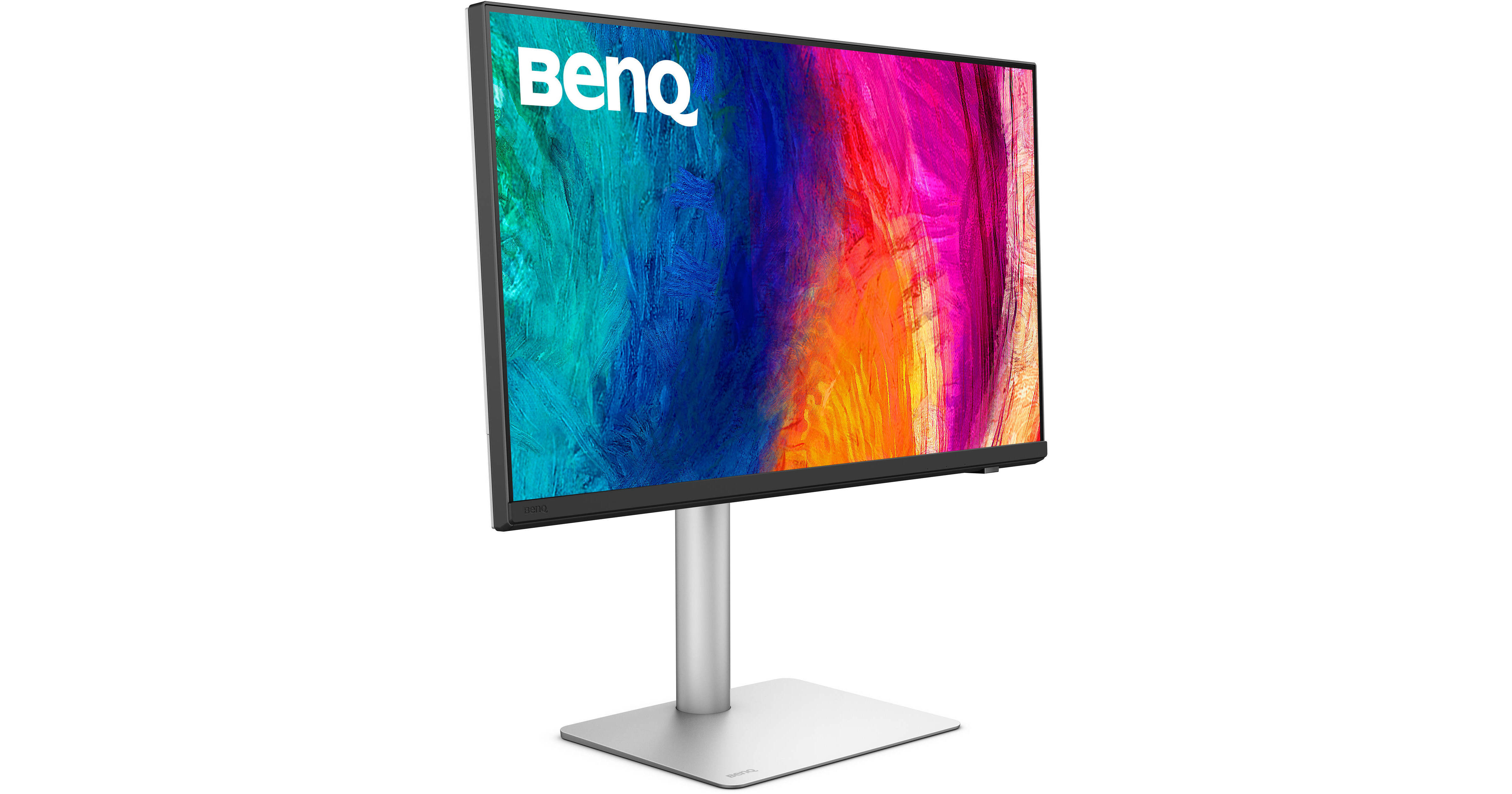
Enhance your creative workflow with the Dual 27" BenQ PD2730S 5K HDR Designer Monitor Kit from B&H. These displays may be daisy chained together, giving you the space to organize your windows and work on large projects.
Exceptional Color
Factory calibrated for Delta E ≤ 2 accuracy, the 27" IPS panel delivers cinematic visuals with 1.07 billion colors with 98% DCI-P3, 100% Rec. 709, and 100% sRGB coverage. HDR10 support, with a 2000:1 static contrast ratio and 400 nits brightness, enhances images with realistically bright highlights and deep shadows.
M-Book Mode
M-Book mode minimizes the visual differences between the display and a connected MacBook laptop, which enables easy color matching.
Software Calibration
With the Display ColorTalk software, you can adjust and match colors between multiple displays without needing a hardware calibrator.
Precise Color Matching
Those using a hardware calibrator can use the Palette Master Ultimate software to achieve the ideal look with visual menus and clear prompts.
Rich Connectivity
Connect up to 10 Gb/s compatible storage drives and other devices with the built in hub, which includes one USB-C and three USB-A downstream ports.
Daisy Chaining
A 15W Thunderbolt 3 out port allows you to daisy chain additional PD2730S monitor and other devices.
Integrated Speakers
Enjoy music and videos with the built-in 3W stereo speaker system.
Ergonomics
Rotate the screen 90° to view content in portrait mode. You can also adjust the height, tilt, and swivel for an optimal view. The 100 x 100mm VESA mounting pattern allows you to place the display onto a swivel arm or multi-monitor stand. Wide 178° viewing angles allow you to see the screen clearly from almost any position.
UPC: 840046050993