From Manufacturer
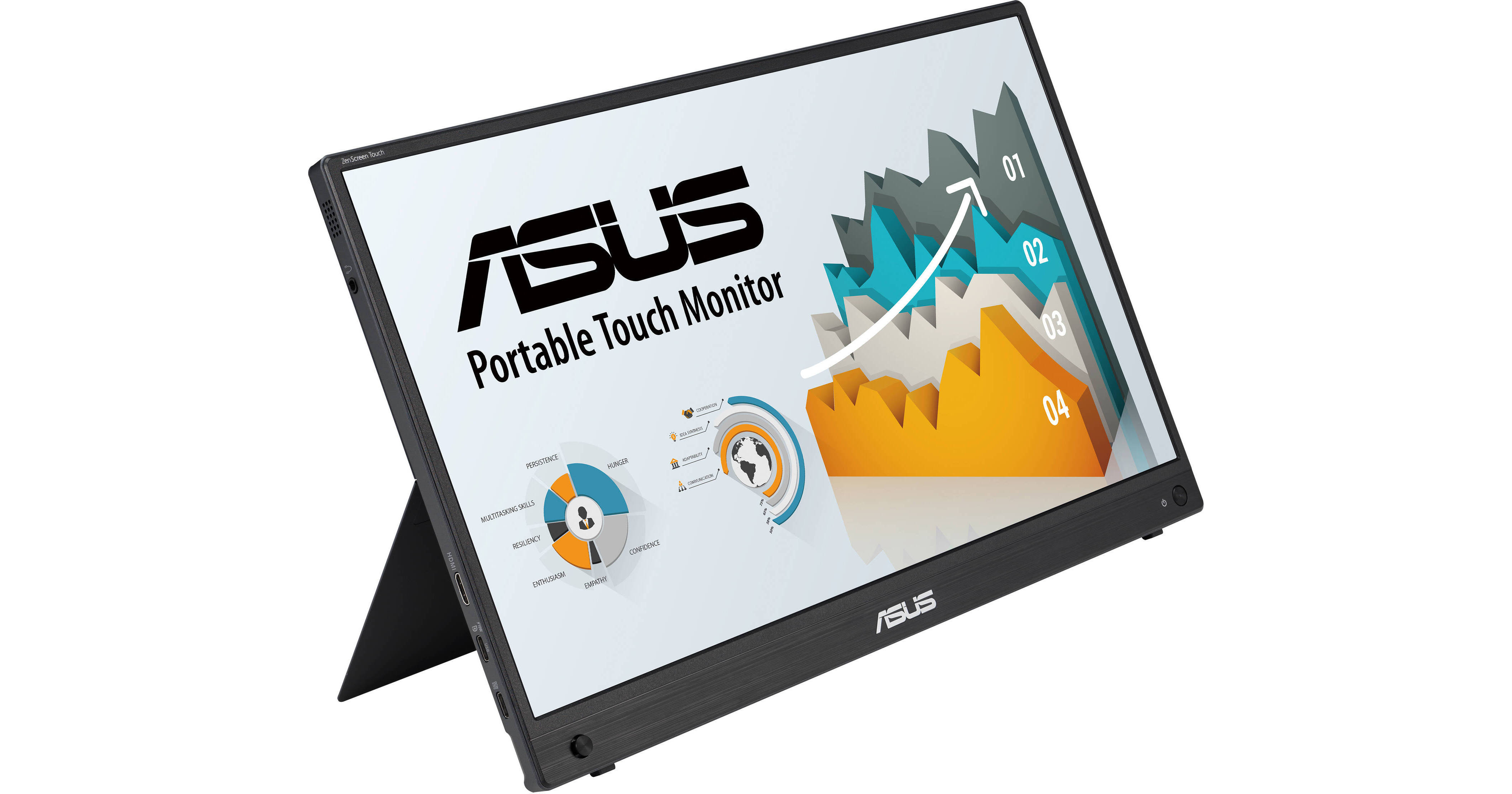
Set up a multi-monitor workstation while on the go with the ZenScreen Touch MB16AMTR 15.6" Multi-Touch Portable Monitor Kit from B&H. This dual 15.6" 1080p portable monitor kit can enhance productivity and even let you game from almost anywhere. Its slim profile and 7800mAh battery, along with touch capabilities, make this kit lightweight and easily portable.
Tap Into Productivity
With its interactive 10-point touchscreen, ZenScreen Touch offers accurate and responsive touch experiences, enabling you to edit documents, draw on slides, or play games with your fingertips. It is Windows 11 compatible, allowing you to work smarter and more efficiently.
Sleek and Portable Design
The ZenScreen Touch's slim profile makes it easy to slip into any travel or messenger bag, and a 7800mAh battery provides up to 4 hours of life depending on use, making it ready for productivity or entertainment from almost anywhere.
Designed for Comfortable Viewing
A fold-out kickstand props this monitor up on any flat surface and offers easy tilt adjustments to ensure comfortable viewing angles and working positions. There is also a 1/4" threaded tripod socket at the rear that lets you attach the monitor to a standard tripod or table mount.
Hybrid-Signal USB-C and HDMI Connectivity
Featuring hybrid-signal USB-C and mini-HDMI connectivity, the ZenScreen Touch lets you display content from a wide variety of laptops, smartphones, game consoles, and tablets. Hybrid-signal technology provides native support for USB-C connections and uses an installed driver to support USB-A connectors for full compatibility. The reversible, USB-C design enables quick, hassle-free connection to any device.
Automatic Screen Orientation
When connected to a Windows PC, the ASUS DisplayWidget Center tool enables the ZenScreen Touch to sense its orientation and automatically switches the display between landscape and portrait modes. Landscape mode is ideal for presentations and spreadsheets, while portrait style provides the perfect long view for documents, books, or websites.
ASUS DisplayWidget Center
Tweak the monitor settings with a mouse instead of using the buttons on the monitor. The ASUS DisplayWidget Center app saves monitor settings and also provides system notifications and facilitates automatic updates.
ASUS Eye Care
ASUS Ultra-Low Blue Light and flicker-free technologies help to reduce eyestrain during extended viewing sessions.
UPC: 197105372962