Video Chat with a Pro Video Expert - Live

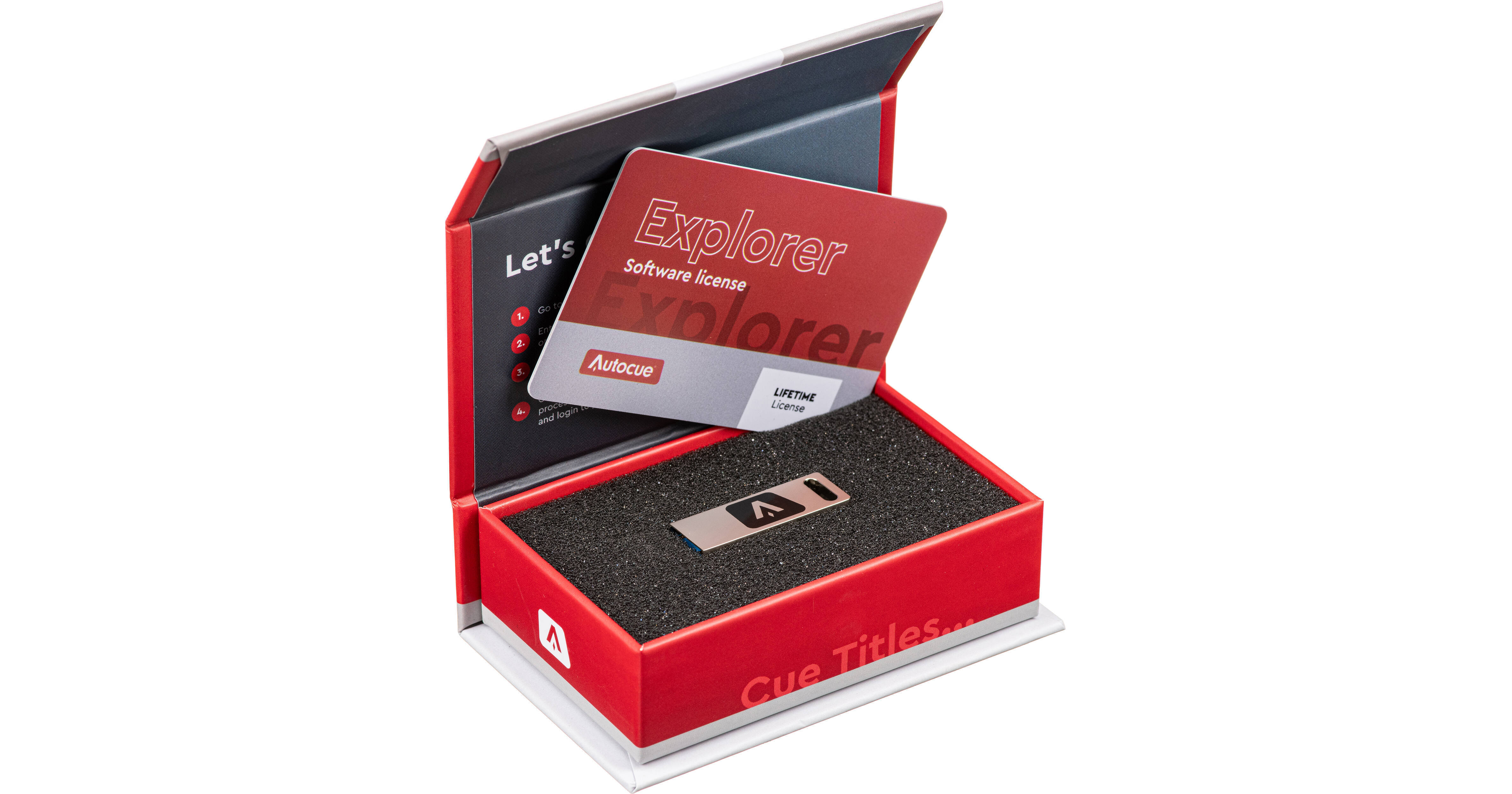
Autocue Explorer Software Pack (Lifetime License)

BH #AUP70170022 • MFR #P7017-0022
Print
Autocue Explorer Software Pack (Lifetime License)
Key Features
  • Upload and Edit Scripts for Broadcast
  • Manage Run Order
  • Integrated Virtual Scroll Control
  • Function Buttons, Output Selection
This Explorer Teleprompting Software Pack from Autocue provides you with a lifetime license of intuitive prompting control software. Upload your script as a Word, Text, or PDF document and make edits to improve legibility like changing fonts and colors. Create a Run Order template to run your story segments into one another for a seamless live show. The software features a built-in scrolling control with the option to upgrade to a ShuttleXpress hand control. Select your output connection and other settings with ease. The software integrates into your studio setup by simply plugging the USB stick into your Windows OS computer.
More Details
In Stock
No Store Display
Free Expedited Shipping
Ask an Expert
800-952-1815

Autocue Explorer Prompting Software Overview

This Explorer Teleprompting Software Pack from Autocue provides you with a lifetime license of intuitive prompting control software. Upload your script as a Word, Text, or PDF document and make edits to improve legibility like changing fonts and colors. Create a Run Order template to run your story segments into one another for a seamless live show. The software features a built-in scrolling control with the option to upgrade to a ShuttleXpress hand control. Select your output connection and other settings with ease. The software integrates into your studio setup by simply plugging the USB stick into your Windows OS computer.

Familiar Look, Fast Start-Up
The Explorer software includes familiar icons and layouts to help you easily find your way around. Scripts can be created in the software or imported from Word, Text, or PDF documents to save time.
Powerful Edits
Change fonts and colors within the software after uploading your script. A Run Order pane allows you to manage sections of the script as individual stories. Move and hide the text as a group for easier navigation.
Control and Configuration
An integrated virtual scroll control includes important functions like next story and blank screen. Upgrade to the ShuttleXpress hand control for increased comfort. Select your output from HDMI, NDI, or iPad connections and manage said connections in the software's settings. Invert or flip your image in your teleprompter.

Autocue Explorer Prompting Software Specs

Delivery Format
Retail Box + Download
License Type
Standard: Perpetual License
User Support
Not Specified by Manufacturer
System Compatibility/Requirements
Operating System: Windows  
Please Visit the Manufacturer's Website for Up-to-Date System Requirements
Packaging Info
Package Weight
0.135 lb
Box Dimensions (LxWxH)
4.05 x 2.55 x 1.25"

Autocue Explorer Prompting Software Reviews

See any errors on this page?
Whatever You Need, We've Got It