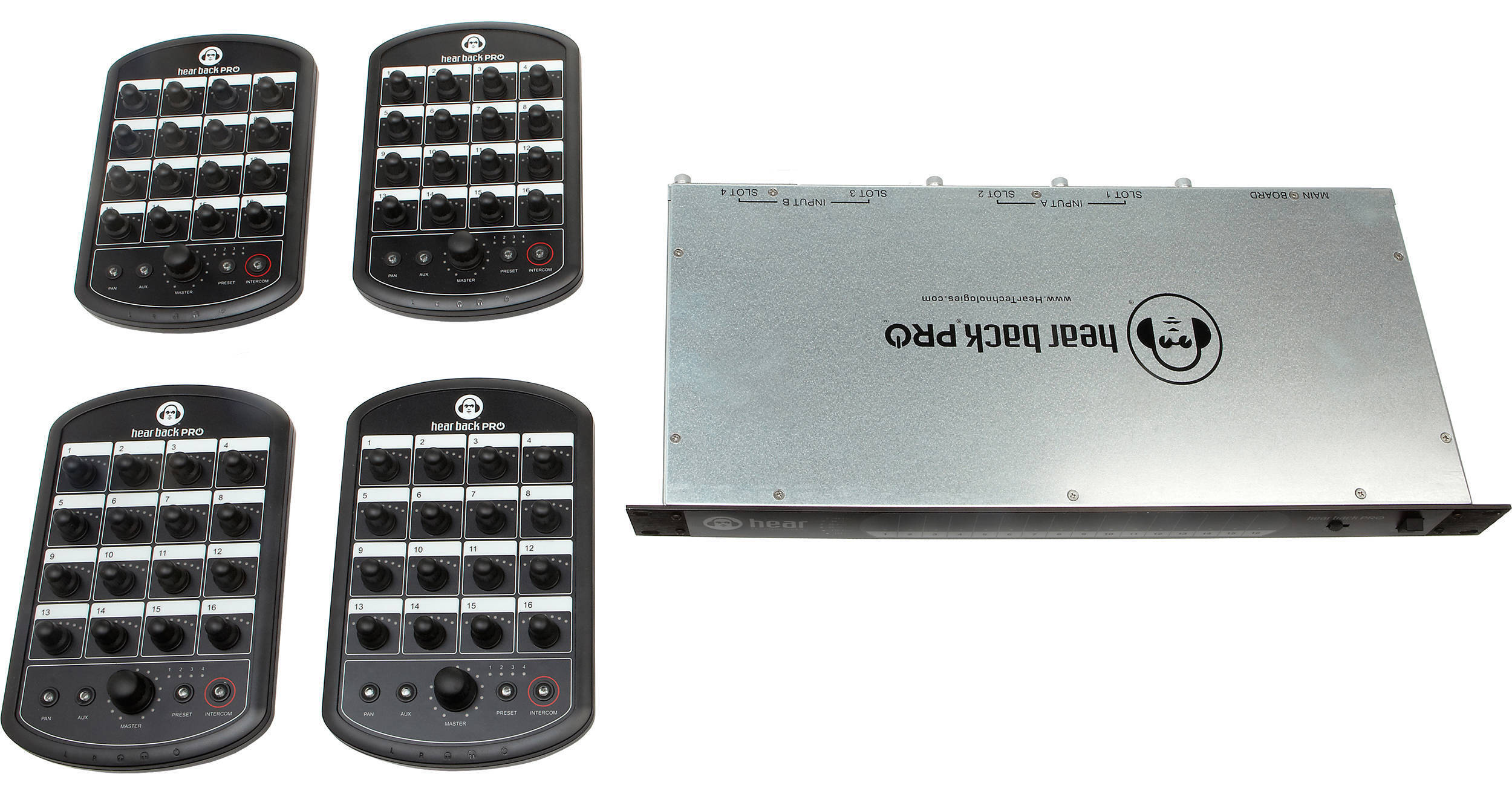


The Hear Technologies Hear Back PRO 4-Pack (Analog Input with Digital Overlays is a personal mixing system offering independent multi-channel mixing for up to four performers in the studio or on stage. It includes one Hear Back PRO Hub, four Hear Back PRO Mixers with digital overlays, four 50’ Cat 6 cables, and two DA-88 cables. 24-bit A/D and D/A converters deliver detailed audio with extended dynamic range and resolution up to 192 kHz. The low system latency of less than 0.25 milliseconds ensures there will be no monitoring delay.
Artists can make their own headphone mixes from up to 16 analog inputs and a mono mic or stereo aux input, blending levels and pans as they please. Each mixer offers a 3.5mm and 1/4" TRS headphone output to accommodate different headphones. Per-channel input metering on the Hear Back PRO Hub provides clear indication of signal presence and peaking status. Each channel offers a -10 dB pad to minimize distortion for hot signals. If mixing stations are needed for more than four artists, the system is easily expandable via additional Hear Back PRO Mixers (available separately) and other interface cards.
This Analog Output Card from Hear Technologies is an 8-channel balanced card, featuring a DB25 connector for the Hear Technologies PRO Hub or WSG Bridge.
The Hear Technologies Tote Back is a durable, nylon carrying case designed to provide safe housing and easy carriage of Hear Back systems for audio engineers and musicians in recording studios and live stage applications. Its roomy storage area and adjustable dividers allow it to securely hold multiple devices such as eight Hear Back Mixers or one Hear Back Hub and four Hear Back Mixers. The fold-back top yields easy access to the stored components and features a dual-zipper closure. A carrying handle enables simple one-handed transport.
Ideal for applications where multiple configurations are often used, the Hear Technologies PRO Paper Overlay is a blank overlay that enables you to easily label your mixer channels without leaving permanent marks.
Place the overlay on top of your mixer, label channels 1-16, fill in dots above LEDs to mark levels, mark preset numbers, and name the overlay. You can store and use it again. This pack contains five overlays.