Video Chat with a Pro Audio Expert - Live

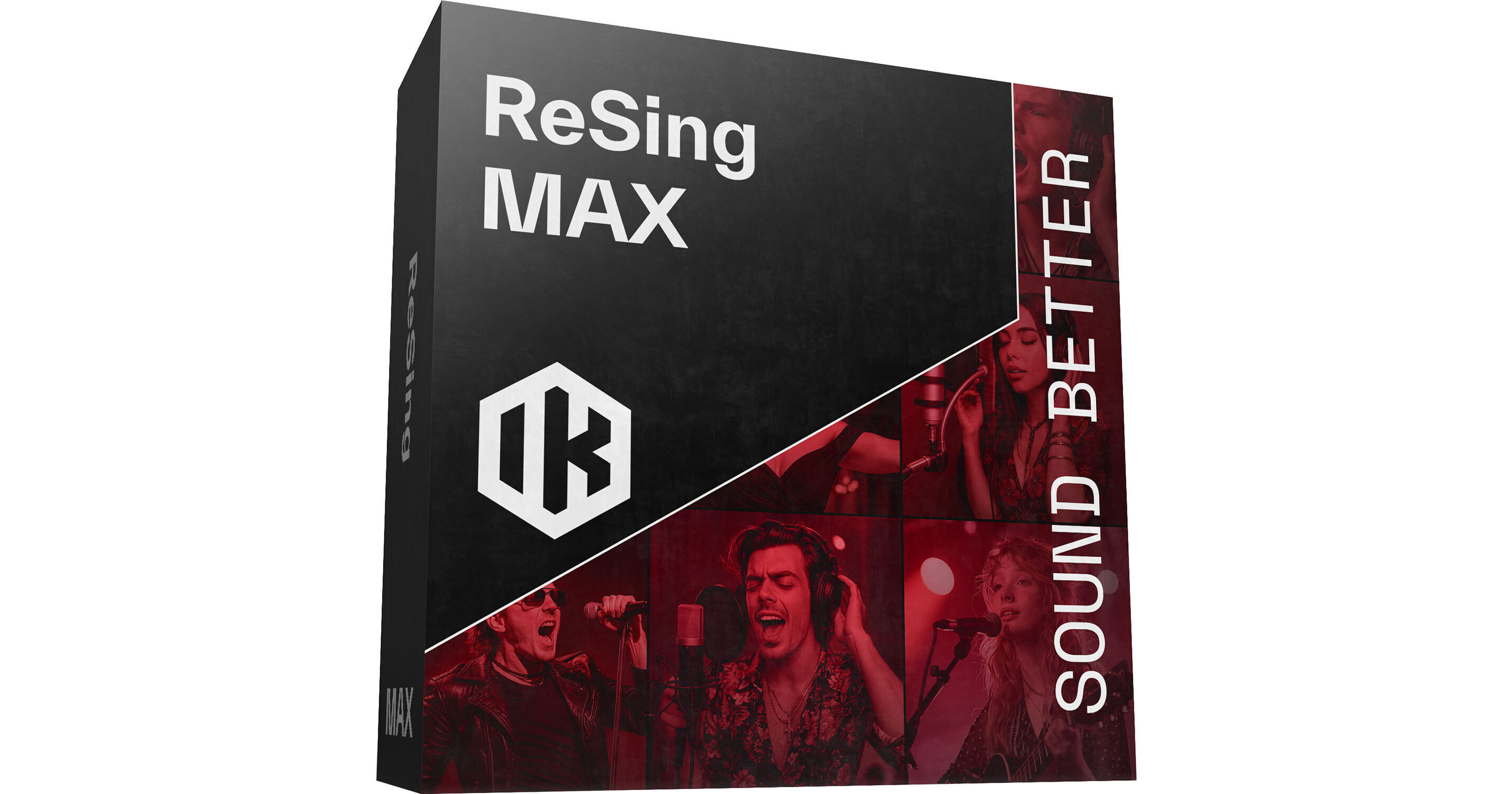
IK Multimedia ReSing MAX AI Voice Modeling Software

BH #IKRSMAXDIDIN • MFR #RS-MAX-DID-IN
Print
IK Multimedia ReSing MAX AI Voice Modeling Software
Key Features
  • Realistic AI-Modeled Voice Performances
  • 25 Expressive, Session-Quality Voices
  • 25 Instruments, 25 Model Generations
  • Unlimited RVC and ReSing Model Imports
Bring professional voice modeling to your workflow with ReSing MAX, IK Multimedia's groundbreaking software that delivers 25 expressive, session-quality AI-modeled voices, for replacing scratch vocals of any quality. With 25 high-quality instruments included, you can transform your raw vocal takes into authentic-sounding instrument performances as well.
More Details
Digital
Electronic Download
No Store Display
This item cannot be returned.
Emailed within 1-3 Business Days
Ask an Expert
800-952-1815

IK Multimedia Resing Max Overview

Bring professional voice modeling to your workflow with ReSing MAX, IK Multimedia's groundbreaking software that delivers 25 expressive, session-quality AI-modeled voices, for replacing scratch vocals of any quality. With 25 high-quality instruments included, you can transform your raw vocal takes into authentic-sounding instrument performances as well.

You can generate up to 25 of your own voice models to share or license to others (unlock more with the optional add-on). Vocal models can be freely adjusted, with controllable emotion, timbre, accent, and more. Blend voice models together and import both IK's ReSing models and community-derived RVC voice models. With full ARA support, this software provides seamless integration with many DAWs without the need for manual file transfers. ReSing MAX is available as a standalone program or as a plug-in in AU, VST3, and AAX formats. ReSing MAX supports macOS and Windows computers.

ReSing Lets You
  • Instantly replace vocal takes with professional-quality performances
  • Adjust vocal energy, tone, and style, and even blend and mod voices
  • Turn any recording, even from your phone, into a studio-quality vocal
  • Sing bass lines, riffs, and hooks, then convert them into real instruments
  • Create up to 25 of your own voice models to share or license (unlimited with optional add-on)
At a Glance
  • Up to 25 Voice and 25 Instrument models included
  • Supports models in English and Spanish, with more to come
  • Full DAW integration with ARA support
  • Desktop native, so no uploading or internet required
  • One-time perpetual license, no subscription or lock-in
  • Import an unlimited number of voice ReSing and RVC models from popular open communities
  • Explore a growing catalog of partner voices and hire as needed
Total Vocal Freedom
ReSing bridges the gap between concept and masterpiece. Any vocal track can become a professional take in any style, mood, or genre, and it doesn't have to be perfect to get started. You can even import a rough vocal recorded on your phone into your DAW, and ReSing works its magic.
Define the Emotion
ReSing allows you to select the vocal delivery intent and customize voices for a variety of musical styles. You can save favorite voices and settings, giving your music a signature sound that always matches your vision.

  • Includes voice models with a variety of go-to styles and options
  • Blend the timbre and accent of two models to create hybrids
  • Import RVC models from rapidly growing online communities
Better Sounding Tech
ReSing modifies vocal tracks by replacing their timbre and phonetic features with those of high-quality AI voice models of real artists. This technology demands more intensive processing than other methods, which often struggle to capture complex vocal nuances.

ReSing’s engine works smoothly as both a plug-in and a standalone app, performing vocal transformations directly on your computer and eliminating the need to connect to external servers or wait in processing queues.

Quick, Professional Results
Thanks to ReSing's ARA (Audio Random Access) mode and built-in effects, vocal editing is intuitive and straightforward. Everything is designed to keep you in the creative zone with consistently high-quality results.

  • Process and import vocals directly within your ARA-compatible DAW
  • Mix vocal tracks using ReSing’s custom effects and presets
  • Utilize IK’s award-winning dynamics, EQ, reverb, and pitch correction
For Instruments Too
Replace any vocal or instrumental track with an instrument from ReSing’s model browser, taking advantage of IK’s extensive experience in virtual instruments. The same controls used for vocal models are available to handle all aspects of the performance, including transposing.

When you transpose a vocal or an instrument, ReSing models continue to behave and sound exactly like a real singer or instrument without any quality loss or strange effects. Change keys, add harmonies, layer instruments—anything is possible while sounding completely natural.

Model Your Own Voice
Unlike other voice replacement software or services, ReSing is the first to let you create custom models locally on your computer, giving you complete control over input audio files and the final model. The creation process guides you through each step.

Once finished, your new model appears in the Model Browser within the ReSing app, ready for use. Each model is unique and protected from unauthorized use outside of ReSing.

Ethical AI
Every voice you hear in ReSing comes from real singers who chose to work with IK Multimedia. These artists have signed clear and transparent agreements that ensure their contributions are acknowledged and protected. Nothing is taken without their consent—each dataset is created with the full participation of the performers.

To create their training data, IK Multimedia's collaborators recorded original compositions made specifically for ReSing. They never use copyrighted songs, samples, or third-party materials. By avoiding any reuse of protected works, IK Multimedia ensures that your productions are free from hidden copyright risks.

IK Multimedia Resing Max Specs

Delivery Format
Download
License Type
Standard: Perpetual License
User Support
1 User
System Compatibility/Requirements
Not Specified by Manufacturer

IK Multimedia Resing Max Reviews

See any errors on this page?
Whatever You Need, We've Got It