


The performance core is optimized to deliver greater power-efficient, multithreaded performance for pro workloads. Together with the super cores, the M5 Pro delivers up to 2.5x higher multithreaded performance than M1 Pro. The super cores and performance cores give the MacBook Pro a huge performance boost to handle the most CPU-intensive pro workloads, like analyzing complex data or running demanding simulations with unparalleled ease.
The M5 Pro has an enhanced shader core with 2nd-gen dynamic caching and hardware-accelerated mesh shading, delivering up to 20% higher graphics performance than the M4 Pro and 2.2x higher than the M1 Pro. And with Apple's 3rd-gen ray-tracing engine, the M5 Pro provides up to a 35% graphics uplift in apps using this rendering technique as compared to the M4 Pro.
Edit and retouch photos whether in the studio or on location. The built-in SDXC card reader makes it easy to transfer photos from your camera to the MacBook Pro.
Adobe Lightroom, Adobe Photoshop, Capture One, Pixelmator Pro, Topaz Photo, DxO PhotoLab 9, and more, are fully optimized for macOS.
Fly through 4K and 8K footage and tackle motion graphics and compositing with superfast render times.
DaVinci Resolve Studio, Adobe Premiere Pro, Final Cut Pro, Motion, Adobe After Effects, Nuke, Autodesk Flame, and more, are fully optimized for macOS.
Compose, record, and mix across thousands of tracks with hundreds of plug-ins in real time.
Logic Pro, Avid Pro Tools, Ableton Live, Cubase, Adobe Audition, FL Studio, MainStage, and more, are fully optimized for macOS.
MagSafe 3 makes connecting a power cable quick and easy while also protecting your MacBook Pro. Apple also brings fast charging to the MacBook Pro, allowing you to charge up to 50% in just 30 minutes.
There is also an HDMI port for outputting to an external display. The 3.5mm audio jack makes it easy to plug in headphones. The SDXC card reader allows you to quickly transfer photos and videos from your camera to your MacBook Pro.
- Three displays up to a native resolution of 6K at 60 Hz or 4K at 144 Hz
- One display up to a native resolution of 8K at 60 Hz or 5K at 120 Hz or 4K at 240 Hz plus a second display up to a native resolution of 5K at 120 Hz or 4K at 200 Hz
Supports up to three external displays over a single Thunderbolt port
Simultaneously supports the built-in display at full native resolution
Desk View lets you share your workspace, adding a whole new dimension to make your video calls more engaging.
Your voice comes through crystal clear on video calls and recordings while minimizing background noise, thanks to the studio-quality, three-mic array.
Speed your workflow with Force click and multi-touch gestures.
The Touch ID enables fast, easy authentication. Unlock your Mac, sign in to apps, and make secure payments with your fingertip. The Secure Enclave keeps your fingerprint data safe.
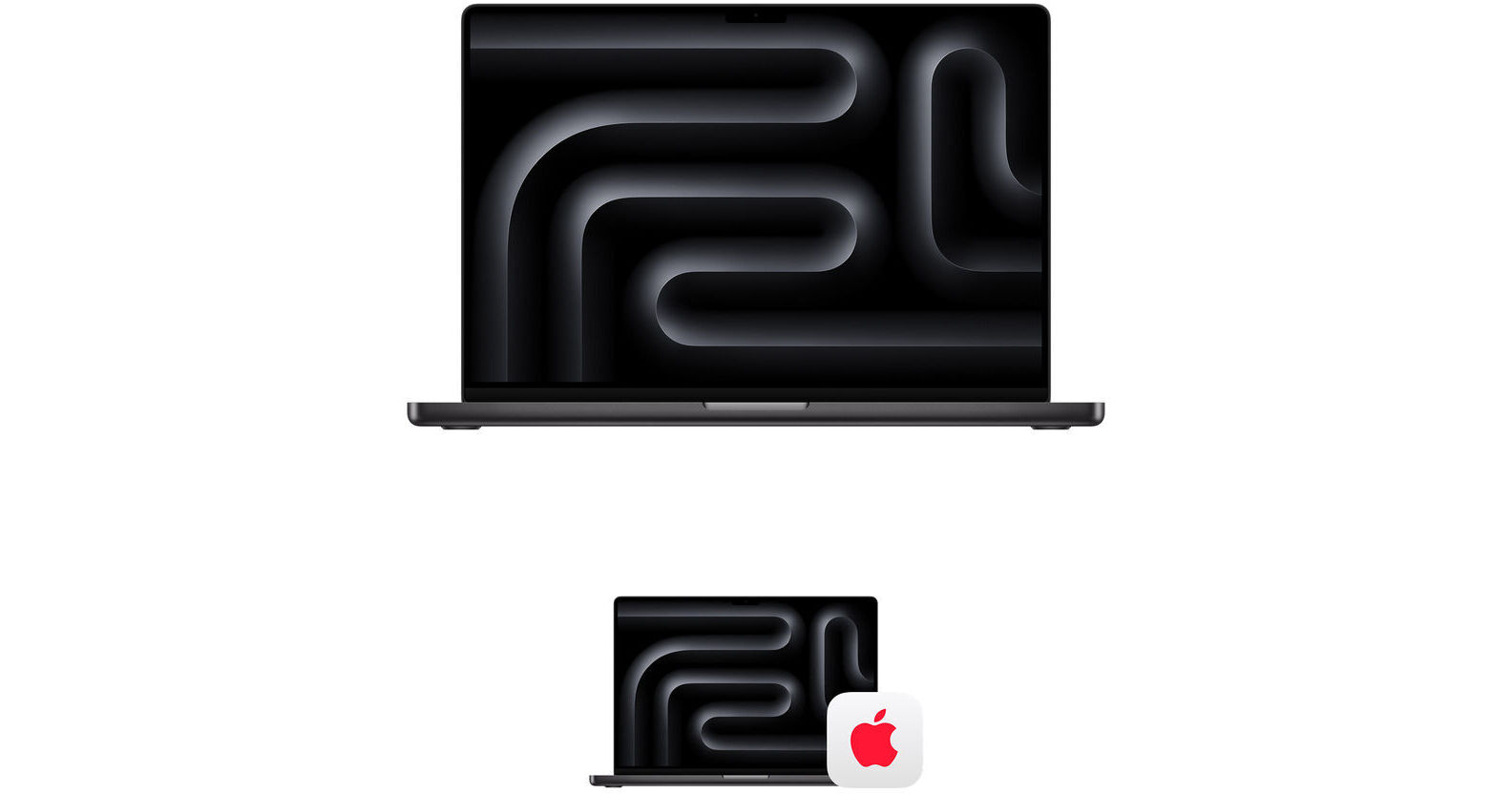
Get peace of mind with the AppleCare+ 3-Year Protection Plan for Apple MacBook Pro 16" from Apple. Extending your hardware, software, and telephone support coverage, AppleCare+ provides you with expert assistance, global repair coverage for your Mac, and web-based resources and diagnostic tools. In addition to technical support, AppleCare+ also offers unlimited incidents of accident coverage. Each accidental damage incident is subject to a service fee of $99 for screen damage or external enclosure damage, or $299 for other accidental damage, plus applicable tax. With 24/7 access to product experts via phone or chat, you can get the support you need, day or night.
- 24/7 priority access to Apple experts by chat or phone
- Mail-in repair: mail in your Mac using a prepaid shipping box provided by Apple
- Carry-in repair: take your Mac to an Apple Store or other Apple Authorized Service Provider
- Your Mac computer
- Battery
- Apple memory (RAM)
- Apple USB SuperDrive
- Included accessories such as the power adapter
- Unlimited incidents of accidental damage protection, each subject to a service fee of $99 for screen damage or external enclosure damage, or $299 for other accidental damage, plus applicable tax
- Using macOS and iCloud
- Connecting to printers and wireless networks
- Quick how-to questions about Apple-branded apps, such as Photos, iMovie, GarageBand, Pages, Numbers, Keynote, and pro apps such as Final Cut Pro, Logic Pro, and more