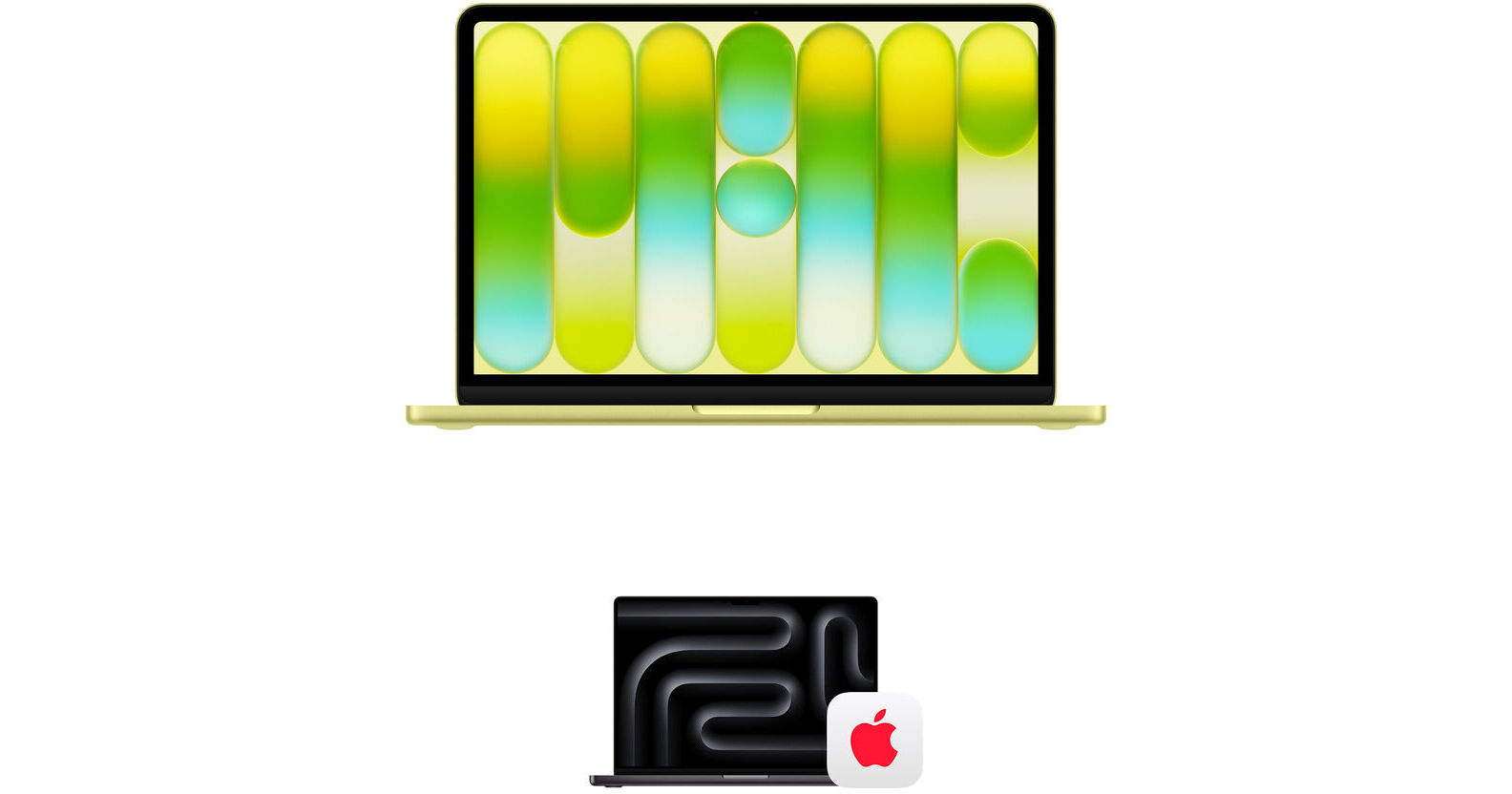


Who is the MacBook Neo For?
The MacBook Neo is ideal for anyone who wants a balance of performance and portability while getting the most value out of their budget. This includes students, families, business owners, and more.Are you a PC user looking to join the Apple family? The MacBook Neo is a great place to start. It can handle everyday tasks, like browsing the web, typing up documents, streaming content, using AI, and even editing some photos.


With 8GB of unified RAM and 256GB of SSD storage, the MacBook Neo can store large files and load intensive applications without breaking a sweat.
With an anti-reflective coating, this laptop provides a comfortable viewing experience in a variety of lighting conditions, letting you enjoy watching movies, editing photos, or taking video calls from anywhere.
How Does the MacBook Neo Look and Feel?
Weighing in at under three pounds, the MacBook Neo is very comfortable to carry. You can easily slip it into a backpack or handbag. While the MacBook Neo is lightweight, it still feels durable, thanks to its aluminum design. Of course, that's not an invitation to start throwing it around, but it should hold up during a typical commute.With a choice of four unique colors: blush, indigo, silver, and citrus, The MacBook Neo adds a touch of personality and style among the typical black and gray laptops. These colors extend to the Magic Keyboard in lighter shades. Apple even added new matching wallpapers to create a cohesive aesthetic. The MacBook Neo featured here is citrus.
The MacBook Neo also has a fanless design, so you don't have to deal with the sound of the fans ramping up during more performance-intensive tasks.


The large Multi-Touch trackpad lets you click, scroll, swipe, and pinch anywhere on its surface to navigate, as well as providing intuitive gestures for smooth and precise control.
Connect wirelessly with Wi-Fi 6E (802.11ax) and Bluetooth 6 capabilities.
Apple Intelligence protects users' privacy at every step. At its core, is on-device processing, and for more complex tasks, Private Cloud Compute gives users access to Apple's even larger, server-based models and offers groundbreaking protections for personal information.
Switching from PC to Mac
If you're a new Mac user, switching from your Windows PC to Mac is simple. With Migration Assistant already installed on every MacBook Neo, you can easily transfer your documents, apps, accounts, and settings from your PC. Once the transfer is complete, everything will be ready on your new MacBook Neo.
For more detailed information on how to use Migration Assistant, please visit Apple's official support website.
- The MacBook Neo is built from the group up to be Apple's lowest-carbon MacBook, bringing them closer to their plan of being carbon neutral by 2030.
- Features 60% recycled content.
- Features 90% recycled aluminum.
- Features 100% recycled cobalt in the battery.
- The enclosure is manufactured with a material-efficient forming process that uses 50% less aluminum compared to traditional machining methods.
- Manufactured with 45% renewable energy, like wind and solar, across the supply chain.
- Meets Apple's high standards for energy efficiency and safe chemistry.
- The paper packaging it 100% fiber based and can be easily recycled.
macOS Software Update
Depending on when you purchase your MacBook Neo, you may not be running the latest version of macOS when you first boot up. It is recommended that you update macOS to the latest version to take advantage of new features, security updates, and more.
For more detailed information on how to update your macOS, please visit Apple's official support website.
Get peace of mind with the AppleCare+ 3-Year Protection Plan for Apple MacBook Neo 13" from Apple. Extending your hardware, software, and telephone support coverage, AppleCare+ provides you with expert assistance, global repair coverage for your Mac, and web-based resources and diagnostic tools. In addition to technical support, AppleCare+ also offers unlimited incidents of accident coverage. Each accidental damage incident is subject to a service fee of $49 for screen damage or external enclosure damage, or $149 for other accidental damage, plus applicable tax. With 24/7 access to product experts via phone or chat, you can get the support you need, day or night.
- 24/7 priority access to Apple experts by chat or phone
- Mail-in repair: mail in your Mac using a prepaid shipping box provided by Apple
- Carry-in repair: take your Mac to an Apple Store or other Apple Authorized Service Provider
- Your Mac computer
- Battery
- Apple memory (RAM)
- Apple USB SuperDrive
- Included accessories such as the power adapter
- Unlimited incidents of accidental damage protection, each subject to a service fee of $99 for screen damage or external enclosure damage, or $299 for other accidental damage, plus applicable tax
- Using macOS and iCloud
- Connecting to printers and wireless networks
- Quick how-to questions about Apple-branded apps, such as Photos, iMovie, GarageBand, Pages, Numbers, Keynote, and pro apps such as Final Cut Pro, Logic Pro, and more
Apple 13" MacBook Neo (A18 Pro, Citrus)
| Operating System | |
| Processor | |
| GPU | |
| Installed RAM | |
| Display Size | |
| Native Resolution | |
| Touchscreen | |
| Total Capacity | |
| Inputs/Outputs | |
| Wi-Fi | |
| Bluetooth | |
| Weight |
| Operating System |
| Processor | |
| CPU | |
| Dedicated AI Cores | |
| GPU | |
| Installed RAM | |
| RAM Type | |
| RAM Configuration / Capacity |
| Panel Type | |
| Size | |
| Aspect Ratio | |
| Native Resolution | |
| Touchscreen | |
| Finish | |
| Maximum Brightness | |
| Refresh Rate | |
| Variable Refresh Technology |
| Total Capacity | |
| Storage Drive Type | |
| Storage Expansion |
| Inputs/Outputs | |
| Audio I/O | |
| Network I/O | |
| Built-In Speakers | |
| Built-In Microphones | |
| Media/Memory Card Slot |
| Wi-Fi | |
| Bluetooth | |
| Cellular Support | |
| GPS | |
| Webcam |
| Battery Chemistry | |
| Capacity |
| Keyboard | |
| Pointing Device |
| Power Supply | |
| Input Power | |
| Operating Conditions | |
| Certifications | |
| Dimensions | |
| Weight |
| Package Weight | |
| Box Dimensions (LxWxH) |