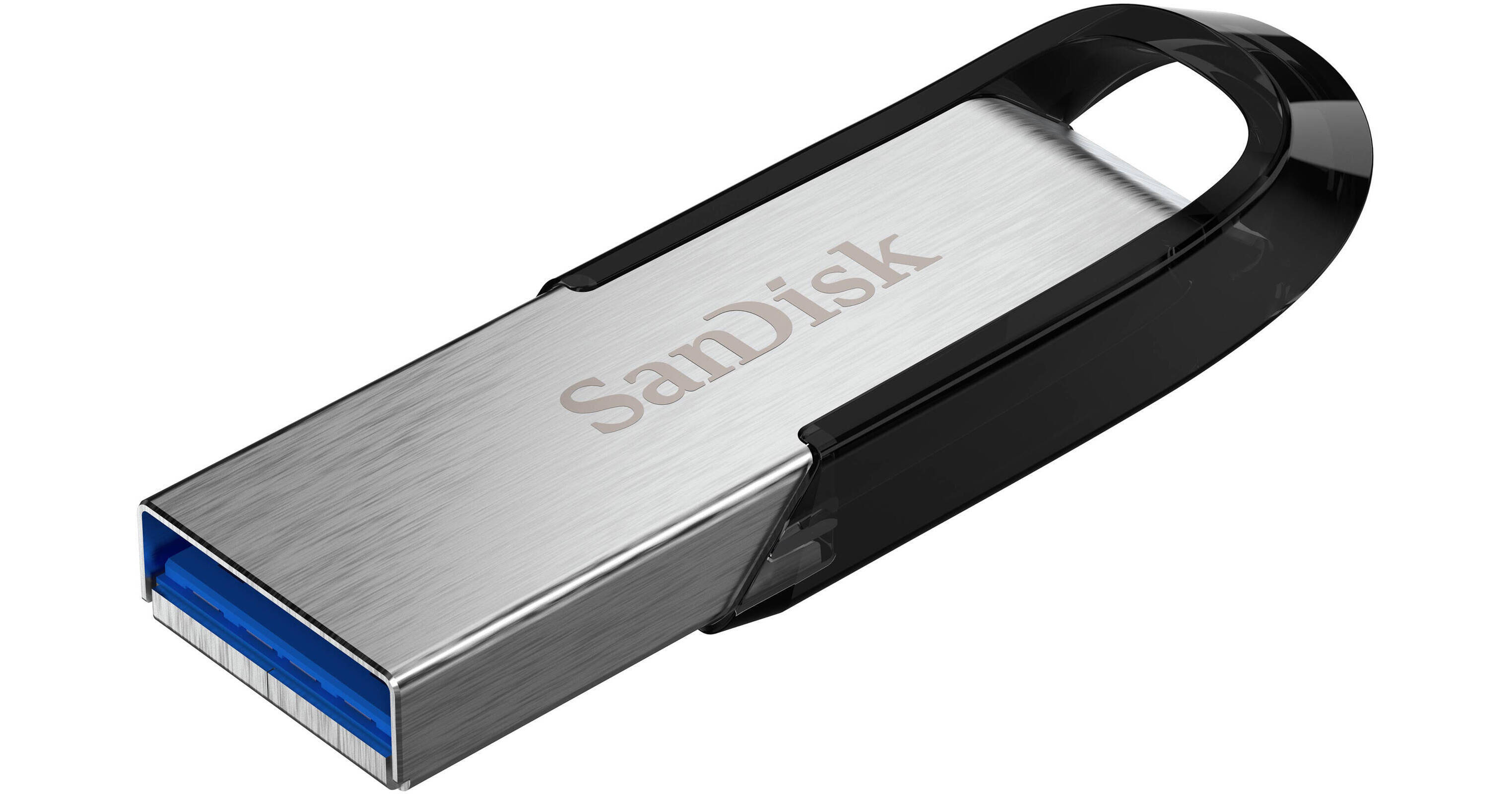
Move your files quickly using the 512GB Ultra Flair USB-A 3.2 Gen 1 Flash Drive from SANDISK, which makes it simple to take all of your files with you on the go. This flash drive features a 512GB storage capacity that is capable of holding a variety of files including movies, videos, photos, music, documents, and more. With a USB-A 3.2 Gen 1 (3.1 Gen 1/3.0) interface that delivers read speeds of up to 150 MB/s, you can plug this flash drive into nearly any Windows, Mac, iOS, or Android device. This flash drive also includes USB 2.0 compatibility and software-based 128-bit AES password protection and encryption, ensuring the saved data remains secure.
Fly Through File Transfers
Experience high-speed USB 3.2 Gen 1 performance of up to 150 MB/s with the SANDISK Ultra Flair. Transfer a full-length 4K movie in less time than it takes to microwave the popcorn.
Store More with Ease
With up to 512GB capacity, this USB flash drive offers massive storage in a compact design, perfect for backing up files, photos, and videos. With fast transfer speeds and USB-A compatibility, it's the ultimate tool for work, school, or play.
Stylish and Tough
Elevate your storage game with the SANDISK Ultra Flair. Its sleek, durable metal casing offers style and resilience, helping protect your data while withstanding everyday wear and tear. It's great for fast, reliable storage on the go.
Password Protect Your Files
Share your videos or music, but help keep private files stay private. Easy-to-use password protection lets you limit who sees certain files.
Do More with the SANDISK App
The SANDISK app makes file management simple. Backup, browse, and organize your photos, videos, and files effortlessly. Free up space on your computer by transferring content to a SANDISK USB flash drive and restore your data anytime. Stay organized and protected with ease.
UPC: 619659179489