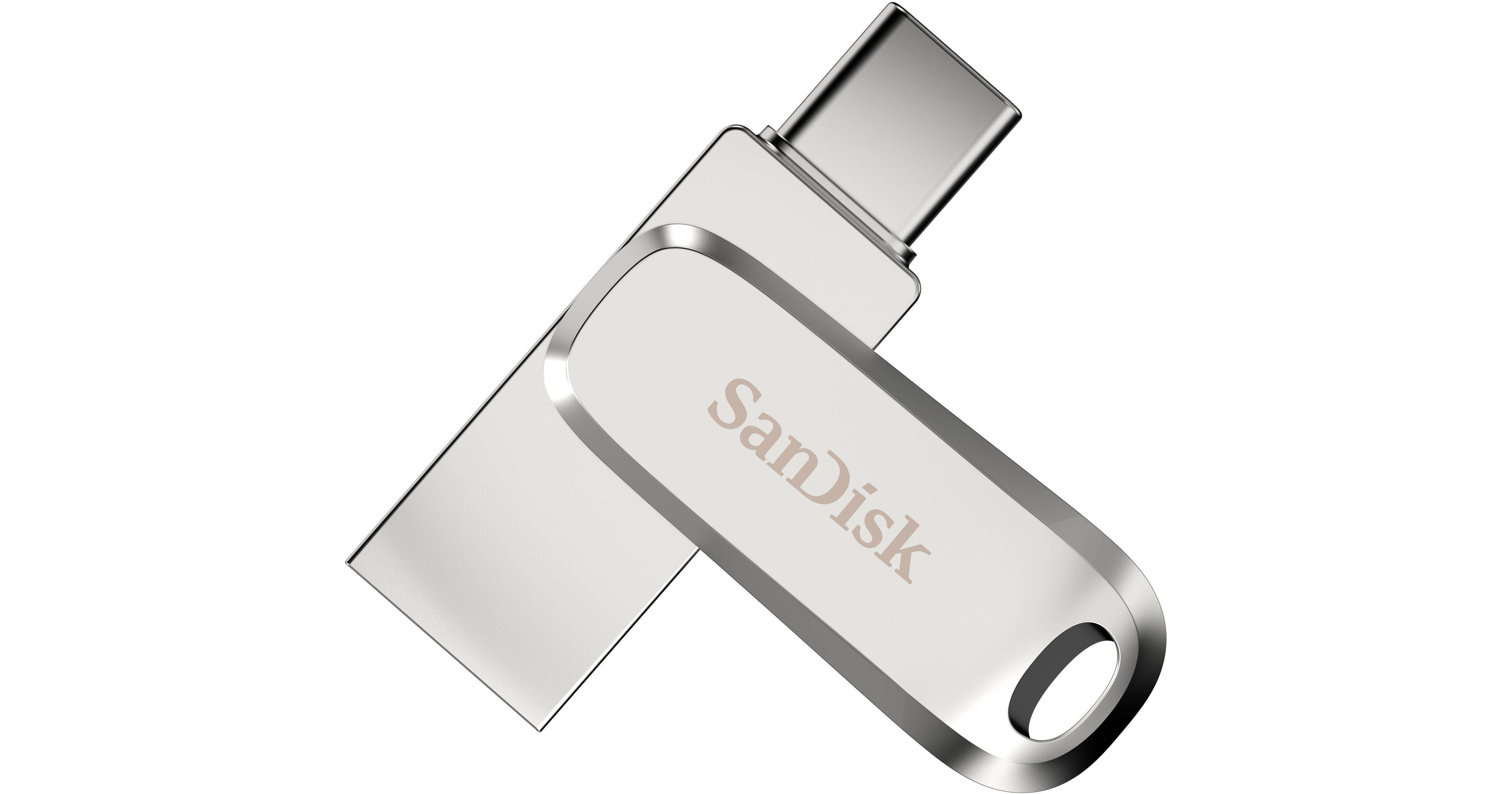
SanDisk 128GB Ultra Dual Drive Luxe USB 3.2 Gen 1 Flash Drive (Silver, USB-C / USB-A)

BH #SAUDDLU3C128 • MFR #SDDDC4-128G-G46
Print
SanDisk 128GB Ultra Dual Drive Luxe USB 3.2 Gen 1 Flash Drive (Silver, USB-C / USB-A)
Key Features
  • 128GB Storage Capacity
  • 1 x USB-C 3.2 Gen 1 Connector
  • 1 x USB-A 3.2 Gen 1 Connector
  • Up to 400 MB/s Data Transfer Speed
Avoid running out of storage space on your device by using the 128GB Ultra Dual Drive Luxe USB 3.2 Gen 1 Flash Drive to back up your files. With its dual USB 3.2 Gen 1 connectors, you can quickly transfer photos, videos, and more from your USB-C smartphone or tablet to a USB-A computer at up to 400 MB/s. The 128GB flash drive also features an all-metal housing with a cover that swivels to protect its connectors. Keep it in a bag, slip it in your pocket, or attach it to a key ring to take the drive with you on your travels. Installing the SanDisk Memory Zone app onto your Android device allows you to organize and browse your files in addition to automatically backing up documents, contacts, and media.
More Details
Top Seller
In Stock
No Store Display
Protect Your Gear
Add a protection plan from $8.99
Ask an Expert
800-606-6969
See any errors on this page?

max read speed & max write speed?

max read speed & max write speed?
Asked by: Hayk
Maximum read speed is listed at 150 MB/s. Maximum write speed is not specified.
Answered by: Daniel
Date published: 2020-12-08

Is it USB 2.0 compatible?

Is it USB 2.0 compatible?
Asked by: Vassilios
The SanDisk 256GB Ultra Luxe Flash Drive is backwards compatible to USB 2.0.
Answered by: Nachmen
Date published: 2021-12-26

I bought this item from you weeks ago, today was ...

I bought this item from you weeks ago, today was trying to copy paste from PC to USB 6.80Gb Video in Mkv format, but it's doesnt allows me "telling that file is too big for the final file system ", but at the same time, i have another sandisk usb 128Gb, which allows me to copy paste same video file size without an a any problem, so what's the problem?
Asked by: Hayk
You may need to reformat the drive to NTFS or exFAT. This would lift the limitation.
Answered by: Geoff
Date published: 2020-12-08
  • y_2026, m_8, d_22, h_4CST
  • bvseo_bulk, prod_bvqa, vn_bulk_3.0.48
  • cp_1, bvpage1
  • co_hasquestionsanswers, tq_3
  • loc_en_US, sid_1962553, prod, sort_[SortEntry(order=HAS_STAFF_ANSWERS, direction=DESCENDING)]
  • clientName_bhphotovideo
Whatever You Need, We've Got It