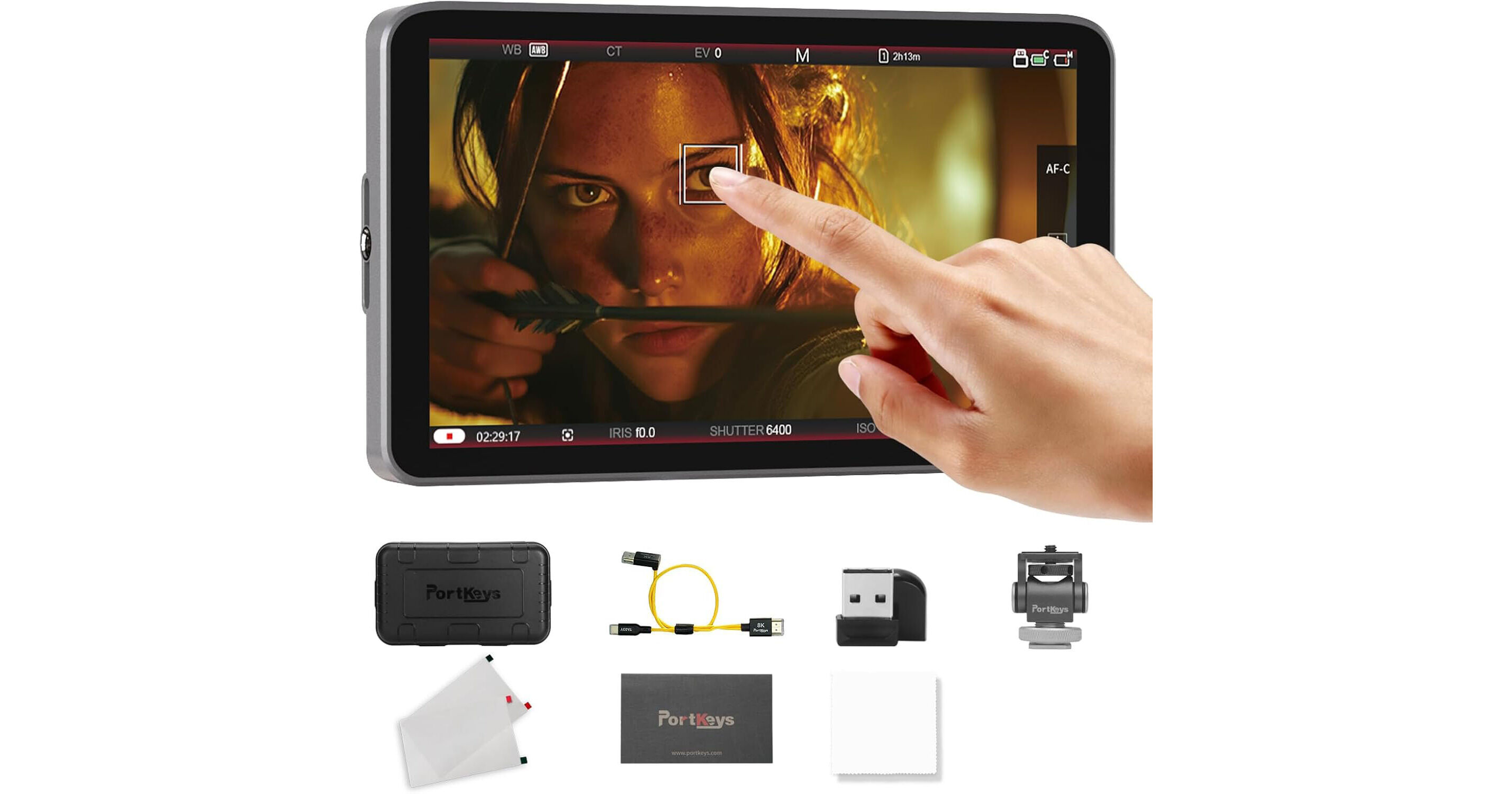
Add pro monitoring tools and control to your mirrorless or DSLR camera rig with this LH7C 7" High-Brightness Touchscreen Monitor from PORTKEYS. The 7" on-camera touchscreen monitor features a 1920 x 1080 resolution, 1000 cd/m² brightness, and a 178° viewing angle. Wired camera control is facilitated via the included HDMI/USB-C cable and works in tandem with select Sony, Canon, and Panasonic camera models. A wide array of monitoring tools powered by MOVNORM OS offer a professional-grade experience.
High-Quality Image Monitoring
The LH7C features a 1000 cd/m² brightness and native 1920 x 1080 resolution. Additional physical features of the monitor include a 1000:1 contrast ratio and 178° viewing angle. The LH7C covers 100% of the Rec. 709 color gamut for accurate color reproduction. The HDMI input supports up to DCI 4K24 video signals, while the HDMI output supports full HD video. Oversampling of the 4K video to 1080p results in highly detailed video outputs.
Wired Camera Control
Using the included TA03Y USB-C/HDMI adapter cable, the LH7C supported wired camera control of select Sony, Panasonic, and Canon cameras. The monitor automatically recognizes supported cameras and allows you to adjust key settings like ISO, aperture, shutter speed, white balance, and autofocus. You can also trigger recording directly from the monitor. Compatible camera models include the Sony FX3/FX30, Sony a7S III/a7 IV/a7 V/a9 III, Canon EOS R1/R5 Mark II/R6 Mark III, and Panasonic S1/S1R, among others. A new feature called Focus Tracking Frame is only available to Sony users, allowing you to select and move the tracking frame box from the touchscreen.
MOVNORM OS
- Portkeys LOG stops: Uses the camera's actual stop data, identifies the camera's LOG signal, and divides it into multiple exposure level zones
- 3D LUT monitoring and 3D LUT HDMI output, load up to 20 custom LUTs via USB port
- ARRI False Color mode and user-defined mode
- Improved peaking algorithm with a Peaking Frame feature, so the camera's UI can stay clear
- Cropping feature for precise zoom-in
- Framing guides, grids, aspect ratios, and auto image flip
- Image Capture and Image Overlay: Takes a snapshot of the HDMI video input and saves it to the monitor's memory; sets transparency/opacity of the overlay
- Anamorphic image de-squeeze with standard ratios (1.33x, 1.5x, 2.0x), option to enter custom ratios from 0.25 to 4x
- Stretch Leg tool: when shooting vertically, stretch the bottom part of the image and send it to the HDMI output
- Sharpness, chroma, brightness, backlight, tint, and color temperature adjustments
Multiple Power Options
Power the LH7C via a single NP-F battery for eight hours at a time. Use the DC input to connect a cine battery for longer shoot times.
EAN: 9345750851153