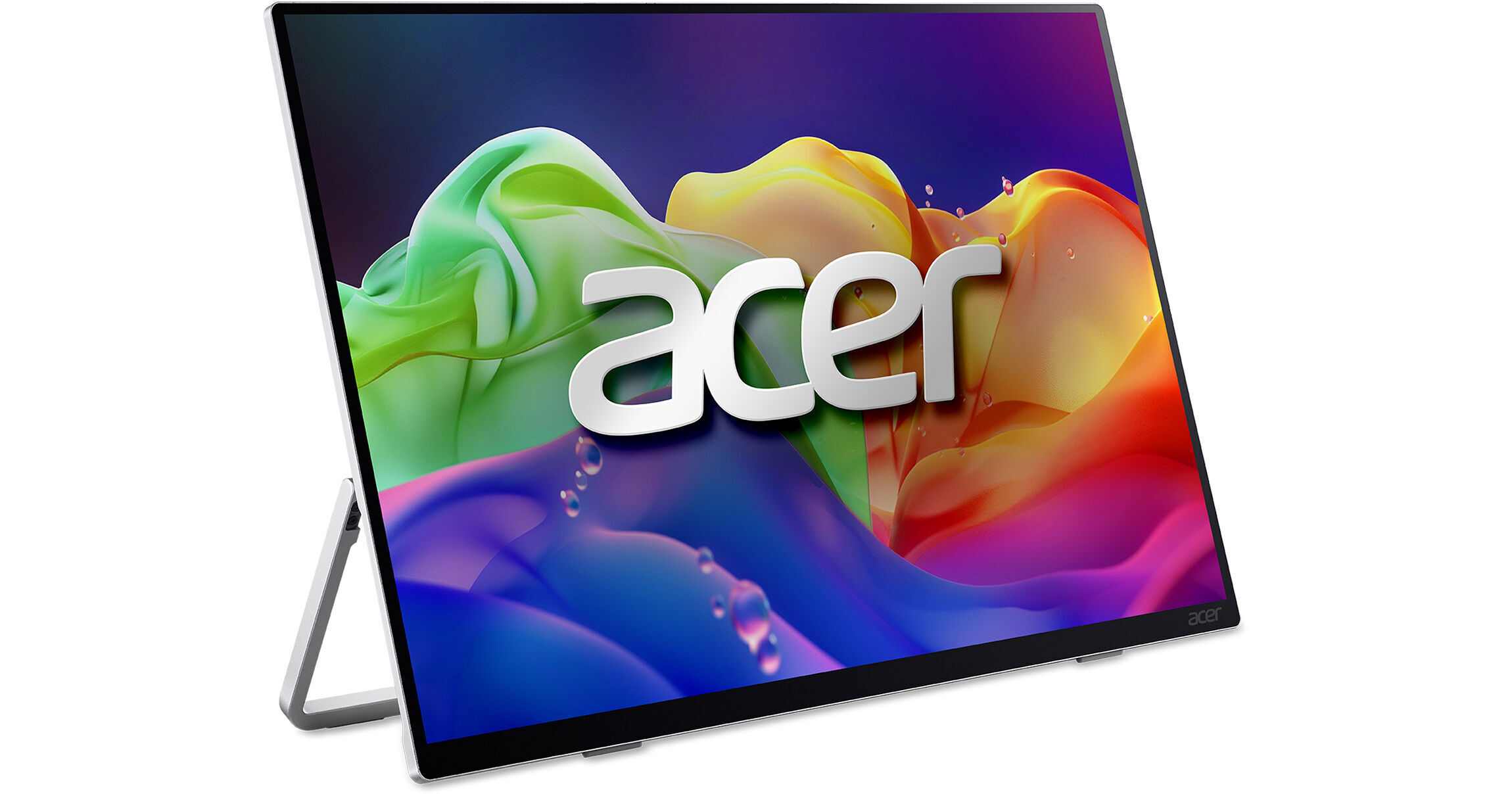
Acer ProDesigner PE160W 16" WUXGA Widescreen OLED Portable Monitor

BH #ACPE160W • MFR #UM.ZP0AA.001
Print
Acer ProDesigner PE160W 16" WUXGA Widescreen OLED Portable Monitor
Key Features
  • 16" 16:10 OLED Panel
  • HDMI | USB-C | 3.5mm
  • WUXGA 1920 x 1200 at 60 Hz
  • 1 ms (GtG) Response Time
The ProDesigner PE160W 16" WUXGA Widescreen OLED Portable Monitor from Acer provides an unmatched visual experience for the busy working creator. This portable 16" 16:10 WUXGA (1920 x 1200) OLED monitor is designed for photographers, video editors, and other professionals who need accurate colors and a wide color gamut for working on the go.
More Details
New Release
In Stock
No Store Display
Free 2-Day Shipping
Protect Your Gear
Add a protection plan from $36.99
Ask an Expert
800-606-6969

Acer PE160W Overview

The ProDesigner PE160W 16" WUXGA Widescreen OLED Portable Monitor from Acer provides an unmatched visual experience for the busy working creator. This portable 16" 16:10 WUXGA (1920 x 1200) OLED monitor is designed for photographers, video editors, and other professionals who need accurate colors and a wide color gamut for working on the go.

This Calman Verified monitor has a Delta E<2 color accuracy and a 95% DCI-P3 color gamut, providing vibrant colors and deep black levels for professional work. With a 1ms (GtG) response time and a 60 Hz refresh rate, the PE160W offers a highly responsive and smooth visual experience in a compact and portable form factor. Other features include up to 300 nits brightness, 16.7 million colors, and a 100 million:1 dynamic contrast ratio. Connect to a computer with the HDMI 1.4 port or through one of the two USB-C 3.2 Gen 1 ports, which also have DisplayPort support and 15W power delivery. You can plug in headphones for private listening using the 3.5mm audio port or play audio using the dual 1 W speakers. An adjustable tilt stand lets you set up a workspace wherever you are, while also allowing you to angle the monitor to your liking. It can also be wall-mounted using the 75 x 75mm VESA mounting holes on the back. Use the Creator Hub software to adjust your color space to fit the project you're working on, use a color calibrator, and set up a multi-monitor setup with different split screen options.

UPC: 195133173544

Acer PE160W Specs

Key Specs
Display Size
16"
Panel Type
OLED
Native Resolution
1920 x 1200
Maximum Brightness
300 nits / cd/m2
HDR Support
Yes
Touchscreen
No
A/V Inputs
3.5 mm / HDMI 1.4
USB I/O
USB-C 3.2 Gen 1
Built-In Speakers
Yes: 2x 1 W
Display
Size
16"
Panel Type
OLED
Aspect Ratio
16:10
Native Resolution
1920 x 1200
Maximum Brightness
300 nits / cd/m2
HDR Support
Yes
Contrast Ratio
Near Infinite (Black Pixels Emit No Light)
Response Time
1 ms (GtG)
Refresh Rate
60 Hz
Variable Refresh Technology
No
Color Support
16.7 Million Colors
Color Gamut
95% DCI-P3
Viewing Angle (H x V)
170 x 170°
Surface
Touchscreen
No
Connectivity
A/V Inputs
1x HDMI 1.4
1x 1/8" / 3.5 mm
HDCP Support
No
USB I/O
2x USB-C 3.0 / 3.1/3.2 Gen 1 with DP Alt Mode, USB PD 15 W
Ethernet I/O
No
Speaker
Built-In Speakers
Yes: 2x 1 W
Electrical
Power Consumption
Typical: < 36.0 W
Input Power
100 to 240 VAC, 50 / 60 Hz
Power Adapter Type
Internal
General
Certifications
CE, FCC Class B, MPR II, RoHS, TUV, UL, VCCI, cUL
Adjustments
Adjustable
Tilt: 90° (0 to 90°)
Lock Slot
No
Dimensions
14 x 8.3 x 0.5" / 355.6 x 210.8 x 12.7 mm
Weight
1.43 lb / 0.65 kg
Packaging Info
Package Weight
3.34 lb
Box Dimensions (LxWxH)
16.3 x 11 x 2.9"

Acer PE160W Reviews

See any errors on this page?

can this be used vertically?

can this be used vertically?
Asked by: Camila
Yes, the Acer ProDesigner PE160W 16" WUXGA Widescreen OLED Portable Monitor, BH #ACPE160W, can be used vertically, but you will need to manually set the orientation. It won't automatically change just by rotating the screen.
Answered by: Elchanan P
Date published: 2026-05-29
  • y_2026, m_7, d_11, h_12CST
  • bvseo_bulk, prod_bvqa, vn_bulk_3.0.47
  • cp_1, bvpage1
  • co_hasquestionsanswers, tq_1
  • loc_en_US, sid_1964374, prod, sort_[SortEntry(order=HAS_STAFF_ANSWERS, direction=DESCENDING)]
  • clientName_bhphotovideo
Whatever You Need, We've Got It