Accelerate demanding workflows, such as live translation, real-time AI video editing, and local LLM processing with fast on-device responsiveness, driven by the built-in NPU with up to 50 TOPS.
It isn't all about max performance. The Intel Core Ultra X9 provides up to 40% more power efficiency. Power through demanding workflows, multitask effortlessly, and unlock next-gen, on-device AI features for smarter, faster, all-day productivity while on the go.
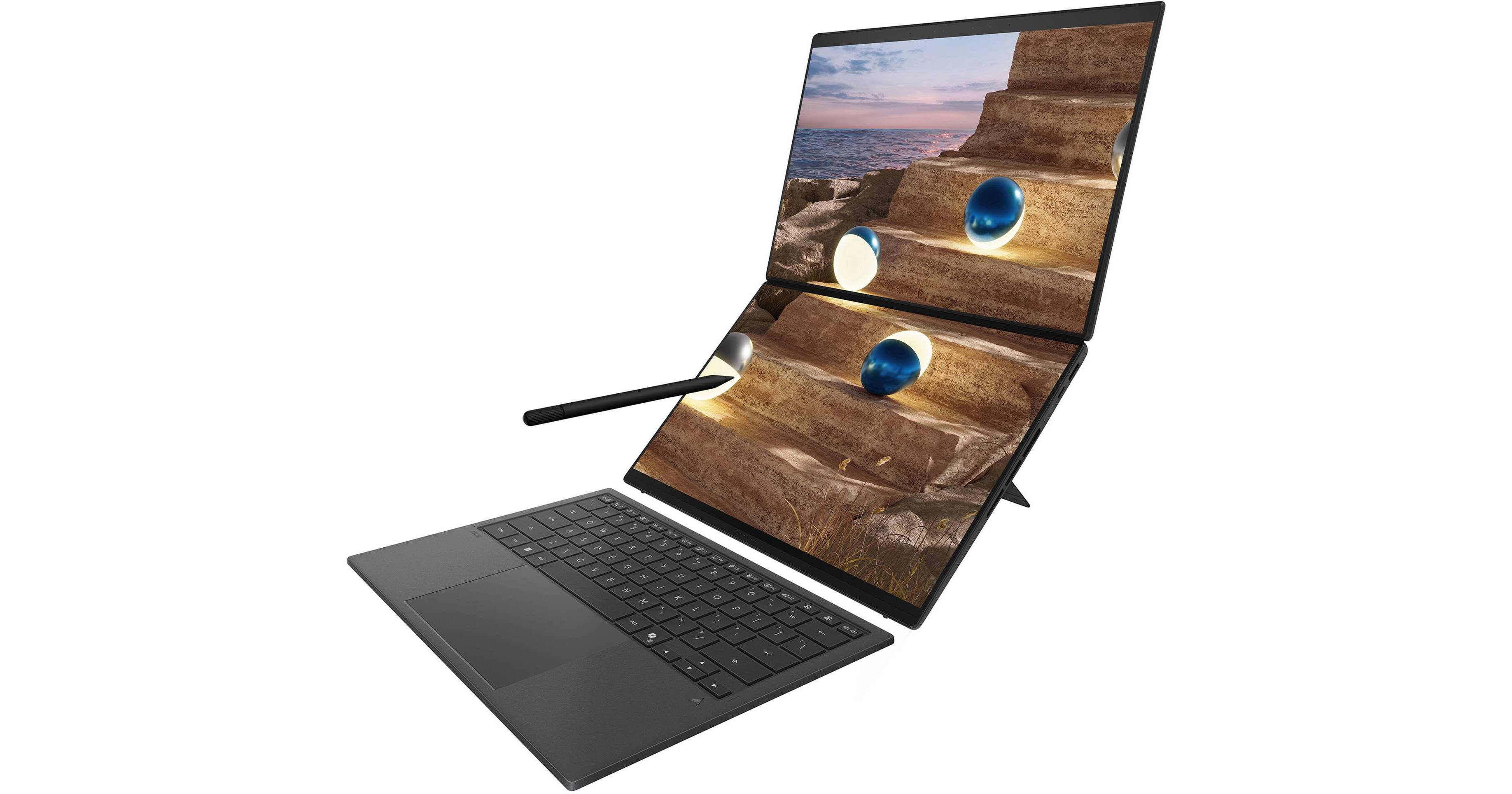
The screens may individually display content or have documents extended across them. The displays have an anti-reflection coating and an E-Reading mode that switches to high-contrast black and white and refines grayscale to reduce eye strain during long reading sessions. The displays are also TÜV Rheinland certified for low blue light.
- When the ZenBook Duo is laid flat against a desk, a quick-share menu will automatically appear. Select your presentation mode to preview the flipped top display on the presenter-facing screen, then annotate and present seamlessly across both displays using the built-in digital pen or even a laser pointer (sold separately).
- Tap with six fingers to summon the full-size virtual keyboard and touchpad on the bottom screen.
- Swipe with five fingers to maximize the current window to fill both screens.
- Drag an app onto the App Switcher icon to launch the app, then choose the default screen.
Searching for a document, email, or web page on your PC can be time-consuming. Now, just describe how you remember something, and Recall will find it, instantly.
Cocreator
Become an artist by describing or drawing your vision with text or image prompts and watch Cocreator generate it.
Microsoft OneNote
Get help from Copilot to summarize your handwritten notes in Microsoft OneNote.
Adobe Photoshop
With simple text prompts in everyday language, you can create, edit, transform, and bring your imagination to life with the power of generative AI.
Live Captions
Whether video calls or dialogue in a streaming video, get accurate subtitles in real-time with automatic Live Captions. Translate 44 languages to English.
Windows Studio Effects
Improve lighting, cancel noises, and blur distractions during video calls. When presentation matters, turn on Windows Studio Effects.