Ask Our Experts800-606-6969
Hello, Log InAccount & Orders
Key Features
- 2.1 GHz Intel Core Ultra 9 386H 16-Core
- 64GB LPDDR5x RAM | 1TB M.2 PCIe 4.0 SSD
- 16" 3200 x 2000 Tandem OLED Touchscreen
- NVIDIA GeForce RTX 5070 (12GB GDDR7)
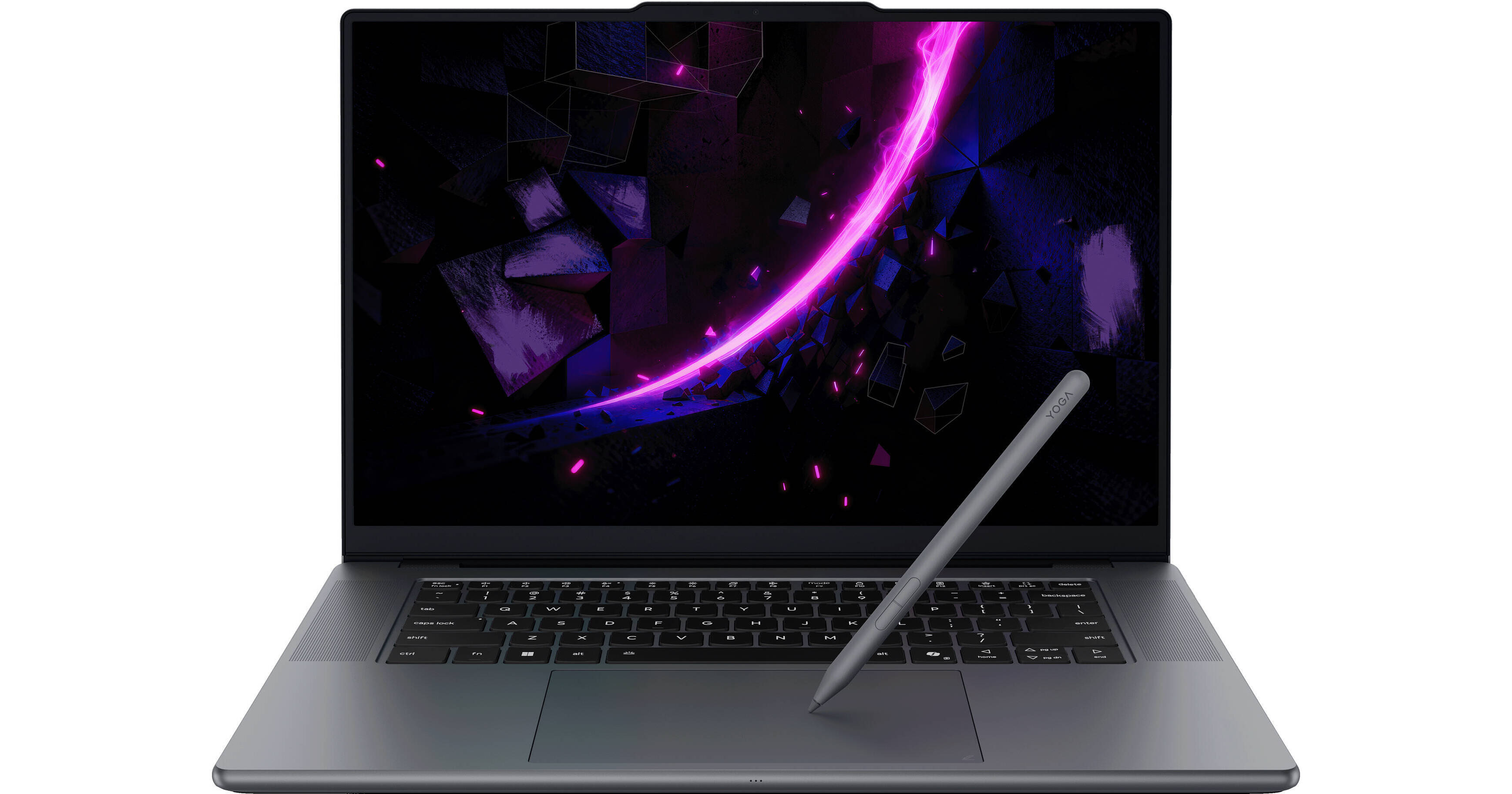
Explore your creativity with the powerful Lenovo 16" Pro 9i Aura Edition Multi-Touch Laptop Copilot+ PC. Housing a 2.1 GHz Intel Core Ultra 9 386H 16-Core processor, 64GB of LPDDR5x RAM, and 1TB M.2 NVMe PCIe 4.0 SSD, the IdeaPad Pro 9i can handle demanding creative apps with ease. The Lenovo Pro 9i also features a 16" 3.2K PureSight Pro Tandem OLED display. Stay creative with the included Yoga Pen Gen 2 and Force Pad, which transforms from a touchpad to a drawing surface. Take your work to the next level with supported AI features, thanks to the neural processing unit (NPU) found in the Intel Core Ultra 9 CPU.
More DetailsIn Stock
$3,799.00
Save $400.00
+

Microsoft 365 Subscription not included: add to your purchase
Protect Your Gear
Add a protection plan from $64.99
See Options
RAM | GPU | Display
Business Financing Options
See any errors on this page?
Is there a slot to add a second SSD?
Is there a slot to add a second SSD?
Yes, the Lenovo 16" Pro 9i Aura Edition Multi-Touch Laptop Copilot+ PC has an M.2 slot 2280 you can use to expand the SSD storage.
Date published: 2026-06-30
Is possible to upgrade the after purchase or is th
Is possible to upgrade the after purchase or is the RAM soldered?
The Lenovo 16" Pro 9i Aura Edition Multi-Touch Laptop Copilot+ PC, B&H # LE83U90002US, has soldered RAM; it is not possible to upgrade the RAM.
Date published: 2026-05-03