
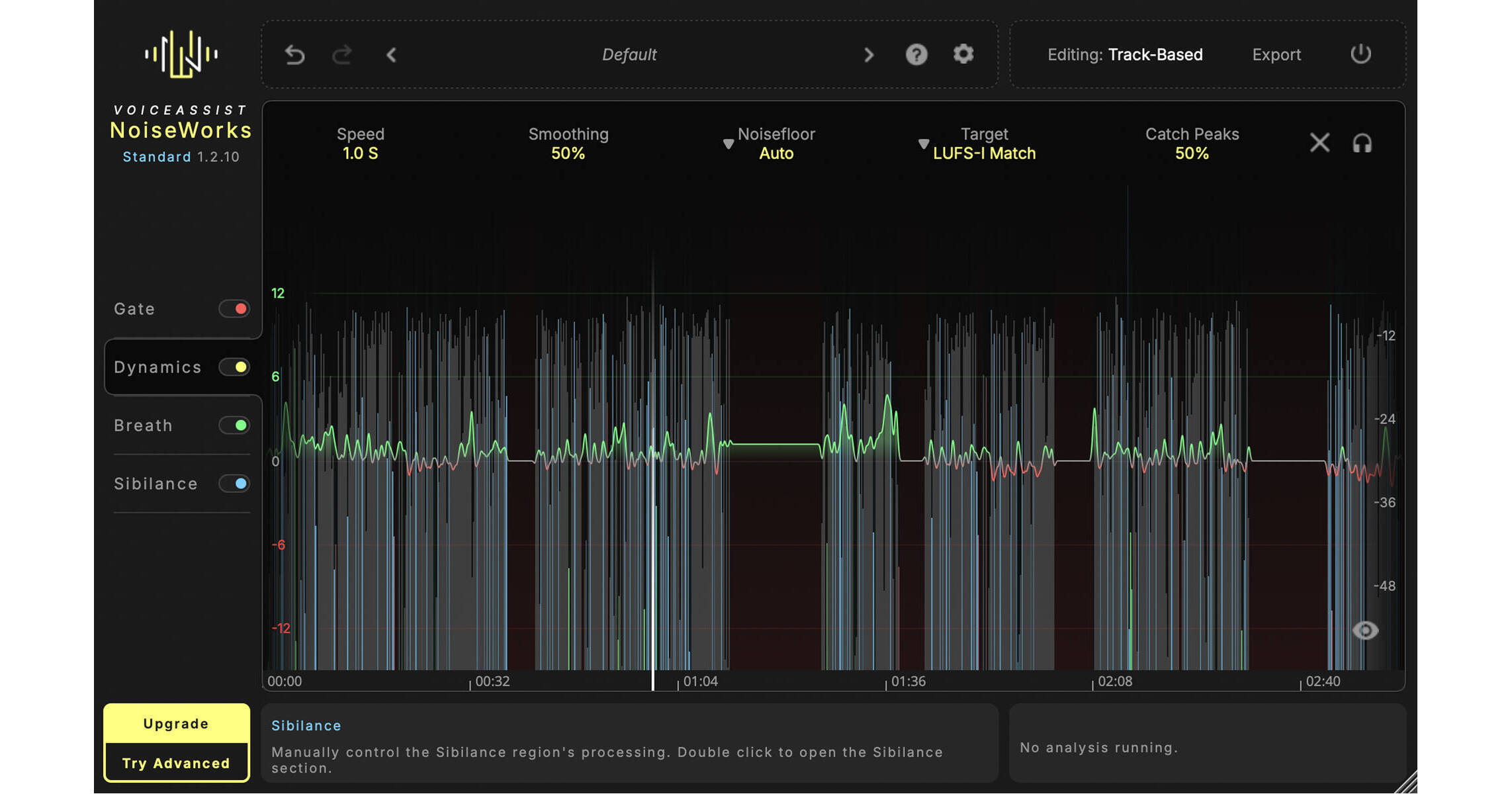
Designed for audio professionals who work primarily on vocals or the spoken word, NoiseWorks VoiceAssist (Standard) automates your vocal editing processes, so you can concentrate on the creative aspects of your work. Sit back and take advantage of AI processing to control unwanted noise, breath sounds, and sibilance, and to adjust your levels. VoiceAssist helps you prepare your tracks for the final mix, maintaining a consistent sound on material recorded across different rooms, shooting days, and mic positions.
Clean
- A real game changer for fast and professional voice editing. Remove reverb and background noise like traffic, fan noise, or other distractions, with no ned to access the cloud or upload.
- Get clean audio, right on your machine.
- Clean up muddy vocals caused by poor mic positioning.
Dynamics
- VoiceAssist Dynamics Section analyzes your performance and writes a custom volume automation tailored to your settings.
- Want a subtle volume ride that no one will notice? Use High Speed mode.
- Need aggressive leveling for rap vocals? Switch to Fast Speed, and your voice will cut through—clearly and consistently.
- Work in LUFS-I or LUFS-S with integrated peak control. to trigger your compressor only when you really need it.
Breaths and Sibilance
- Automatically reduce breaths and sibilance with adjustable intensity.
- Fine-tune each detected section individually if needed.
- Choose between overall volume reduction or spectral processing that targets only the harsh parts.
- All regions are fully customizable—adjust boundaries and add or remove with ease.
Gate
- The content-aware voice gate only works when it really has to, helping to prevent overprocessing or unnatural cuts. It’s designed to keep your recordings clean and consistent, even across changing environments, comped takes, or varying mic positions.
- The gate uses intelligent voice and silence detection to react only when needed. This ensures a transparent result without the typical artifacts of aggressive gating.
- If you prefer more control, you can always switch to a traditional threshold-based mode.
- Adjustable boundaries let you fine-tune the gate’s behavior to match your specific recording situation.
Additional Tools
- Integrated and short-term LUFS targeting
- Manual editing
- Infinite lookahead
- ARA and transfer modes