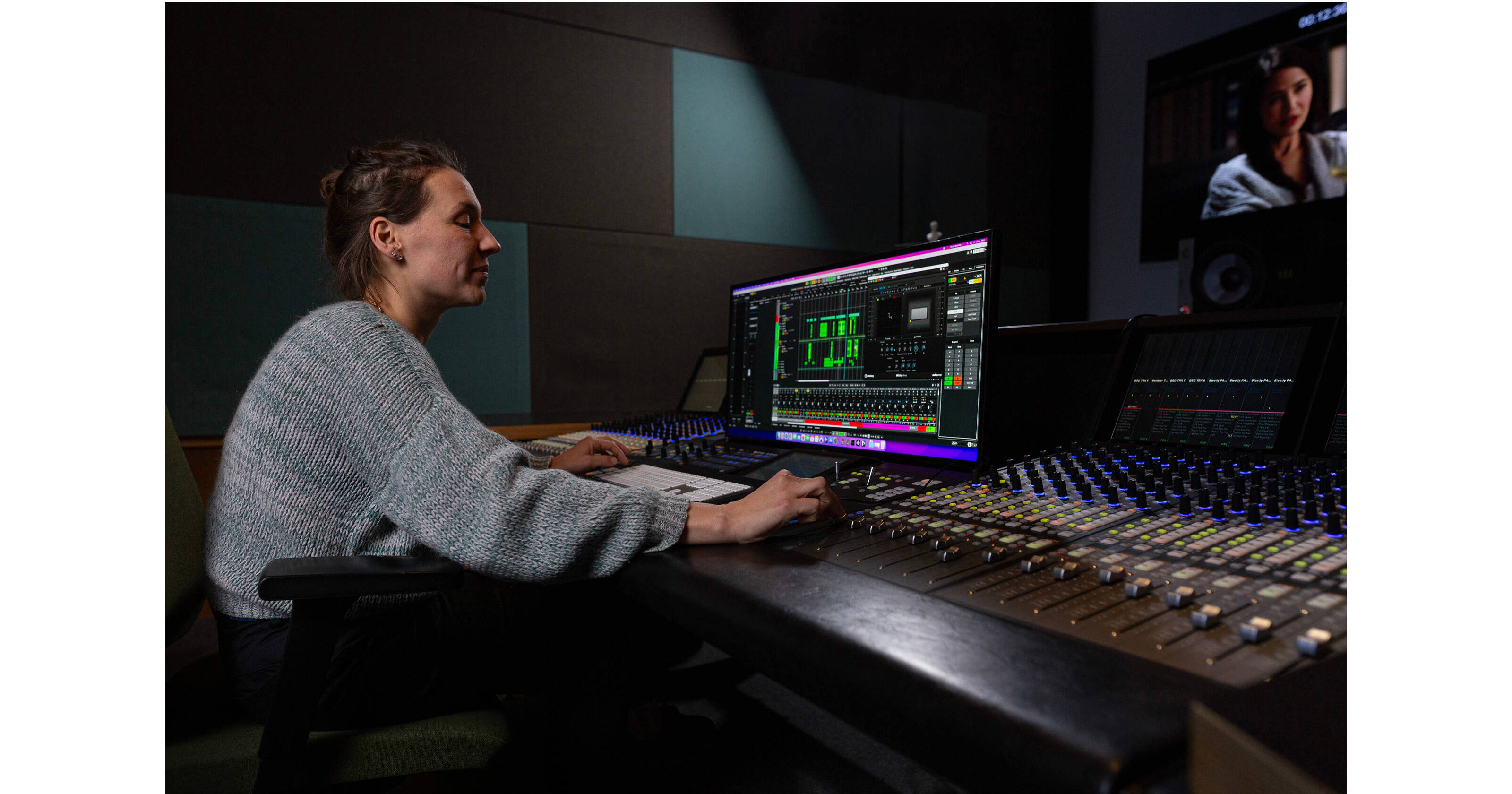
With new plug-ins included (over 120 plug-ins total), you have even more tools in your box to handle any number of mixing, tracking, editing, and mastering applications. Nuendo 15 supports VST3, AU, and AAX plug-in formats and is available for macOS and Windows computers.
Note: This version of Neundo 15 is a crossgrade offering a reduced price for owners of an active license of any compatible DAW. Please visit https://www.steinberg.net/nuendo/ for a list of compatible DAW licenses.
Then there’s the automation system that introduces several new functions, including Parameter Selection by touching controls in plug-ins, copy/paste automation, individual track punch out in Latch Mode, clearer visual automation states, and a Write on Play mode with proper Preview indication while adjusting parameters.
- Any Folder Track can now be assigned its own group channel. Tracks placed within the folder are automatically routed to their corresponding bus, clearly organized, and immediately prepared for complex mix structures.
- The Marker Editor’s value fields have been reorganized to provide a clearer structure and a more streamlined visual layout.
- WaveLab Go, built on WaveLab Pro’s renowned technology, is a new ARA extension delivering advanced editing, repair, and analysis tools, bringing mastering-grade precision directly into modern production workflows.
- SpectraLayers Go is an evolution of SpectraLayers One, offering a new iteration for a streamlined workflow, an enhanced user interface, upgraded toolsets, and next-generation AI-driven processes for cleaner separations and more accurate spectral operations.
- UltraShaper is a new compressor that combines transient shaping, clip limiting, and EQ sculpting, delivering precise, controlled dynamics processing, suitable for subtle refinement or bold sound-design work.
- PitchShifter is a real-time pitch shifting with formant preservation, saturation modes, stereo unlinking, and a ±24-semitone range that supports both creative transformations and corrective dialogue for effects work.
- Six new modulators—including Random Generator, Sample & Hold, and Wavefold LFO—add motion, variation, and evolving textures for more expressive and dynamic sound design workflows.
- The Sampler Track now enables instant sample replacement via MediaBay Hot Swap, with improved filtering that speeds up selection, auditioning, and rapid sound-design iteration.
- Omnivocal offers synthesized vocals with a natural character extend the possibilities of vocal design, temp dialogue, and experimental applications. A streamlined interface supports quick and expressive results.
- Create expressive melodic patterns using the monophonic and polyphonic modes, step input, custom scales, shape generators, and a deep randomizer—all within the Pattern Editor and suitable for tonal design, rhythmic motifs, or sketch material.
- The redesigned Expression Maps system refines articulation control with a streamlined setup, per-articulation attack compensation, and deep integration with both the Key Editor and Score Editor, supporting detailed performance and playback programming.
- Stems can be extracted from mixed audio using AI-powered separation tools—well suited for vocal isolation, rebalancing, and creative reworking of existing material.
- A collection of 40 modern drum kits delivers a wide range of percussive material that can be repurposed for rhythmic design, impacts, and layered transient elements.
- A new collection of production-ready vintage synth sounds (HALion Libraries) offers a broad selection of leads, basses, and pads, providing tonal source material for design work, temp scoring, and hybrid audio projects.
- Thirty new Chord Pad presets present ready-to-use harmonic structures that can serve as tonal references, sustained beds, or compositional placeholders within larger projects.
- The redesigned Groove Agent SE features a scalable interface, a new mixer, and enhanced effects, supporting efficient creation and refinement of rhythmic material.
- Genre-spanning loop packs and curated samples provide fast access to structured musical and rhythmic material for temporary use, experimentation, or creative development.
- New pattern presets cover basslines, leads, chords, and arpeggios, offering structured pattern material that can support sketching, temp work, or rhythmic experimentation.
- The updated Score Editor introduces new tools and enhanced workflows that support clearer, more efficient notation tasks when needed.
- New and updated compensation curves are available for headphone models from Audeze, Audio-Technica, Beyerdynamic, Fiio, Sennheiser, Shure, and others.
- Volume and pan controls are available directly within the track controls area, with customizable layouts per track type for improved clarity in dense sessions.
- Support for MPF and MXF/S ADM imports brings full scene metadata into the session. Scene templates allow importing static scene descriptions without audio.
- All stock effect plug-ins include user-adjustable interface scaling, supporting both large-screen and compact workflows without compromising clarity.
- Start any working session comfortably with the new Hub, featuring resizable panels, project previews, and enhanced search and filtering options that make finding the right version of your project fast and intuitive.
- The DAWproject format offers expanded interoperability, allowing projects to move between Nuendo, Cubase, Cubasis, and other supported DAWs while maintaining structure and intent.
- Nuendo supports native fullscreen mode on macOS, enabling immersive editing and mixing across Project and MixConsole windows.