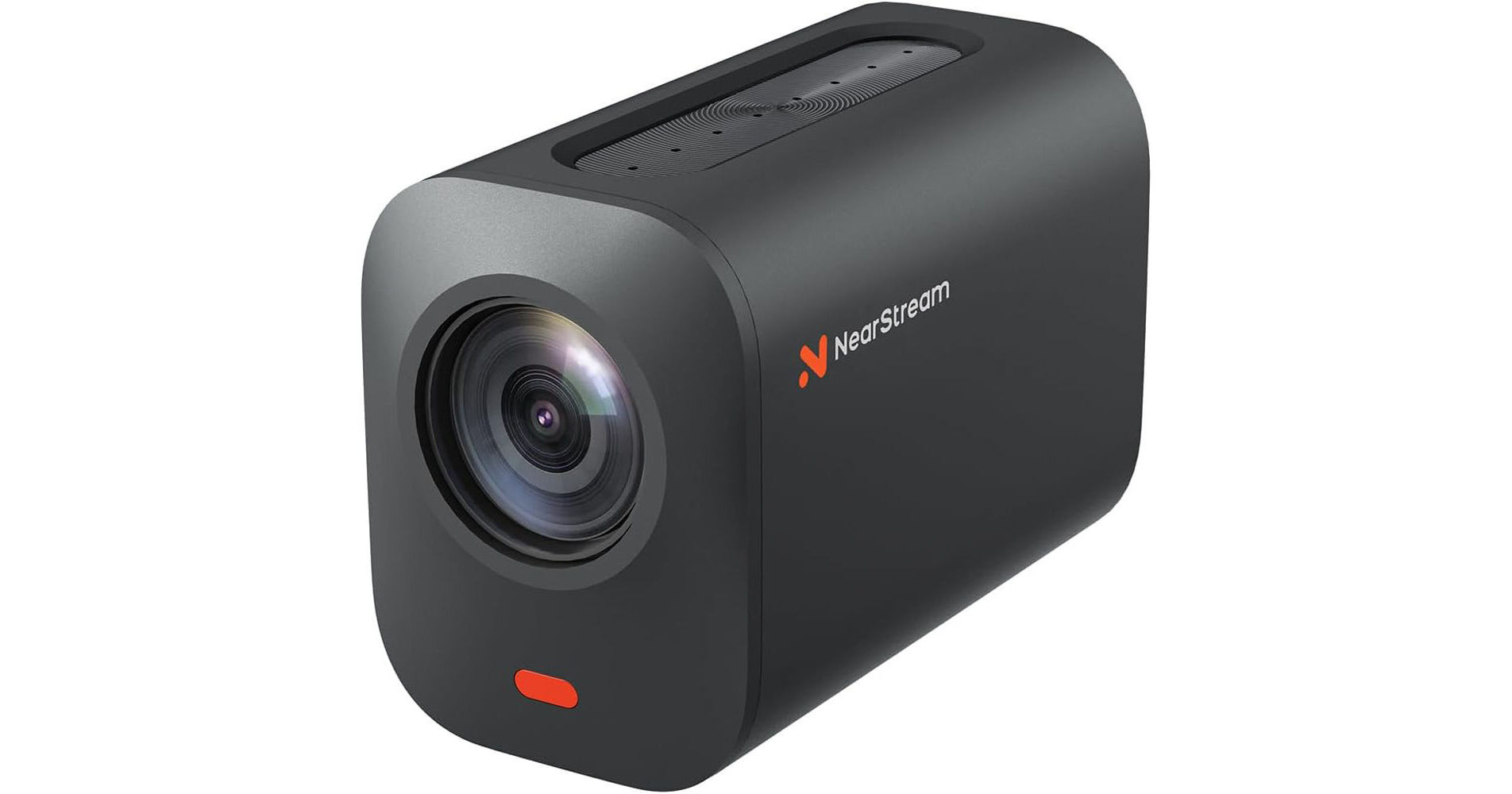
The VM33 Pro True 4K Wireless Streaming Camera from NearStream is an all-in-one camera designed for vloggers, streamers, and content creators to capture, stream, and record up to 1080p HD or 1440p 2K video. The camera can output video via Wi-Fi or USB-C for streaming via a computer to popular sites such as YouTube, Facebook, Twitch, and OBS.
4K Capture and 10x Zoom
The VM33 Pro camera delivers 10x optical zoom via a 60-piece lens, allowing you to capture sharp, detailed images from long distances. Powered by a 50MP CMOS sensor and 120dB dynamic range, it can capture top-quality 4K footage.
Stream Anywhere
Stream on the go with Wi-Fi, 4G/5G mobile networks, or use the optional L30 PoE adapter.
Fully charged in four hours using the USB-C port, the VM33 Pro camera's built-in 6400mAh battery provides up to 8 hours of streaming or 12 hours on standby.
Plug-and-Play Multicamera and Recording
The camera is easy to set up; just plug it into your computer using the included USB cable and get started. You can also link up to three VM33 Pro wireless streaming cameras together to create efficient and high-quality streams or record from multiple angles using the NearStream app.
For multiple recording needs, insert a microSD card into the camera's slot. It supports cards from 32 to 128GB in capacity, V10 class or higher, with a write speed of 10MB/s and formatted in FAT32.
Intelligent App Control
Enhance your streaming experience with our free app, offering features like picture in picture, graphic overlays, audio mixing, auto-director, and an optional NDI license.
It's a great live stream camera companion for content creators who want to produce high-quality streams with ease.
Clear Audio Capture
The VM33 Pro features an 8-MEMS microphone array that picks up 360° audio within a 16' radius. Integrated AI noise-canceling technology eliminates unwanted background noise, delivering crisp, clear sound.
You can also enhance your audio setup by connecting an external microphone to the 3.5mm audio input and even add background music through the NearStream app.