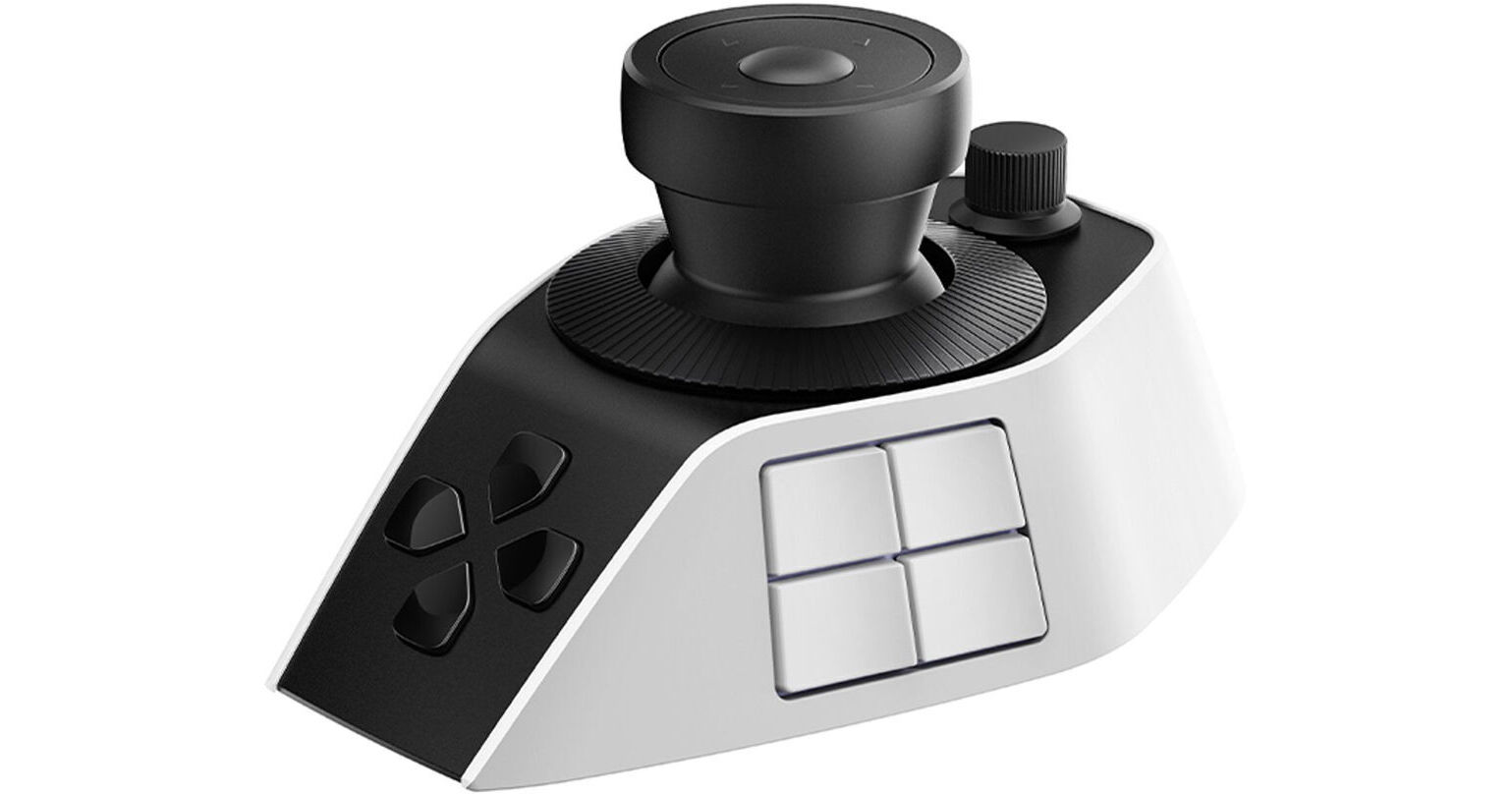
Streamline your editorial workflow with added speed and flexibility using the Pilot Pro Editing Console from XPPen. The versatile one hand joystick controller features an ergonomic design for fatigue-free editing with directional commands and intuitive control. Capable of executing 100+ commands, the Pilot Pro integrates a high-speed dial that also serves as a tactile controller for accurate frame-by-frame editing, as well as a precision knob that facilitates playhead adjustment. The joystick offers smooth and precise management of the color wheels for precise color grading, ultimately providing faster navigation and smoother editing.
All-Day Power, Easy to Recharge
With its built-in battery and USB-C charging, the Pilot Pro offers more than 15 days of
battery life for extended editing sessions. Battery life depends on daily usage. At four hours of use per day, the battery lasts at least 15 days on a full charge.
Multiple Connection Methods, Stable Performance
The console supports Bluetooth, 2.4G dongle, and wired connections. Connect it to your computer or laptop for low-latency, stable performance.
Light-Touch Buttons, Lasting Comfort
Each button's actuation force is precisely tuned to be light and responsive, reducing finger fatigue throughout demanding tasks.
Ergonomic in Every Detail
The console's contoured body provides full palm support, reducing stress on your wrist.
Buttons are placed for a natural operating posture, allowing you to reach them with
minimal movement from a standard position.
Customize Freely, Switch Instantly
Buttons, joystick, and knobs are highly customizable for mainstream software like DaVinci Resolve, Premiere Pro, Photoshop, and Lightroom. Preset shortcuts switch automatically when changing between applications.
Command Buttons for Frequent Operations
Eight command buttons are ready to map your favorite shortcuts. Assign them for instant access to paired commands like copy/paste and undo/redo. The buttons on the console are mapped to 100+ commands and intelligently grouped for compact, one-handed access, enabling true eyes-free operation.
Instant Command Access
Buttons can be set as "command sets," allowing a single button to carry multiple commands. Select and execute various editing shortcuts in an instant. You can even expand a single button into an operation panel for quick access to multiple commands, taking your editing efficiency to the next level.
UPC: 810190781722