

From Manufacturer
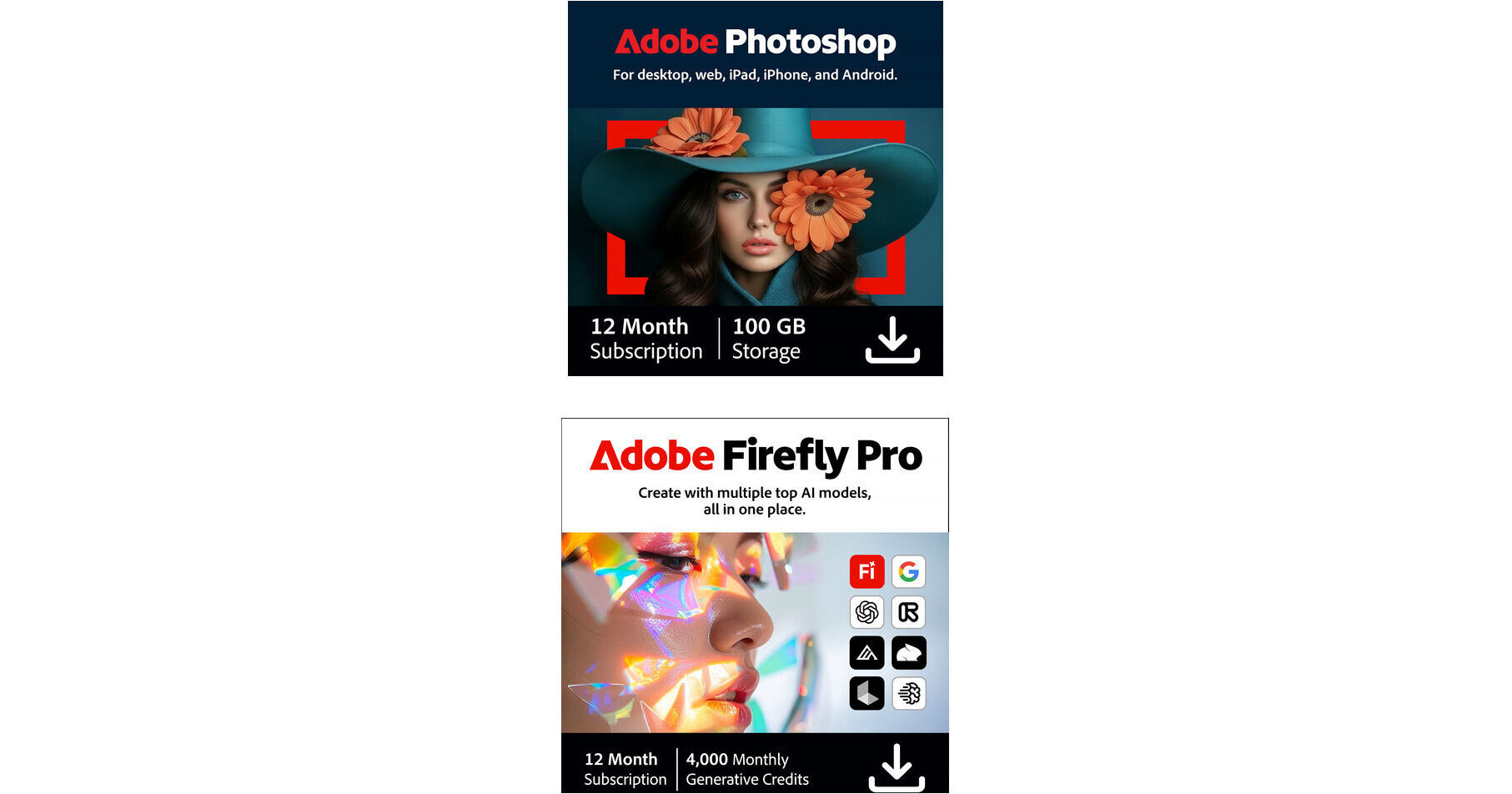
Put together by B&H, the Adobe Photoshop CC & Firefly Pro bundle combines the industry-standard image editing tools of Photoshop CC with the powerful generative AI features of Firefly Pro, allowing endless possibilities for image creation and adjustment.
One of the best-known applications for image editing, retouching, and graphic design, this 12-month subscription to Adobe Photoshop CC offers complete access to the remarkably versatile software well-suited to all visual artists. As part of the Creative Cloud, Photoshop CC will always remain up to date with the latest features and tools, including updated brush libraries, enhanced performance based on new hardware and operating system requirements, refinements to existing tools for improved control and a faster overall workflow, and AI-powered generative editing tools for filling, expanding, and removing image content.
- More than just a basic image editing application, Photoshop allows you to perform everything from simple image adjustments to total graphic and visual transformations using a wide range of color and effects enhancement features, crop settings, object removal tools, retouching and repairing processes, and AI-powered generative editing tools.
- In addition to its photographic associations, Photoshop is also a versatile graphic design tool for producing imaging assets for posters, packaging materials, banners, websites, and logos, with a variety of available templates and intuitive tools to suit all design skill levels. Advanced layers, masking, and professional color grading tools provide precise creative control for print and web-based projects.
- A range of illustration and digital art tools allow you to perform a range of creative tasks, including producing original illustrations, transforming photographs into painting-like images, or generating 3D artworks that can be animated or printed. Numerous effects, patterns, and brushes can all be used to fine-tune your digital creations.
- Perspective Warp allows you to adjust the perspective of a portion of your image without affecting other regions of the photo. This is ideal for changing the camera's viewpoint, such as changing a telephoto shot into a wide-angle perspective, and for compositing images together despite having different vanishing points or camera positions.
- Blur Gallery motion effects can be applied in circular, elliptical, and path-shaped blurs in order to create a sense of motion within your image.
- Smart Sharpen allows you to add rich texture, define edges, and draw out greater detail. This updated tool analyzes specific portions of the image in order to maximize clarity and minimize noise and halos in order to produce natural results that can be fine-tune to your preference.
- Camera Shake Reduction helps to rescue photos that might otherwise be lost due to unwanted blur caused by slow shutter speeds or longer focal lengths. This function analyzes the trajectory of the shot and helps to restore sharpness across the frame.
- The Focus Mask feature automatically selects regions of an image that are in focus and helps you to build precise and natural masks that can be used for enhancing the look of selective focus and shallow depth of field imagery.
- Enhanced Content-Aware technology offers more seamless and realistic retouching control when using the content-aware fill, move, and patch tools. This technology cleanly blends areas containing gradients, such as skies, for more natural results.
- AI-powered generative editing features enable image content to be filled, expanded, or removed with realistic results.
- Photoshop can also be used directly in a web browser for cloud-connected editing, AI-assisted workflows, and creating graphics without requiring the desktop application.
- Brush Management and Performance - Brushes can be organized and saved in the order you want for faster and more intuitive use. Performance updates promote quicker brush reaction times to reduce lagging and a Brush Stroke Smoothing feature also helps to achieve cleaner lines and curves.
- Curvature Pen Tool - Borrowing from Illustrator CC, a Curvature Pen tool has been added for quickly and intuitively creating paths and pushing/pulling segments.
- Brushes from Kyle T. Webster - Access is available to more than 1000 brushes from award-winning illustrator, Kyle T. Webster.
Create and iterate across media types with Adobe Firefly Pro, a unified generative AI platform designed for modern content workflows. This monthly plan provides access to multiple leading AI models from Adobe, Google, OpenAI, Runway, and more, within a single interface, allowing seamless generation of video, images, audio, and vector-based assets. From rapid ideation to production-ready outputs, Firefly centralizes AI-driven creation while maintaining the precision and control expected in professional Adobe tools.
Firefly Pro balances creative flexibility with structured workflows, enabling users to generate video clips from text prompts, build detailed images with improved lighting and realism, and produce fully licensed music and voiceovers. Integrated editing tools support background expansion, object removal, and image upscaling, while Firefly Boards introduce a collaborative canvas for mood boards, concept development, and visual alignment. With 4000 monthly generative credits, the platform supports consistent creative output across a wide range of use cases without requiring multiple subscriptions or fragmented tools.
Designed for content creators, editors, and design teams, Firefly streamlines production pipelines by combining ideation, generation, and refinement in one environment. Outputs can be translated across languages with preserved tone and timing, enhanced with AI-generated effects, and moved directly into Adobe applications such as Photoshop or Express for finishing touches. The result is a cohesive AI ecosystem that supports both rapid experimentation and controlled, high-quality production.
- Generate video clips from text prompts with selectable resolution and aspect ratio
- Create highly detailed images with improved lighting, color accuracy, and realism
- Produce studio-quality music and sound effects licensed for commercial use
- Generate natural-sounding voiceovers and narration from text input
- Combine and layer outputs from multiple AI models for expanded creative control
- Remove objects and clean up compositions with AI-assisted editing
- Expand backgrounds and reframe images without quality loss
- Upscale imagery while preserving detail and sharpness
- Firefly Boards for mood boards, storyboards, and concept development
- Infinite canvas for team-based ideation and iteration
- Quick Guides for step-by-step creative workflows and prototyping
- Seamless transfer into Adobe Photoshop and Adobe Express
- Unified login for access to multiple AI models and tools
- Generate up to 40 five-second video clips per month
- Produce up to 400 AI-generated sound effects per month
- Translate up to 13 minutes of audio and video per month with tone and timing preservation
- Includes 4000 total generative credits per month