
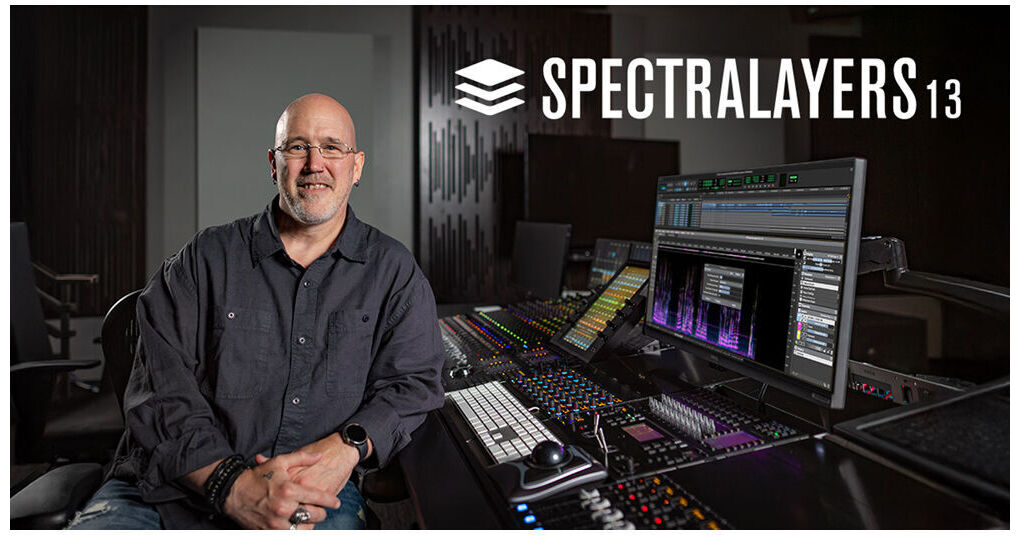
The SpectraLayers Elements 13 Editing and Processing Plug-In from Steinberg empowers your audio by rendering sounds as visual objects. You can explore, reach in, take, and transform, giving you full creative control over operations ranging from repairing and restoring audio, to sound design.
Refined selection tools are combined with new AI-driven audio extraction and repair processes—quickly and precisely split a sample into layers and create your own custom remixes.
You can manually or automatically unmix tracks into stems and then into component parts. It lets you quickly identify, isolate, and work on tone, transients, and noise signatures of extracted instruments.
A Foundation for AI-Enhanced Processing
- Manual selection tools in SpectraLayers allow everything from broad brush editing to microscopic intervention.
- AI-assisted processes bring speed and precision, making the SpectraLayers tool set and layers-based workflow more powerful and flexible
Repair and Restore
- Find and erase errors and unwanted sounds, reduce noise, repair clips, remove clicks, tame transients, and much more, manually or automatically
- Work with speed and precision, routinely salvage tracks, and perform audio enhancements in ways you never thought possible
ARA Protocol
- Thanks to advanced ARA 2 technology designed to build bridges between audio editing applications, SpectraLayers can be launched inside Nuendo, Cubase, and a host of applications from other developers to provide comprehensive, nondestructive visual editing on the DAW timeline
Audio Refabrication
- Use high-precision tools to make super-detailed audio selections on the spectral display
- Extract this material to independent layers for processing in SpectraLayers or anywhere in the DAW ecosystem
- Mix and render, or keep your edits preserved on the DAW timeline
Details and Capabilities
- File Import: AAC, AC3, AIFF, ALAC, AU, CAF, FLAC, MP3, OGG, Opus, RAW, WAV, WMA
- File Export: AAC, AC3, AIFF, CAF, FLAC, MP3, OGG, Opus, RAW, WAV
- Max sample rate: 96 kHz
- Two channels maximum
- Metadata and Markers Editing
- ARA2 VST, ARA2 AAX, AAX plug-ins
Editing
- Undo/redo
- Maximum undo levels: 8
- Cut/copy/paste/delete
- Paste insert
- Transfer between channels
- External Editors: 1
- Insert/delete/crop ttime
Selection Options
- Select All / Deselect / Reselect
- Invert Selection / Invert Selection Frequencies
- Load/Save Selections
Unmix Modules
- Songs: Vocals Only
Utility Modules
- Signal Generator
- Gain
- Normalize
- Phase Rotation
- Generate (Silence, Tone, Noise)
- Amplitude (Gain, Channel Remixer)
- EQ Match
- VST3 plug-in support
Restoration Modules
- Noise Reduction
- Hum Reduction
- Click Repair
Transform and Selection Tools
- Move
- Time/Frequency Range
- Marquee (Rectangular, Elliptical)
- Brush
Editing Tools
- Eraser
- Amplifier
- Frequency Repair
- Frequency Pencil
- Noise Spray
Automation
- Modules Chain
- Volume Envelopes