
Holiday Kickoff

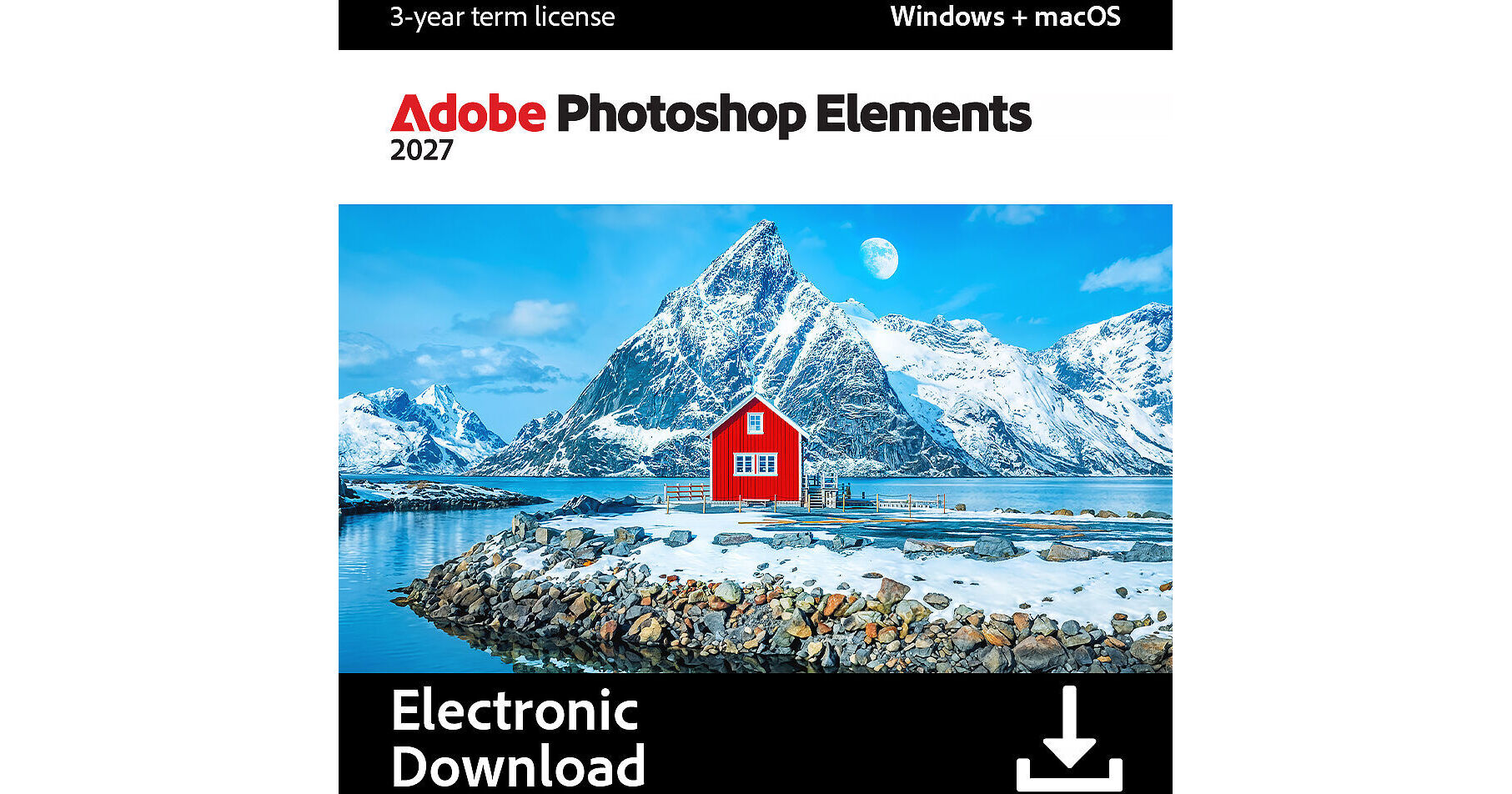
Adobe Photoshop Elements 2027 (3-Year License, Download)

BH #ADPSE2027 • MFR #30018245
Print
Adobe Photoshop Elements 2027 (3-Year License, Download)
Key Features
  • AI-Powered Photo Editing Tools
  • Generative Expand & Upscale
  • Generate Images, Objects & Backgrounds
  • New AI Assistant for Editing Help
Make every photo incredible with Adobe Photoshop Elements 2027, the approachable photo editor with new generative AI tools, intelligent assistance, and automated editing features. Extend photos beyond their original borders with Generative Expand, sharpen details in low-resolution images with Generative Upscale, and generate custom images, backgrounds, or other content by typing a description. The new AI Assistant can help find tools, guide edits, and handle common tasks, while a centralized hub brings popular AI-powered features together for quick access. Quick, Guided, and Advanced modes provide flexible ways to edit and build skills at any level.
More Details
Digital
Electronic Download
No Store Display
$59.99
$99.99
Holiday Savings $40.00
Limited supply at this price
+
Emailed within 1-3 Business Days
Ask an Expert
800-606-6969

Adobe Photoshop Elements 2027 Overview

Make every photo incredible with Adobe Photoshop Elements 2027, the approachable photo editor with new generative AI tools, intelligent assistance, and automated editing features. Extend photos beyond their original borders with Generative Expand, sharpen details in low-resolution images with Generative Upscale, and generate custom images, backgrounds, or other content by typing a description. The new AI Assistant can help find tools, guide edits, and handle common tasks, while a centralized hub brings popular AI-powered features together for quick access. Quick, Guided, and Advanced modes provide flexible ways to edit and build skills at any level.

New creative filters add an instant visual impact to photos, while partner AI models provide additional options for generating content. Find photos and videos by describing what is being searched for with new semantic search, and clean up libraries faster with more accurate duplicate detection. Existing tools make it easy to remove distractions, restore damaged photos, replace backgrounds, touch up faces, change object colors, add realistic depth of field, and combine multiple photos. Create Photo Reels, collages, and slideshows, access thousands of free Adobe Express templates, and send finished photos to a phone via QR code for easy sharing.

Please note that Photoshop Elements 2027 is a one-time purchase of a 3-year term (not subscription) with no auto-renewal. Also, this software is delivered electronically via digital download. The 3-year term license begins once you redeem the code. Only one redemption code can be redeemed per Adobe account. If you are looking to redeem another redemption code, click on "Use a different Adobe ID email" on the redemption page and log into a different account. If you have accidentally redeemed multiple codes using the same Adobe account, please contact Adobe Support to receive a replacement code.

Generative AI
  • Extend photos beyond their original borders with Generative Expand
  • Sharpen details in low-resolution photos with Generative Upscale
  • Generate anything from backgrounds to entire images by typing a description
  • Insert new objects by brushing an area and describing what to add
  • Quickly erase bystanders and distractions with Remove
  • Access partner AI models for content generation
Photo Editing and Effects
  • Apply Creative Filters like Oil Painting, Embroidery, or Duotone for instant visual impact
  • Restore old or damaged photos by removing scratches, creases, and other wear
  • Change or match objects colors and tones with AI precision
  • Add realistic depth of field with detailed blur controls
  • Warp and combine multiple photos seamlessly
  • Touch up faces, select skies, or replace backgrounds with one click
AI-Assisted Guided Edits
  • Find tools and get editing help with AI Assistant
  • Step-by-step Guided Edits for stylized text and creative effects
  • Quick, Guided, and Advanced editing modes for all levels of experience
  • Learn with visual tooltips throughout the editing process
Creative Tools
  • Add moving overlays or make specific areas move
  • Create photo reels, collages, slideshows, and GIFs
  • Enhance text with color fonts, pattern brushes, and scaling tools
Straightforward Workflow
  • Access thousands of free Adobe Express templates and Stock photos directly in-app
  • Quickly import photos from mobile phones and cloud services
  • Send edited photos to a phone via QR code for easy sharing
  • Find photos and videos using descriptive semantic search
  • Automatically curate and organize media with Smart Tags and facial recognition
  • Detect duplicates with greater accuracy to declutter photo libraries
Windows System Requirements
  • Intel Core 9th Gen or newer processor, or AMD equivalent with AVX2 and SSE4.2 support
  • Windows 11 (version 24H2 or later), 64-bit versions only
  • 8GB of RAM (16GB recommended)
  • 9.6GB available hard-disk space for installation
  • 1.5GB of GPU memory
  • Microsoft DirectX 12 compatible display driver
macOS System Requirements
  • Apple silicon M1 or newer processor
  • macOS 15.5 or later, or macOS 26.5 or later
  • 8GB of unified memory (16GB recommended)
  • 7.2GB available hard-disk space for installation
Additional Requirements (Windows and macOS)
  • 1280 x 800 display resolution (1920 x 1080 recommended)
  • Additional high-speed drives recommended for media and temporary files
  • Internet connection required for activation and online features
UPC: 883919337319

Adobe Photoshop Elements 2027 Specs

Delivery Format
Download
License Type
Standard: 3-Year Term
User Support
1 User
System Compatibility/Requirements
Operating System: Windows/macOS

Adobe Photoshop Elements 2027 Reviews

User friendly, AI, guides and tips

By KaseyL
Rated 5 out of 5
Date: 2026-11-08

[This review was collected as part of a promotion.] Everyone knows that photoshop's base workspace can be extremely intimidating and has a learning curve. Photoshop elements recognized this barrier and makes photo editing not-so-scary. The Home Screen offers auto creations - automatic creative edits of photos in your library to spark some inspiration, along with helpful tips and guides like how to open closed eyes in a photo. They also incorporate helpful AI innovation by asking anything to the AI assistant such as tips to make the photo better and how to do it. I think adobe recognized the learning curve their base workspace takes and did a wonderful job at making it more user friendly for everybody.

Easy Install for Macbooks

By DerrickT
Rated 5 out of 5
Date: 2026-10-28

[This review was collected as part of a promotion.] The new Adobe Photoshop Elements 2027 provides me with Photoshop access until December 2029 which is plenty of time to edit, enhance and enrich pictures I have taken with fond memories. The tools and interface are very sleek and direct to the point. The installation takes a little bit time but rest assured, you are getting all the tools you need to be successful with photo enhancements. Highly recommended!

See any errors on this page?

Is the Elements 2027 product you sell the complete

Is the Elements 2027 product you sell the complete package? In a Chat with Adobe, I was told all the ai was was extra and came with a annual charge.
Asked by: Michael
Adobe Photoshop Elements 2027 (3-Year License, Download) comes with 25 generative credits per month; if you exceed that amount, you can purchase more by upgrading to an Adobe Firefly plan or wait for the monthly credits to reset.
Answered by: Miguel M
Date published: 2026-09-22
  • y_2026, m_11, d_19, h_7CST
  • bvseo_bulk, prod_bvqa, vn_bulk_3.0.50
  • cp_1, bvpage1
  • co_hasquestionsanswers, tq_1
  • loc_en_US, sid_1996549, prod, sort_[SortEntry(order=HAS_STAFF_ANSWERS, direction=DESCENDING)]
  • clientName_bhphotovideo
Whatever You Need, We've Got It