Video Chat with a Pro Video Expert - Live

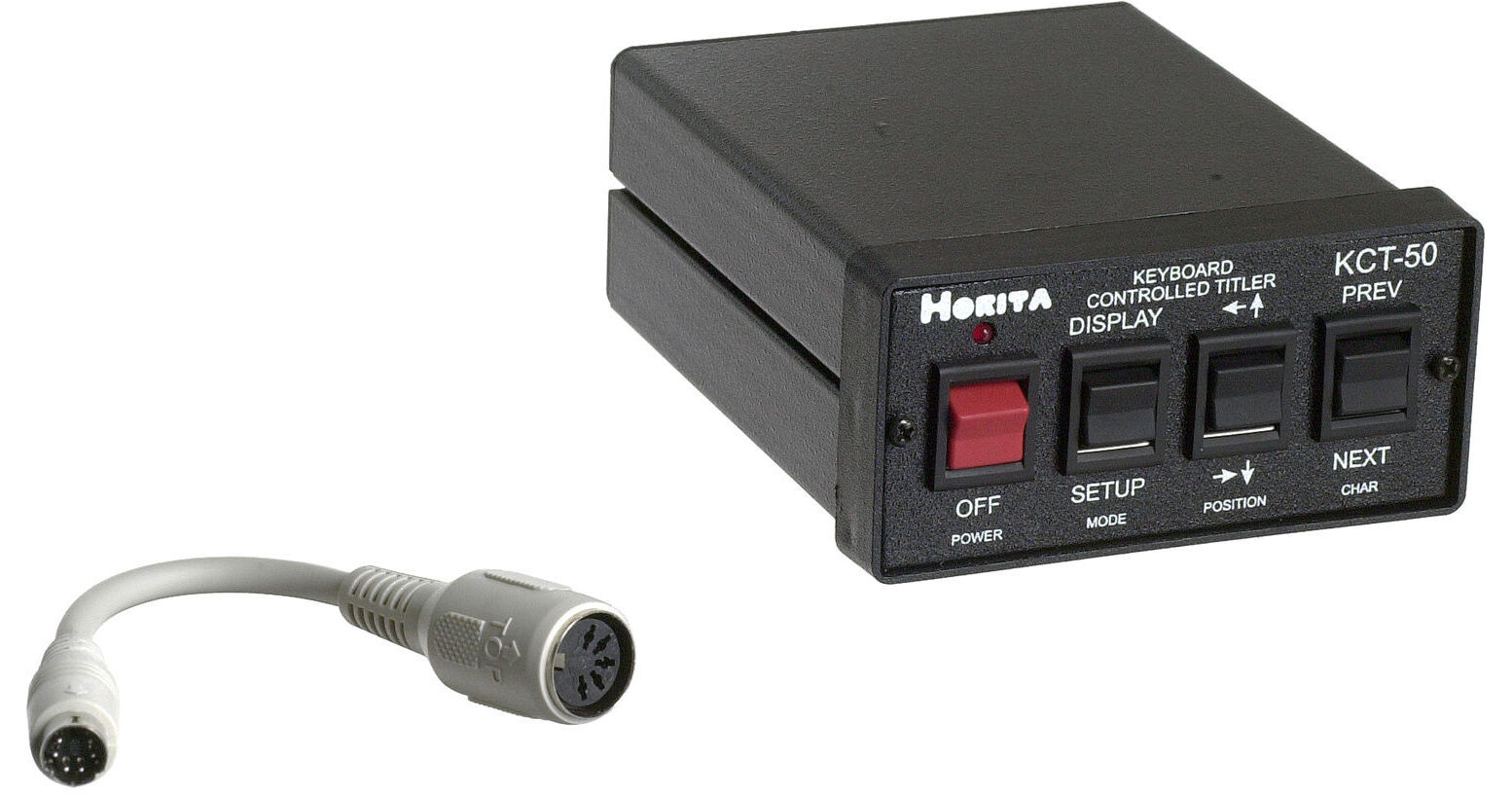
Horita KCT-50 Composite Character Generator

BH #HOKCT50 • MFR #KCT-50
Print
Horita KCT-50 Composite Character Generator
Special Order
Expected availability: 2-4 Weeks
No Store Display
This item cannot be canceled or returned.
Free Standard Shipping
Protect Your Gear
Add a protection plan from $44.99
Ask an Expert
800-606-6969

Horita KCT-50 Overview

The Horita KCT-50 is a stand-alone character generator that works with a standard PC keyboard to add titles and captions to video. No PC or PC software is required. The KCT-50 can add up to nine lines of 20 characters each.

Built-In Text Editor
The KCT-50 has a built-in text editor that performs common typing operations for quick performance of titling and captioning tasks. Built-in text editor commands include insert, delete, backspace, page up, page down, home and end.
Time and Date Display
The KCT-50 also includes a battery backed up clock and calendar which can be added to video in a variety of display formats.
Flexible and Expandable
Up to 25 KCT-50s can be connected together and addressed and controlled from a single PC keyboard. The unit can also be controlled from front panel switches. Each KCT-50 maintains 2 separate setup and display screens, which are selected via the keyboard.

Horita KCT-50 Specs

System
NTSC
Input and Output Connectors
Video In x 1 BNC
Video Out x 1 BNC
Keyboard In x 1 Mini DIN
Power Requirements
9V (power supply included)
Dimensions
3 x 1.75 x 5" (76.2 x 44.45 x 127mm)
Weight
2 lbs (0.9072 kg)
Packaging Info
Package Weight
1.5 lb
Box Dimensions (LxWxH)
8.3 x 7.8 x 3.6"

Horita KCT-50 Reviews

See any errors on this page?

question

Can the Horita KCT be connected to a camcorder to set up a score graphic overlay for sports like basketball or lacrosse during recording games?
Asked by: Leigh
According to the manufacturer if only a camcorder is being used with the KCT-50, the answer is no. The video signal generated by the camcorder needs to be run through the KCT-50 in order to overlay the text, time, date, etc, etc on the images. Therefore, you need to use an external vtr, dvd recorder, or other recording device connected downstream of the camcorder and then use the KCT-50 to caption the video.
Answered by: Dennis A L.
Date published: 2018-08-27

Does it have color changes and character crawl ?

Does it have color changes and character crawl ?
Asked by: David
According to manufacturer, this is a black/white only character generator. No crawl support is stated. And it cannot be used for HD or higher video operation. It is composite SD only.
Answered by: Bruno
Date published: 2020-09-01
  • y_2026, m_6, d_4, h_10CST
  • bvseo_bulk, prod_bvqa, vn_bulk_3.0.46
  • cp_1, bvpage1
  • co_hasquestionsanswers, tq_2
  • loc_en_US, sid_213113, prod, sort_[SortEntry(order=HAS_STAFF_ANSWERS, direction=DESCENDING)]
  • clientName_bhphotovideo
Whatever You Need, We've Got It