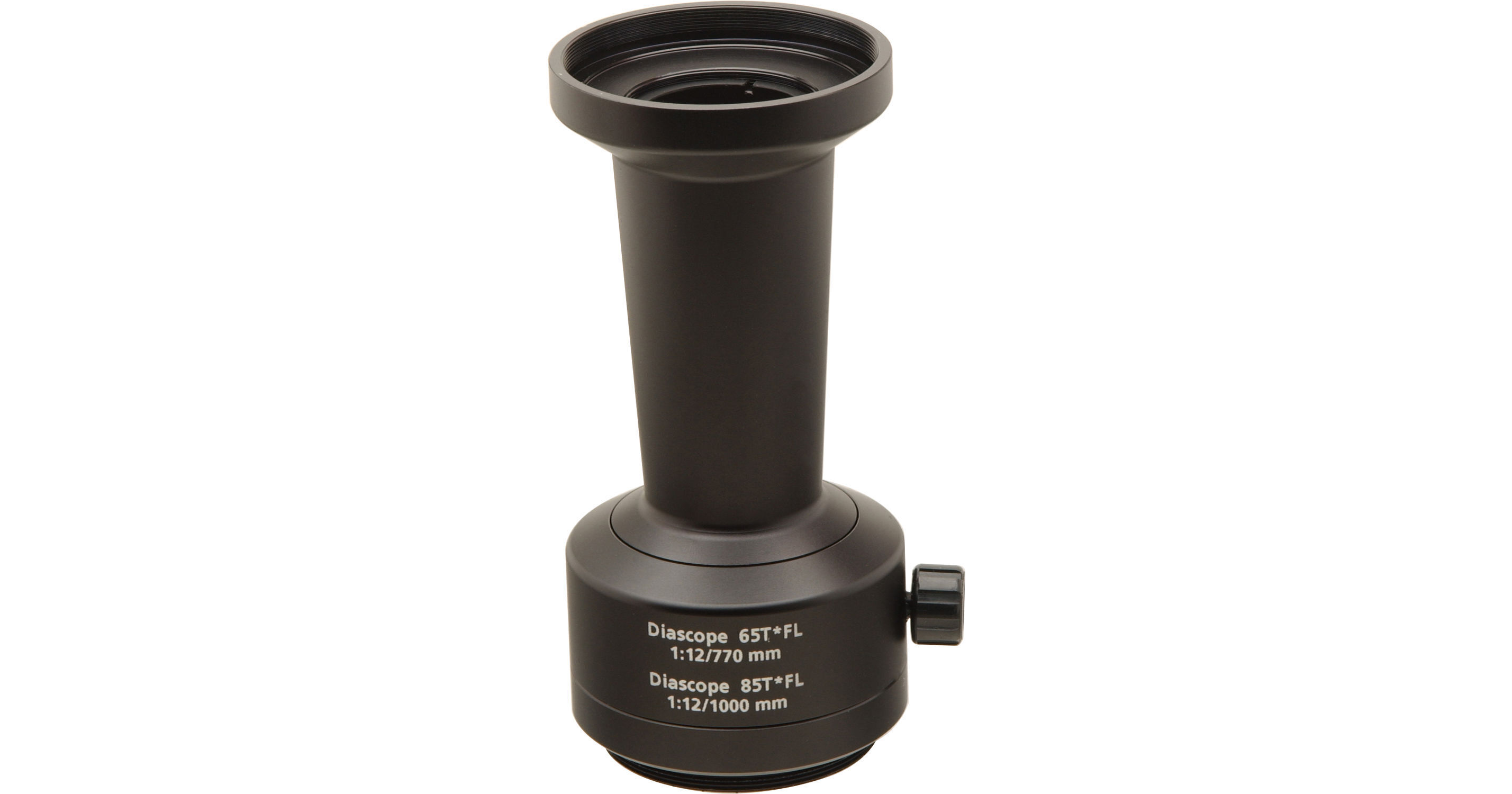
ZEISS SLR Camera Adapter

BH #ZEAP • MFR #52 80 30
Print
ZEISS SLR Camera Adapter
Key Features
  • For Diascope T* FL Scopes
  • 1000mm f/12 w/ 85mm Scopes
  • 770mm f/12 w/ 65mm Scopes
  • Requires Camera-Specific T-Mount Adapter
Ultratelephoto photography is easily achieved with your spotting scope by purchasing this SLR camera adapter. You'll need to take precautions to minimize vibrations, such as locking up the mirror if possible as well as using a cable release or remote control to fire the shutter.

First, remove the eyepiece. Next, attach the SLR camera adapter where the eyepiece would normally be attached to the spotting scope, and screw in a t-mount adapter to the opposite end of the SLR camera adapter. Now you can attach your camera to the t-mount and you are ready to begin taking pictures!

More Details
No Longer Available
No Store Display
Ask an Expert
800-606-6969

ZEISS 52 80 30 Overview

Ultratelephoto photography is easily achieved with your spotting scope by purchasing this SLR camera adapter. You'll need to take precautions to minimize vibrations, such as locking up the mirror if possible as well as using a cable release or remote control to fire the shutter.

First, remove the eyepiece. Next, attach the SLR camera adapter where the eyepiece would normally be attached to the spotting scope, and screw in a t-mount adapter to the opposite end of the SLR camera adapter. Now you can attach your camera to the t-mount and you are ready to begin taking pictures!

Note:
Your camera will need to be in fully manual exposure mode, although some brands of camera may also work in aperture-priority autoexposure mode.  Additionally, if there is a switch on the camera which chooses the focus mode, that switch must indicate manual focusing.
Camera can rotate 90° within adapter rather than rotating the entire scope for vertical shots
Constructed of 7 optical elements

ZEISS 52 80 30 Specs

Packaging Info
Package Weight
0.85 lb
Box Dimensions (LxWxH)
5.9 x 3.85 x 3.45"

ZEISS 52 80 30 Reviews

See any errors on this page?
Whatever You Need, We've Got It