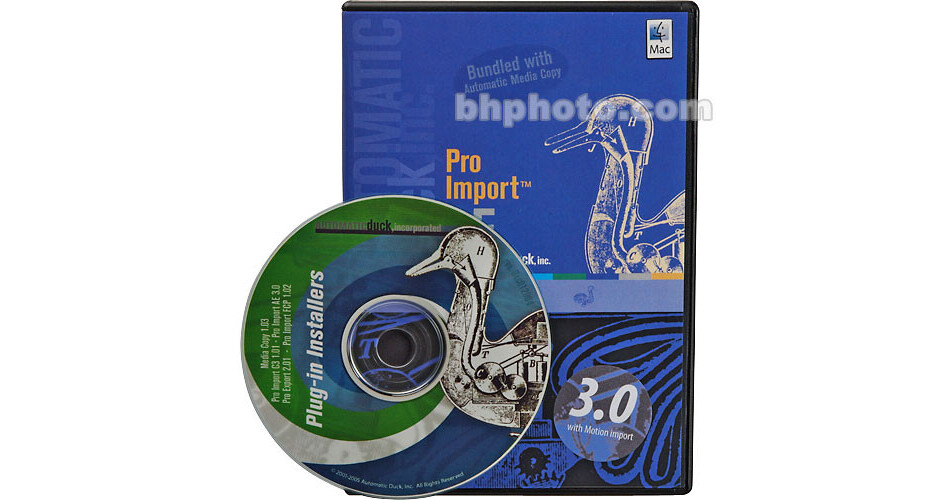
Automatic Duck's Pro Import and Media Copy Bundle includes Pro Import FCP4 and Automatic Media Copy, both designed to improve connectivity between Avid and Final Cut Pro edit systems.
Pro Import FCP4 allows you to transfer AVID OMF 2.0 files directly into Final Cut Pro 4.1/HD, including many of your AVID effects and transitions!
Automatic Media Copy simplifies the transfer of your AVID or FCP4 media onto other systems, including After Effects and Boris RED.
If you need to import AVID projects and media into Final Cut Pro 4, or export to After Effects or Boris RED, this Pro Import FCP4 and Automatic Media Copy Bundle will solve most of your compatibility problems.
Import AVID OMF 2.0
Transferring a project using an EDL usually limits the edited sequences to simple cuts and dissolves. Pro Import FCP allows you to transfer many additional effects, including keyframes, P-I-P, superimpositions, speed changes, freeze frames, flops/flips and audio clip levels, and pan and gain. In addition, collapsed layers become nested sequences!
Multi-Versions of AVID Supported
Pro Import FCP is compatible with AVID Media Composer 7.x and up. It is also compatible with AVID Xpress 2.X and up.
Offline in AVID, Online in FCP4
You can offline in AVID, then, using Pro Export FCP, online on a full-resolution Final Cut Pro 4 system. This will save you money by allowing you to do the bulk of your editing on a low-cost system, and will dramatically cut conversion time by transferring the majority of your fully realized timeline directly into Final Cut Pro 4 for finishing.
Export to After Effects/Boris RED
Automatic Media Copy facilitates transferring sequences (OMF) from your AVID or FCP system to Adobe After Effects or Boris RED visual-graphics programs.
AAF Compatibility Coming Soon
In an effort to increase compatibility, Automatic Duck will be releasing an AAF plug-in for Pro Import FCP, allowing it to import AAF files from Avid and Adobe Premiere systems. This plug-in will be free for Pro Import FCP users.