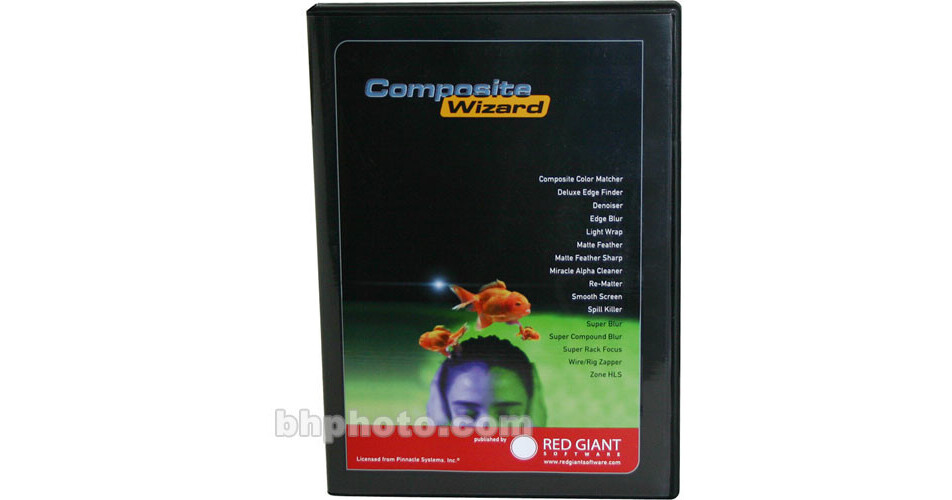
Composite Wizard 1.2 Filters Plug-in for After Effects enables compositors to handle even the toughest mattes with precision and speed. The Composite Color Matcher filter makes blending a keyed element with a background plate as simple as sampling colors from the plate and applying them to the foreground. Deluxe Edge Finder helps smooth rough edges of an alpha channel, Denoiser cleans video and film noise, and Light Wrap enables photorealistic blending of the lighting from the background into the edges of the foreground element. Smooth Screen and Spill Killer help smooth and manage even the most uneven blue and greenscreens. There's even Wire/Rig Zapper to eliminate telltale lines of wires or rigs, and Superrack Focus to replicate a camera rack focus in post. Gain the power and speed of high-end compositing tools at a fraction of the price.
Ask Our Experts866-264-7509
Hello, Log InAccount & Orders
Key Features
- Compositing Filters Adobe After Effects
Composite Wizard 1.2 Filters Plug-in for After Effects enables compositors to handle even the toughest mattes with precision and speed. The Composite Color Matcher filter makes blending a keyed element with a background plate as simple as sampling colors from the plate and applying them to the foreground. Deluxe Edge Finder helps smooth rough edges of an alpha channel, Denoiser cleans video and film noise, and Light Wrap enables photorealistic blending of the lighting from the background into the edges of the foreground element. Smooth Screen and Spill Killer help smooth and manage even the most uneven blue and greenscreens. There's even Wire/Rig Zapper to eliminate telltale lines of wires or rigs, and Superrack Focus to replicate a camera rack focus in post. Gain the power and speed of high-end compositing tools at a fraction of the price.
More DetailsNo Longer Available
Red Giant COMP-RB Overview
Composite Color Matcher
Automatically color-correct a foreground element to match a background plate with just a few clicks of the mouse.
Deluxe Edge Finder
Create better blends between foreground elements and backgrounds by controlling the border along the foreground layer's alpha channel. Control exposure, color balance, sharpness, and transparency.
Denoiser
Reduce or even eliminate film and video noise with this filter. An intelligent averaging function cleans up "chatter" often found in dark areas of images, and it can distinguish static areas of imagery versus areas in motion, thereby preserving crucial detail.
Edge Blur
Smoothly blur tattered edges of foreground elements, thereby achieving a more organic, photoreal composite.
Light Wrap
Achieve the photorealistic illusion of ambient light from a background enveloping or "wrapping" around the edges of a foreground element.
Matte Feather
Soften and smooth hard edges from CG elements by applying a gradual feather (shift from opaque to transparent) to the edge of the foreground layer's alpha.
Miracle Alpha Cleaner
Just like the name says, this plug-in can find and eliminate unwanted grain, holes, and other imperfections in your matte.
Re-Matter
Effective and detailed compositing sometimes requires creating and applying multiple mattes to images. Combine the effects of these multiple mattes on a layer, all in one pass.
Smooth Screen
Tackle rough or unevenly lit green and blue screens by applying a "smoothing" effect. Smooth Screen analyzes and compares pixels to the desired key color and "smooths" problem areas accordingly.
Spill Killer
Zap blue and green screen spill that appears on the edges of foreground elements. Spill Killer is powerful enough to even handle fine detail (like hair or glass) and motion blur without sacrificing detail.
Super Blur
Utilize the power and quality of a guassian blur without the "hit" in rendering speed. This blur renders at up to five times faster than other comparable blurs.
Super Compound Blur
This filter combines the power and speed of the Super Blur with the ability the apply and control blur intensity based on a control layer. Manipulate blurs via luminance and RGBA channels.
Super Rack Focus
Imagine combining the power of Super Blur with Z-buffer or depth control. Use this filter when you want to simulate photorealistic rack-focusing effects during post-production. Animated depth maps can be generated by your favorite 3D application and then imported into After Effects and applied via this filter. This is an excellent tool for dynamic integration of CG elements.
Wire/Rig Zapper
Easily eliminate wires, rigging, film scratches and video drop-outs by sampling and cloning pixels from surrounding areas.
Zone HLS
Gain better control over image hue, saturation, and lightness with more intuitive controls based on highlights, mid-tones, and shadows. This is a great addition to any color-corrector's arsenal.
Red Giant COMP-RB Specs
| Supported Host Applications | |
| Video System | |
| Supported File Types | |
| Hardware Support | |
| System Requirements |
Red Giant COMP-RB Reviews
See any errors on this page?