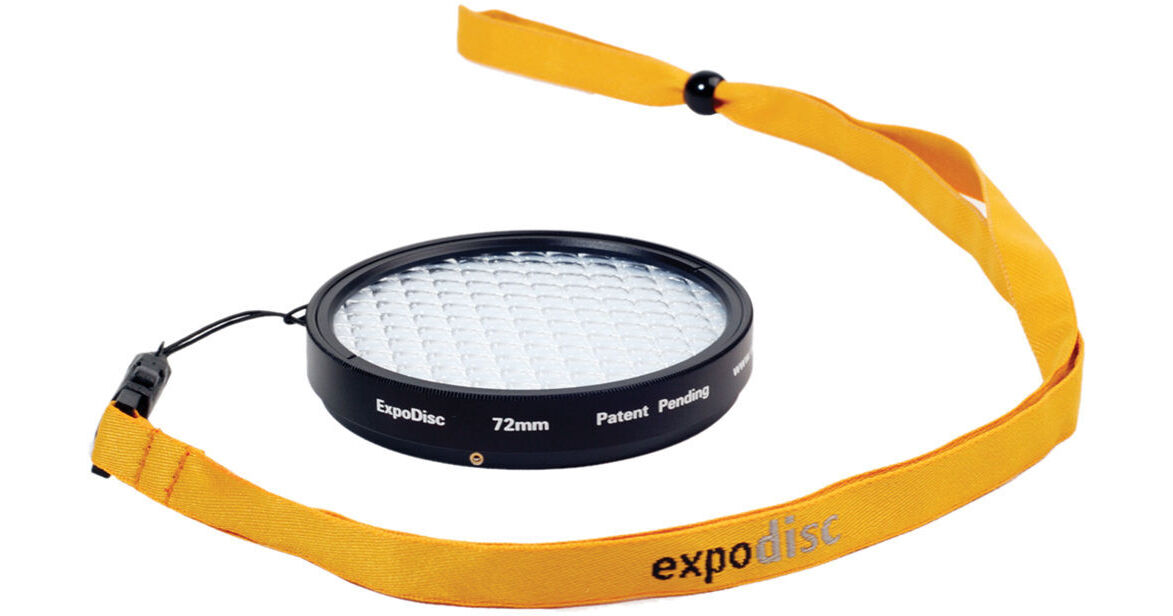
- Quickly Set Your Camera White Balance
- Works for Still and Video
- Optimized for Portraiture
- Warms Image (Equiv. 81A Warming Filter)
Using an ExpoDisc Portrait to set a custom white balance will eliminate many of the yellow, red and blue color casts commonly seen when using Auto White Balance in digital photography. The ExpoDisc is easy to use. Setting a white balance with the ExpoDisc is fast, and eliminates many of the inconsistencies and inconveniences associated with using white balance cards and targets, including unwieldy size, unwanted reflectivity, improper angling, and shadows.
To set a white balance with an ExpoDisc, simply take a photograph of the light source (incident light) through the ExpoDisc, then follow your camera's instructions to set the camera's custom white balance. Because the ExpoDisc is calibrated for an 18% light transmission, you can also use it as a reference tool for manually determining proper exposure. The ExpoDisc is available in a variety of sizes to fit most popular lenses. The ExpoDisc does not thread into the lens; instead, its quick mount design can be pushed-on and popped-off to facilitate a quick white balance.