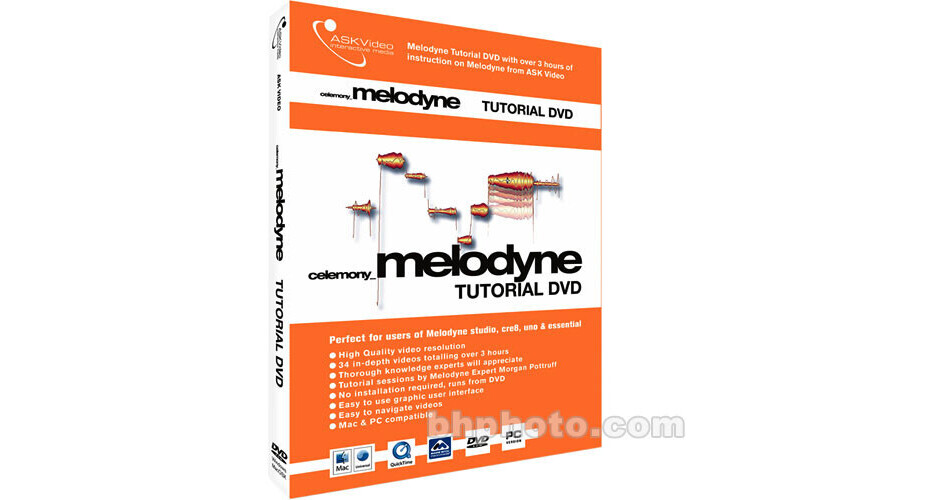
Melodyne Tutorial - Thanks to its unique audio editing possibilities and its unrivalled sound quality, Melodyne is held in the highest esteem all over the world - by musicians, producers and sound designers.
Learn everything from the most basic to the most advanced features Melodyne has to offer in this comprehensive, informative and professional video tutorial.
Tutorial uses Melodyne version 3; Highest quality ever seen in tutorial videos
Instruction based on Melodyne studio, cre8, uno and essential
Hostess introduces every video adding a personal touch not seen in other 'tech' tutorials
Easy to use interface; Lots of real life audio examples
Hostess introduces every video adding a personal touch not seen in other "tech" tutorials
34 Videos
System Compatibility
PC: Windows XP Home or Professional, Intel Pentium or AMD Athlon 800 MHz or faster, 256 MB RAM. Windows MME or DirectSound Sound Card
This product includes QuickTime 7.x Mac/PC which is required for video playback. Minimum screen resolution 1024 x 768.
MAC: Requires Mac OS X v10.2 or higher, Power Mac G4 867 MHz, 256 MB RAM, Sound Card
Melodyne Tutorial DVD Contents
Melodyne - The differences; Installation and First Run; Audio and MIDI Setup;
Guided Tour; The Transport; The Mixer; The Menus; Quick Run Through; Note Analysis; The Tools; Editing Pitch 1; Editing Pitch 2; Editing Tempo; Editing Timing; Note Separators; Copy, Paste, Move, Lengthen Compound Notes; Playback Algorithms; Tone Scale and Tuning; Variable Tempo Editing Mode; Automatic Pitch & time Correction; Editing in the Arrange Page; Recording Audio; The Melodyne Bridge
Rewire
Keyboard Shortcuts
Definition: Detecting Audio 1
Definition: Detecting Audio 2
Preferences
Saving/Exporting Audio
The Melody Manager
MIDI
Synchronization
MIDI Remote