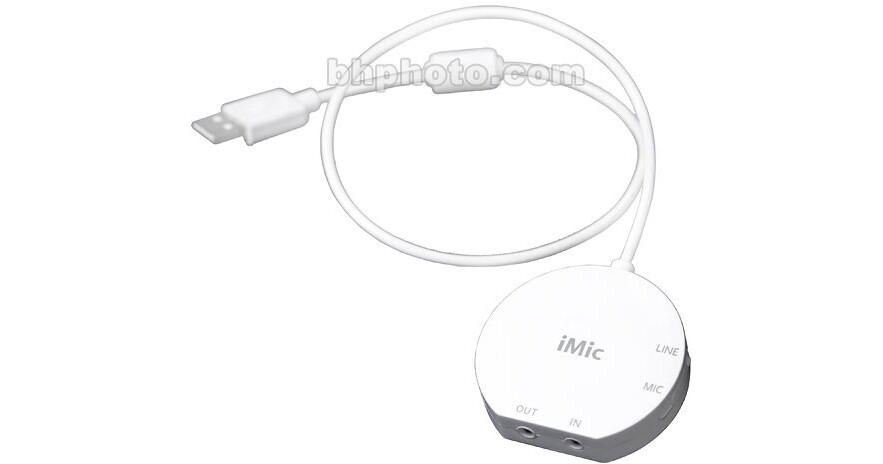
The Griffin iMic USB Audio Interface allows you to input and output audio through your computer's digital USB connection. Digitizing audio is simple as the iMic allows you to connect a microphone or a line-in audio signal to its line-in connection. Speakers or headphones can be easily connected to the line-out. The iMic allows you to easily import audio into your computer for Podcasting, GarageBand, iMovie or Final Cut Pro. You could even use it to digitize your old vinyl albums, allowing you to put them in iTunes or on your iPod. This is a great solution for anyone who would like a high-quality audio input and output interface for their computer.
USB Audio Interface
The iMic connects to your computer via the standard USB interface. It allows you to take an analog line-in signal from a microphone or other source and input it digitally into your computer. The iMic will also output audio to speakers or headphones.
Digitize Tape and Vinyl
The iMic comes with Griffin's Final Vinyl software for Mac OS X. This software is specifically designed to help you digitize music from vinyl and tape sources. It features tools to record vinyl records directly from a turntable without a pre-amp, making it an excellent tool to help you get your LPs on your computer.
Cross Platform Compatibility
The iMic works with both Macintosh and Windows computers with an available USB connection. This makes it easy to add to almost any modern computer.