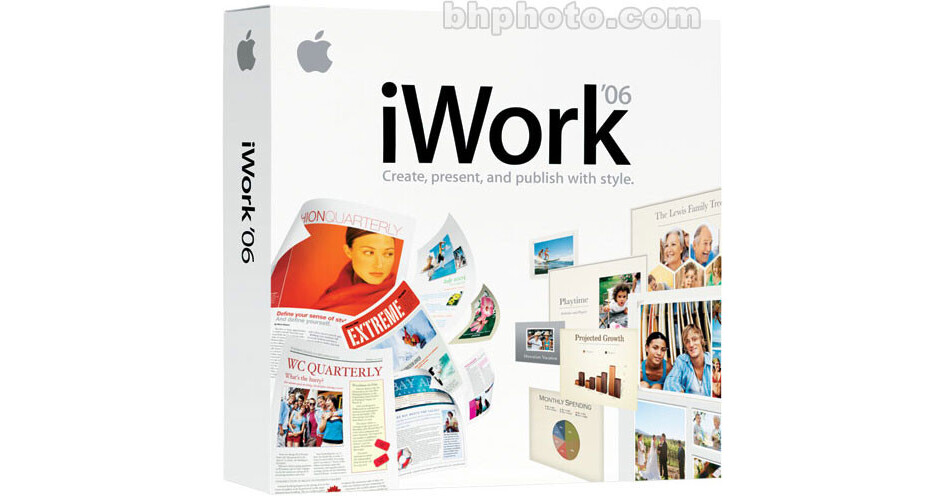
iWork '06 (Family Pack) includes Pages 2, a powerful word processor that's perfect for everything from letters to newsletters to brochures, and Keynote 3, next-generation presentation software for building cinema-quality slideshows, photography portfolios, animated storyboards and more with ease and elegance.
Note:
Install iWork '06 Family Pack on up to five Apple computers in your household.
iWork '06 Family Pack
Family Pack Software License Agreement allows you to install and use one copy of the Apple Software on up to a maximum of five (5) Apple-labeled computers at a time as long as those computers are located in the same household and used by persons who occupy that same household. By "household" we mean a person or persons sharing the same housing unit such as a home, apartment, mobile home or condominium. This license does not extend to students who reside at a separate on-campus location or to business or commercial users.
Pages 2
Introducing Pages 2. Thanks to new text and image editing tools, it's the easiest way to look good in print. Use Apple-designed templates to build stunning documents in minutes. Quickly add photos with the built-in iLife Media Browser. Format your text in minutes with elegant predefined styles. Add punch to your page with multiple columns, self-calculating tables, and engaging 3D charts. Whatever you write, Pages 2 helps you do it in style.
- Add Modern Design
Start with a template in Pages 2 and your document is halfway to gorgeous. Choose from 25 new templates, including posters, flyers, scrapbooks, folding cards, technical reports, business invoices, proposals, screenplays, and storyboards. - Top The Charts
Pages 2 lets you add beautifully designed 3D charts to any document. Edit your chart, then position it perfectly using the 3D rotation wheel. From there, you can add even more depth and realism by applying multiple lighting styles, angles, reflections, and shadows. - Get In Shape
Explore your options with curves, shapes, and masks in Pages 2. Choose from new shapes, insert the one you like best, then customize it by adding points or sides. You can even create custom shapes using new Bezier curves. When you're done creating the perfect shape, you can use it to mask any photo in your document. - Put It On The Table
Leave it to Pages 2 to make mere tables more interesting. Add text, graphics, and photos to tables, then get ready to do the math: tables in Pages 2 let you perform spreadsheet-style calculations without ever leaving your document -- a perfect solution for adding numbers late in the game. - Sign, Seal, Deliver
Never again fear the mail merge. Pages 2 boasts seamless integration with Mac OS X Address Book, so creating personalized documents for individuals or groups is suddenly simple. Stationery templates offer predefined Address Book links: all you do is drag in contacts and Pages automatically personalizes your documents to match. - Thank You, Notes
With new reviewer comments in Pages 2, you can take notes. Type reminders, to-dos, or revision notes right on your document. Every comment you make appears in a handy sidebar that won't affect layout or pagination. Plus, you can easily hide comments so they won't clutter up your document and keep you from the important business of writing, editing, and printing.
Keynote 3
Grab and hold your audience's attention with Keynote 3, the latest generation of Apple's stunning presentation software. Perhaps you'd like to make a business proposal. Highlight the quarter's results for investors. Dazzle viewers with your photos of the southwest. Whatever your story, make it into an exquisite presentation with laser-sharp graphics.
- Captivate Any Audience
Transitions and effects in Keynote 3 help you build cinema-quality presentations. New transitions give you more choices for transporting your audience from slide to slide, flexible text animation puts your words in the spotlight, and interleaved builds offer additional options for every element in your slides. - Enjoy Variations On A Theme
Themes in Keynote 3 include everything you need to maintain a consistent look and feel throughout your presentation. Keynote 3 offers eye-popping new HD themes ideal for high-definition displays (1920x1080 resolution), as well as new themes for standard-definition displays. Plus, themes now include a coordinated set of textures and colors designed for 3D charts, and master slides with bulleted text in multiple columns. - Shape Your Slides
Add some artistic influence to your presentation, thanks to 10 different shapes in Keynote 3. Choose from stars and polygons, then customize your shapes by adding points and sides. And if you can't find the perfect shape, new Bezier curves let you personalize existing shapes or create your own from scratch. When you're done shaping up, you can easily mask a photo using any standard or custom shape. - You Can Compute
With room for text, graphics, and photos, tables in Keynote 3 let you perform simple, spreadsheet-style calculations without leaving your slide. That means you can change your presentation on a dime - even if final data arrives late. - Duly Noted
Note to self: let Keynote 3 help you organize your thoughts with new reviewer comments. Leave yourself presentation pointers, jot down a list or two, even incorporate feedback from rehearsals. These handy comments behave like sticky notes, so they're easy to write, edit, and move around on your slides. Plus, they disappear in presentation mode, keeping everything clutter-free.