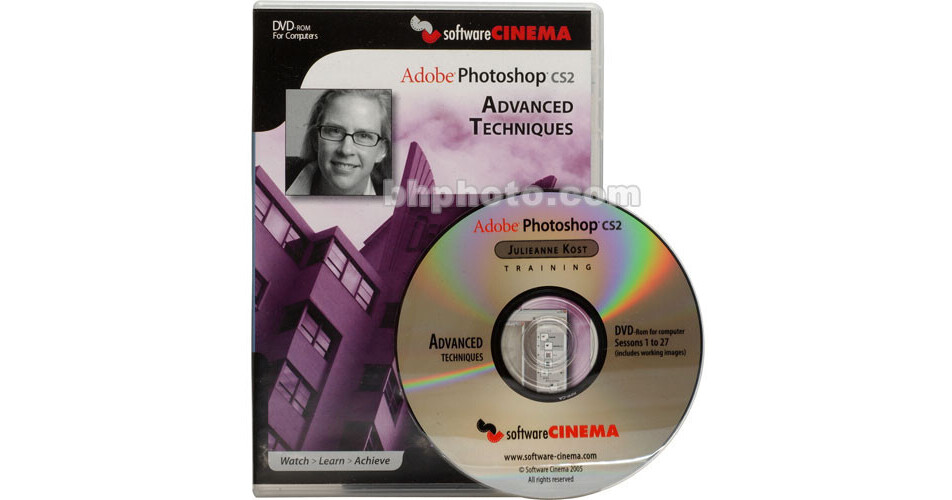
Software Cinema - Photoshop CS2 Advanced Techniques - Methods taught in this program will launch you into advanced realms and give you an artistic edge. Master the fearful Pen Tool. Automate your workflow with Actions, Batch Processing and Droplets.
Learn to fine tune, control and customize Paint Brushes. Keep your promotional materials looking fresh and current with typography special effects like Type on a Path and Knockout. Create Shape Layers and Vector Masks with ease. Composite a fine art montage masterpiece and much more!
Session 01: Customizing The Workspace
Workspaces, Tool Presets, Palette Options, The Preset Manager, Customizable Keyboard Shortcuts, Customizing Menus, Context Sensitive Menus, Views and Screen Modes, Sharing Presets
Session 02: File Management With Adobe Bridge
Workspaces, Rating and Labeling, Dynamic Searches and Collections, Metadata and Keywords, File Info and Custom Metadata Templates, Compact Mode, Shortcuts, Preferences, Cache Management
Session 03: Color Management II
Working Spaces, Color Management Policies, Rendering Intents, Apply Profile, Convert To Profile, Grayscale Settings
Session 04: Camera Raw II
Tools and Navigation, Cropping, The Adjust, Detail, Lens, Curve and Calibrate Tabs, Multi-image Editing, Editing in Bridge vs. Photoshop, Settings Presets, Saving Custom Settings, Sidecar Files, Sharpening Preferences, Camera Raw Cache, Applying Camera Raw Settings
Session 05: Advanced Color Correction
Black & White Points, Eyedropper and Color Sampler Tools, Info Palette, Removing Color Casts, Adjustment Layers, Levels & Curves, Color Correction by the Numbers, Global and Selective Adjustments
Session 06: Selective Color Changes
Color Balance, Curves, Hue/Saturation, Selective Color, Color Range, Replace Color, The Color Replace Tool
Session 07: Advanced Layers
Layer Masks, Opacity and Blend Modes, Advanced Blending, Blend-If Sliders, Layer Groups, Pass Through Blend Mode, Nested Layer Groups, Auto Select Layers, Layer Comps, Export Layers To Files
Session 08: Smart Objects
Creating Smart Objects, Duplicating, Transforming, Warping and Editing Smart Objects, Replacing Contents, Placing Adobe Illustrator Artwork, "Smart" RAW Files, Pros and Cons, Shortcuts
Session 09: Advanced Compositing
Clipping Masks, Releasing Layer Styles, Gradient Maps, Transforming Selections, Layer Masks, Compositing Multiple Exposures, Increasing Dynamic Range
Session 10: Custom Color to Grayscale Conversions
Color Modes (Grayscale, Lab), Desaturate, Channel Mixer Adjustment Layer, Automating Conversions, Digital Color Filters
Session 11: Selective Coloring Effects
Channel Mixer Adjustment Layers, Masking, Layer Opacity, Changing Hue, Gradient Fill and Gradient Map Adjustment Layers
Session 12: Photo Restoration
The Blur Filter, Creating Snapshots, The History Brush, Increasing/Decreasing Density With Adjustment Layers and Blend Modes, Vignettes, Pattern Fill "Texture" Layers, The Spot Healing Brush, Healing Brush and Patch Tools, Sepia Tone Images
Session 13: Portrait Retouching
Removing Blemishes, Reducing Wrinkles Shadows and Age Spots, Brightening Eyes and Teeth, Changing Lip Color, Removing and/or Moving Elements, Dodge and Burn, Removing Glass Glare
Session 14: Vanishing Point
Defining Perspective Planes, Creating Additional Planes, Copying Objects, Cloning and Painting In Perspective
Session 15: The Eraser Tools
The Eraser, Magic Eraser, and Background Eraser Tools, Tolerance, Limits and Sampling Options, Realistic Compositing
Session 16: Extract
The Extract Feature, Isolating the Subject, Smart Highlighting, Channel Extraction, Previewing, Force Foreground
Session 17: Creating Masks From Channels
The Channels Palette, Channel Masking, Refining Masks, Image Compositing, Removing Halos, Cropping Big Data
Session 18: The Pen Tool
Anchor Points, Direction Lines, Creating Straight, Curved, and Combination Paths, Converting Points, Breaking Direction Lines, Converting Paths To Selections, Saving Paths
Session 19: Shape Layers And Vector Masks
Vector Objects, Vector Masks, Shape Layers, Shape Libraries, Color, Gradient and Pattern Fill Layers, Shape Creation and Editing, Inverting Shapes, Fill Layers, Paths From Adobe Illustrator, Converting Selections To Paths, Creating Shapes From Type
Session 20: Advanced Layer Styles
Layer Effects (From Drop Shadows to Strokes) The Styles Palette, Saving and Loading Styles, Applying Styles to Multiple Layers, Creating Layers From Styles, Hiding Effects, Fill vs. Opacity, Blending Options
Session 21: Advanced Typography
Manipulating Character Forms, Converting Text to Shape Layers and Outlines, Rasterizing Layers, Special Effects, Type On a Path, Type In a Path, Vertical and Horizontal Type, Using Type as a Mask, Select Similar
Session 22: Protecting Your Images
Embedding Metadata, Saving as PDF with Security, Using The Automate Features to Add Metadata Or Custom Text Over Images, Adding The Copyright Symbol as a Shape
Session 23: Basic Actions
The Actions Palette, F-keys, Sets, Recording Single and Multi-Step Actions, Playing, Modifying and Editing Commands, Batch Processing
Session 24: Complex Actions
Droplets, Stops, Insert Menu Items, Button Mode, Working With Templates, Loading and Saving Actions, Scripting, Including a JavaScript As Part of an Action, Image Processor
Session 25: Working With Variables
Creating a Template, Defining Variables, Creating a Tab Delineated Text File, Importing Data, Exporting Data Sets
Session 26: 16 And 32 Bits Per Channel Images
16 and 32 Bit Images, High Dynamic Range, Merge to HDR, Image Requirements, Preview Options, Converting Between Bit Depths, Supported Features, Pointers
Session 27: Tips And Shortcuts
Preferences, My Top 10 Favorite Shortcuts, and 5 Features That Didn't Get Covered