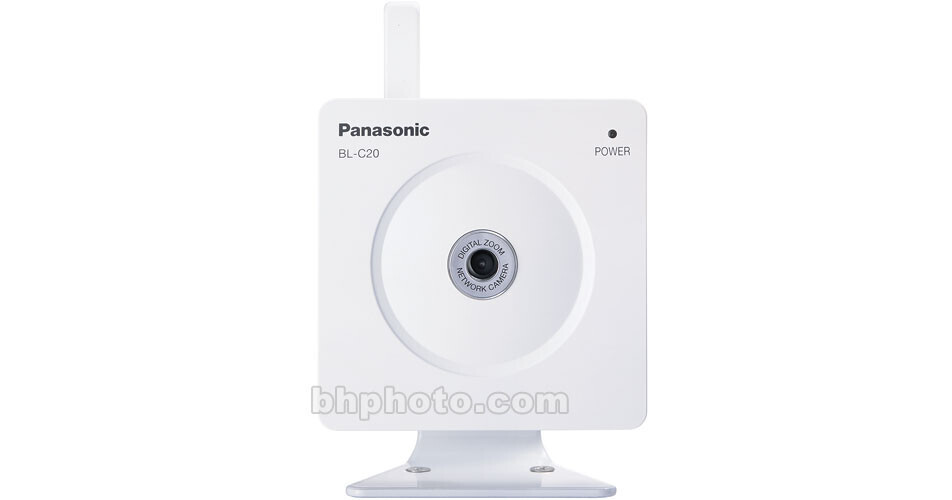
The Panasonic BL-C20A network camera utilizes the standard 802.11b/g wireless protocol to communicate with the network, making it easy to install and to move from room to room as needed. Once connected, images and camera control can be accessed from any Windows Internet location, allowing you to keep an eye on things at home or office while you're away on business or vacation.
802.11b/g Wireless Communication
Utilizing the standard 802.11b/g wireless communication protocol (the same protocol used by laptop computers), this camera is not physically constrained by network cables and can be easily moved from room to room within the wireless parameter as needed.
Powerful Encryption
A powerful 40/64/128 bit WEP encryption system along with SSID filtering is used to prevent access by illicit users.
Plug and Play
Setup and operation is quick and easy with the required control and E-mail software already embedded in the camera. Simply enter the camera's free IP address into a Windows browser using a PC or even a compatible cell phone or PDA device. Furthermore, once plugged in, your PC or router will automatically configure the settings best suited for this camera without requiring any complicated actions on your part.
DynamicDNS Service Support
Unlike other IP cameras, you can give the camera an easy-to-remember domain name such as bob.viewnetcam.com instead of the usual non-sensible letter number combination.
Built-in Motion Detector with E-Mail Alerts
The camera can be set to start recording and/or send an E-mail notification at the event motion is detected. Motion detection is configurable for area, brightness and sensitivity.
Multi-Camera Viewing
Up to 4 of these IP cameras can be brought up on a single browser for viewing and control, with a user able to switch between 3 sets of 4 cameras. Additionally up to 12 cameras can be viewed on a single static screen.
10x Digital Zoom
A 10x digital zoom allows you to bring objects into closer view. The zoom feature is available in single camera, multi-camera as well as buffered image mode. The zoom is activated simply by clicking the right mouse button.
Password Protection
Up to 20 clients can access the camera simultaneously, with a sophisticated password system determining the level of access for general users and administrators.
Multiple Mounting Options
This camera easily mounts on a desk, wall ceiling or tripod.