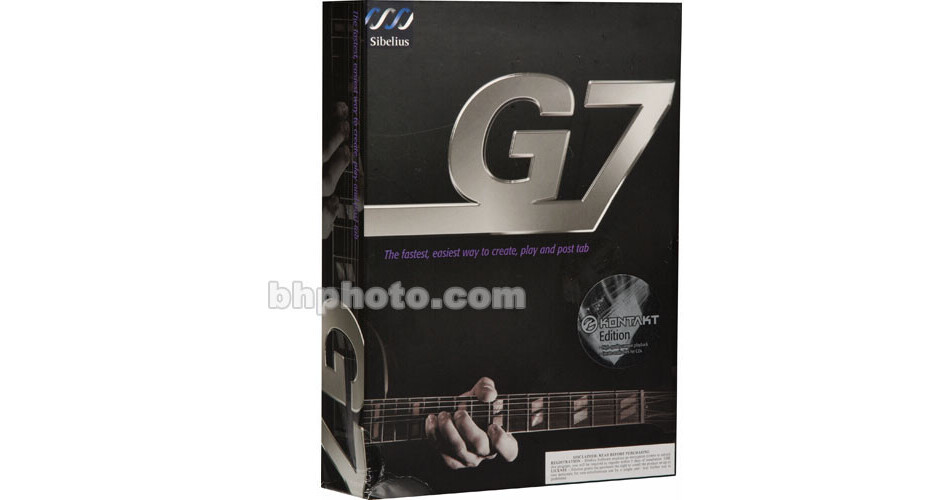
G7 KONTAKT Edition from Sibelius is a program that offers true and complete support for guitars - acoustic, classical and electric.
The software makes it easy to compose, arrange or simply write out an existing song and then print it, publish it on the Internet. Or to create an audio file using the included KONTAKT sample library and player from Native Instruments, to burn it to CD.
Songwriters can create additional parts such as keyboards, drums and other instruments. And any MIDI or ASCII tablature file can be imported into the software to allow for learning the fingerings from the on-screen fretboard.
Complete Software for Guitarists
Comprehensive software for inputting guitar music, playing it back with the included high-quality player, printing, exporting music files and Internet publishing
Input Chords and Solos
It's easy to play music directly into G7 using an on-screen fretboard. Entering a note or building a chord is as simple as pointing the cursor over the appropriate note and clicking the mouse. For more versatility, the fretboard is completely customizable with a choice of six different neck styles (including three different bass guitars) and the ability to enlarge or shrink its size
Tablature
Whether a fretboard or a MIDI instrument is used to input a performance, the software automatically translates the music into tablature in real-time. And once a basic melody is in place, it can be perfected using advanced editing facilities allow for adding markings such as bends, slides, hammer-ons, pull-offs and harmonics
MIDI and ASCII Tablature Files
Full support for both MIDI and ASCII tablature file types. When a file is opened, the program will intelligently extract all note, chord and rhythm data and accurately convert it to tablature
Scan and Convert Sheet Music
G7 can scan printed music and convert it into notation, which can then be translated into tablature. The program comes with a music scanning program, PhotoScore Lite, but for many extra features, including the ability to read four-string tablature the user is recommended to get PhotoScore Professional 4
Chords and Lyrics
Adding chords and lyrics to music is simple. Chord symbols are generated automatically and it's even possible to create an accompaniment part from them. Lyrics can be typed directly onto the score, or imported from a text file
Transfer Between Tablature and Notation
At the touch of a button, the software will convert tablature to conventional music notation and vice versa. G7 can also analyze any music (even if it wasn't originally written for a guitar) and work out a suitable fingering. It can even be customized to work within a certain range on the fretboard to match the user's ability. Once the music has been converted, pressing play will display the fingering in real-time on the fretboard
Transposition
For a broad range of transposition issues the solution is as simple as selecting the transposition interval and the program will re-calculate the key signature, chord diagrams and symbols and re-finger the tablature. This feature also allows the composer to become really imaginative. For example, a part can be recorded into G7 on a guitar and then transposed for another instrument entirely
Drums and Percussion
Provides full support for drum kits and other tuned percussion. Drum track can be created manually and built up using the drum samples within KONTAKT. Alternatively, a drop-down list provides many preprogrammed rhythmic accompaniments
Guitar Guide
The installation CD also contains an invaluable guide to guitars.
This electronic encyclopedia provides complete information on guitars, playing techniques and musical styles, supported with audio examples and detailed illustrations
Print and Publish
Once a composition is finished, it's simple to create an audio file to burn to CD, make professional printed copies, or even publish the work to the Internet for others to buy and enjoy