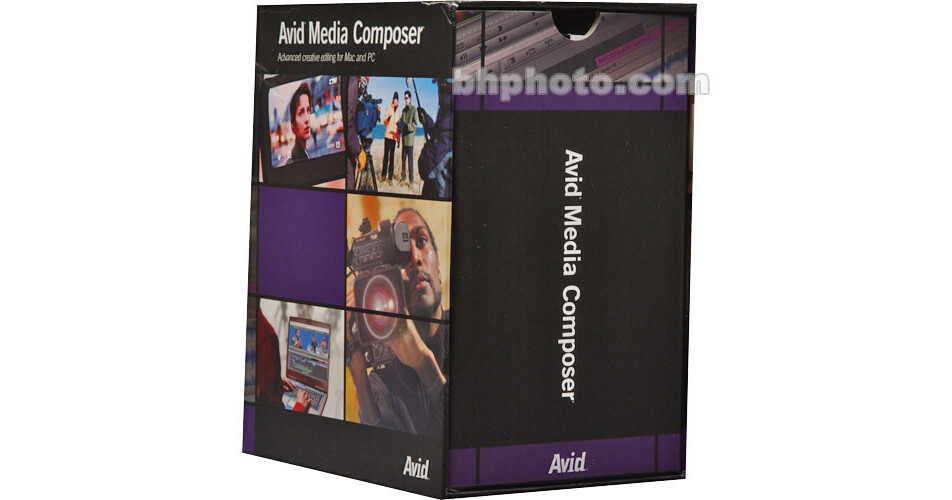
The Upgrade XPress Pro to Media Composer from Avid allows current users of Avid Xpress Pro 5.0-5.2 for Windows and 4.8 for Mac to upgrade to the Media Composer software suite at a price that is reduced in comparison to buying Media Composer on its own.
Media Composer is Avid's premiere editing system, and is fully compatible with their hardware DNA products such as the Mojo SDI and Adrenaline with DNxcel. The software allows editors to work with standard and high definition video formats as well as film in 24p format. Media Composer also features unparalleled asset management and multicamera editing support, making it an excellent option for the most demanding professional editors.
Film and Video Editing
Media Composer allows you to work with SD, HDV and film sources with varying resolution and frame rates on a single timeline. You'll be able to work with these formats without having to go through timely rendering processes. The software also supports native editing of DVCPRO HD and HDV media.
Native Sony XDCAM and Panasonic P2 Support
The software supports the tapeless workflows that users of Sony XDCAM and Panasonic P2 cameras have come to expect. Media Composer supports the MXF format, allowing you to directly import this footage into the software without having to strip away embedded metadata.
DNxHD Encoding
Media Composer supports both 8- and 10-bit DNxHD encoding. This lets you apply effects, dissolves and titles to your footage and preview them in real-time, even when working with DVCPRO HD and HDV video.
10-Bit Real-Time Color Correction
Media Composer supports real-time color correction with an outstanding 10-bit color depth. It leverages Avid Symphony technology to allow you to color correct an entire sequence with a single click.
Panasonic Varicam Support
The software allows you to capture and playback the variable frame rate clips that are created by Panasonic Varicam cameras. This lets you adjust the frame rate of your video while shooting with full confidence that it will be supported during editing.
Motion Tracking and Stabilization with SteadyGlide
Media Composer features tools to help steady shaky footage, allowing you to avoid reshooting a scene because of a shaky camera.
FluidMotion
The software features FluidMotion technology that allows you to create slow-motion effects using advanced pixel morphing techniques. The FluidFilm function allows you to give 30i video the filmic look of 24p footage.
SpectraMatte Keyer
Media Composer's advanced keyer allows you to create high-quality 16-bit keys, even when using lower quality 8-bit video.
Long GOP Splicing
You'll be able to work with MPEG Group of Picture structures that are smaller than the standard 15 frames per group with Media Composer. This lets you export HDV material from your timeline without having to first render it.
4-Channel Audio Punch-In
Media Composer lets you record up to 4 channels of audio directly to a timeline. This saves valuable time when recording narration or dialogue replacement.
Full Screen Play Over DVI Output
The software supports playback of video over a DVI connection. This lets you use a lightweight, portable LCD display to monitor SD or HD footage while editing.
Professional Film Tools
Media Composer features metadata management features that are essential for working on feature film projects. Script-based editing and web-based film cutlists allow you to work more closely with the project as it was scripted and shot. Support for Timecode, KeyCode, DPX, VXF and UNC metadata is also built into the software.
Streamlined Workflows
The software features a powerful streamlined workflow that allows you to quickly make changes to material without the need to later re-build your project. It supports Avid Unity products that allow groups of editors and effects artists to work over a network on a single project.
Superior Media Management
Media Composer features an extremely powerful media management system. You'll be able to label, locate, rename and move clips without the need to relink your project. These features are essential when working on the complex projects with which editors often have to deal.