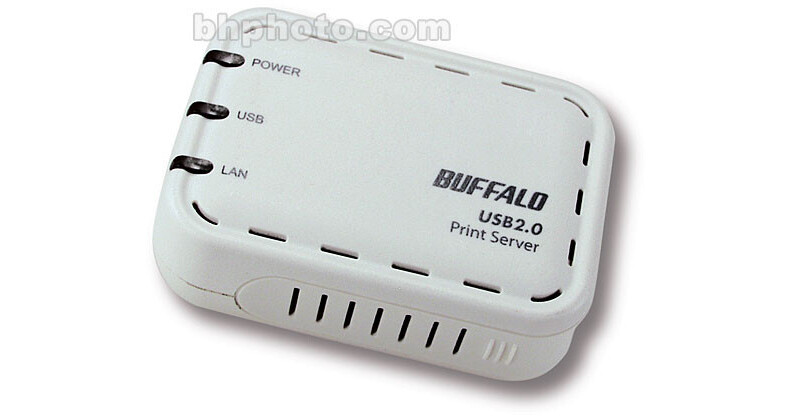
The Network USB 2.0 Print Server from Buffalo allows you to share your USB 2.0 printer among the computers in your network without the need to use a computer as a dedicated print server. You simply plug the printer into the USB port on the server and connect the server to your network. The server is administered through a web-based admin tool that can be accessed from any computer on your network.
Print Server
The print server allows you to share your USB printer among computers of various operating systems without the need for a computer to act as a print server. This lets you easily print from a various computers that are part of your network.
Compact Size
The server is much smaller and lighter than a dedicated PC used as a print server, measuring only 3.7 x 1.1 x 2.6" and weighing less than four ounces, it is easy to install and move.
Administration Utility
The server can be administered via an easy-to-use utility that can be accessed from any computer in your network with a web browser. You can even use the admin panel to configure Internet printing via IPP.