
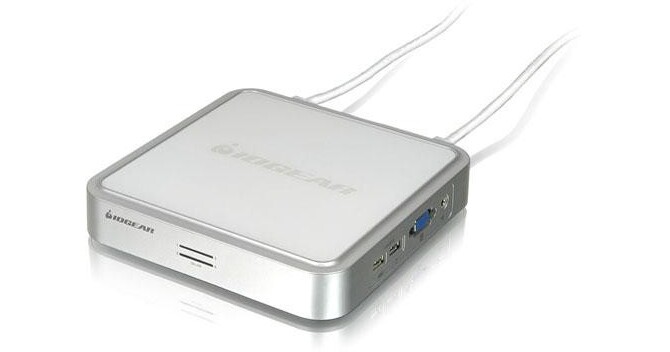
The MiniView 4-Port USB KVM Switch with Built-in Cables and Audio Support from IOGEAR allows you to share a single keyboard, mouse, speakers and monitor between four computers. It features a hot-key interface for quick and easy switching. The KVM Switch works with computers that use USB connections for the keyboard and mouse and a VGA connection for the display. It installs easily, with clearly labeled ports to connect cables. The switch supports resolutions of up to 2048 x 1536 pixels. This is a great solution for anyone who wants to share a single monitor, keyboard, mouse and speakers between multiple computers.
4 Computers; 1 Desk
Web designers often have to test pages on PCs and Macintosh computers and video editors who use the Macintosh platform can still see the appeal of the gaming options available on Windows PCs. This KVM switch allows you to easily share a single monitor, keyboard, mouse, microphone and speakers between multiple computers, regardless of your reasons.
USB and VGA Support
The KVM Switch works with computers that feature standard PS/2 or USB connections for input devices and VGA for display output. VGA resolution of up to 2048 x 1536 is supported, making this a great solution even for large displays.
Hot-Key Switching
The switch allows you to change computers via pre-programmed hot-keys. This allows you to easily change from one computer to the other.
Cable Flexibility
The KVM switch can connect to up to four computers simultaneously. Two cables are built into the switch and two are detachable. This allows you to reduce cable clutter when using the switch with fewer than four computers.