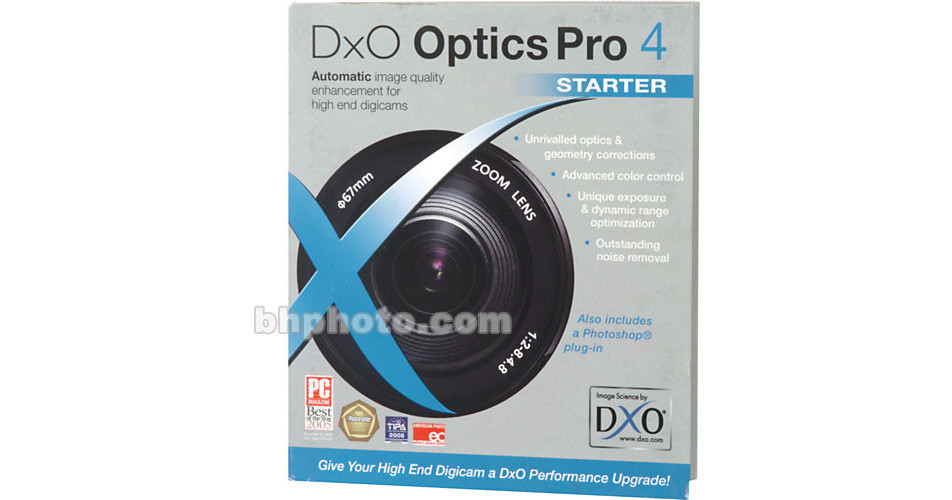
DxO Optics Pro 4 Starter (version 4.5)

BH #DXOPS • MFR #3760125773407
Print
DxO Optics Pro 4 Starter (version 4.5)
No Longer Available
No Store Display
Ask an Expert
800-606-6969

DxO Optics Pro 4 Overview

DxO Optics Pro 4 Image Enhancement Software is unlike any other digital photography software application available. It offers a whole range of features to automatically correct and enhance your images, in particular the elimination of distortion, vignetting, & lens softness through specifically developed camera/lens modules; removal of camera noise & purple fringing; optimization of exposure & dynamic range; Color optimization; and perspective correction.

This multi-award winning program is designed for advanced amateur and professional photographers to automatically improve image quality. Whether you want to enhance your pictures in a single click without having to bother setting up sliders, or you want to manually set up your own correction parameters, DxO Optics Pro will provide an operating mode ("auto", "guided" or "expert") to suit your needs. The Starter Edition supports a selection of high-end digicams (not Digital SLRs).

Advanced Color Control and Adjustment
The DxO Color Engine revolutionizes color possibilities with a palette of color functions, from unique Color Rendition Profiles through Color Modes, to the innovative DxO Multi-Point Color Balance to exploit the full range of available color space for JPEG files.
SmartVibrancy
SmartVibrancy is an "intelligent" function that lets you selectively enhance the colors in a photo to make them more appealing, yet avoiding undesirable side-effects. It can discriminate between different hues, making the colors more exciting and yet still respect flesh-tones and textures in your images.
Simple and Accurate Geometry Corrections
The award-winning DxO Optics Engine uses unique hardware modeling to automatically eliminate optical defects. Based on sophisticated models of camera and lens performance, DxO Optics Engine automatically removes lens distortion, vignetting, lens softness, and chromatic aberration. Additionally, with input from the user, Optics Pro can also apply perspective corrections including keystone and horizon correction. The latest version incorporates several interface improvements that help make for easier use of the perspective tools including a semi-transparent grid that is available as an overlay, simplifying adjustment of the levelness of the shot, and greater adjustment precision thanks to improved user-defined points and lines and the improved precision of numerical adjustments.
Sophisticated Lighting Control
When it comes to photography, the way humans see is very different from the way in which photographic systems capture and reproduce scenes. The human eye is extremely adaptable to localized lighting conditions, enabling us to see at the same time both inside a dimly-lit room and out through the window to the brightly-lit exterior, and to make out details in shadows that are thousands of times dimmer than surrounding areas. Photographic films and digital camera sensors can't do this. In order to produce satisfactory results, contrast management tools are essential to reproduce the luminance range of the real world within the limits of our media. The DxO Lighting Engine brings out shadow detail while preserving highlights, textures, colors and a natural look.
DxO Noise Engine
The sophisticated DxO Noise Engine automatically reduces image noise by up to two stops while preserving maximum detail. For example, an image shot at 1600 ISO and processed by DxO Noise Engine will present a noise level equivalent to an image shot at 400 ISO.
Integration with Adobe Lightroom and Adobe Photoshop CS2 / CS3
DxO Optics Pro v4.5 includes specific plug-ins to provide a tightly integrated workflow with the latest versions of Adobe's applications for photographers.
Other features of DxO Optics Pro v4.2
  • Easy controls to save presets and apply settings to stacks of images
  • Camera custom ICC profiles to ensure absolute color fidelity or creative color rendering
  • Seamless use of your monitor ICC profile to ensure proper color and contrast control on your monitor
  • White-Balance adjustments with control of three parameters (illuminant selection, color temperature & tint sliders, or grey point neutralization)
  • Slider-based Hue/Saturation/Lightness adjustment
  • Tone Curve control via interactive tone curve editing
  • Selection of output ICC profile
  • Direct upload to Flickr from DxO Optics Pro

DxO Optics Pro 4 Specs

System & Software Requirements
Windows System
  • Pentium4, Pentium Dual-Core, Pentium M or Pentium 64bit Processor (also AMD equivalents)
  • Microsoft Windows 2000, XP, XP 64 (32-bit emulation mode), VISTA 32-bit (VISTA 64-bit NOT supported)
  • 110 MB Minimum Hard Drive Space (1 GB recommended)
  • 1 GB of RAM
  • CD-ROM Drive
Macintosh System
  • PowerPC G4, G5, or Intel Processor
  • Macintosh OS X (10.3.9, 10.4.x)
  • 110 MB Minimum Hard Drive Space (1 GB recommended)
  • 1 GB of RAM
  • CD-ROM Drive
Compatibility
DxO Optics Pro Starter supports a selection of high-end digicams (not Digital SLRs). Click Here for a complete list of Compatible Cameras and Lenses.

DxO Optics Pro 4 Reviews

See any errors on this page?
Whatever You Need, We've Got It