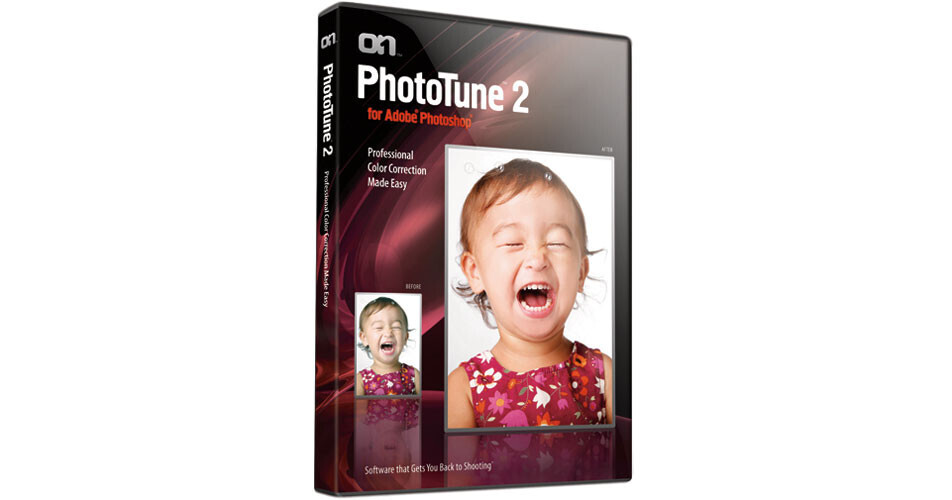
With PhotoTune 2.2 from onOne Software, professional color correction has been made easy! PhotoTune 2.2 includes two color correction modules and can be used for fast, guided results using a patented side-by-side comparison process and to make precise skin color adjustments that make your portraits look natural.
PhotoTune 2.2 is an Adobe Photoshop plug-in that incorporates ColorTune technology (formerly known as 20/20 Color MD) with its patented color correction process and SkinTune technology, developed after more than two years of in-depth skin color research. It makes the tedious and time-consuming task of color correction simple and straightforward to improve your post-processing workflow.
Easy Six Step Process
PhotoTune is a Photoshop plug-in that features a patented six step process to correct the color in your digital photos. This simple process takes about 15 seconds and is easy as taking an eye exam. PhotoTune examines your image and then presents two color corrected options side-by-side. You then pick the one that looks best to you. This simple and straight-forward "Color Wizard" walks you through the correction process until you end up with a final, color corrected image.
Take Snapshots to Compare Corrections
During the "Color Wizard" correction process you can record a Wizard Snapshot that you can save to preview in the final Fine Tune panel. So if you see a correction that you like in the wizard process, you can save it for later comparison.
16-Bit Compatibility
PhotoTune supports 8-bit and 16-bit photos allowing you to open your RAW camera images in Photoshop and color correct them using either the ColorTune or the SkinTune modules within PhotoTune.
Fine Tune Panel
The Fine Tune panel is typically accessed as the final step in the patented 6 step Color Wizard process - but can also be accessed at any time you wish. The Fine Tune panel displays your original photo next to the corrected image and affords you the opportunity to make some final adjustments such as adjusting the dynamic range, brightness, contrast, saturation as well as shadows and highlights. The Fine Tune panel also allows you to take up to four snapshots to allow you to compare various fine tune adjustments if you wish.
Unmatched Saturation Control
PhotoTune uses an exclusive algorithm that adjusts saturation based on each individual pixel's saturation level, so it knows how much saturation to add, and more importantly, when to stop.
Easily Correct Skin Color
PhotoTune 2.0 includes SkinTune technology which is the culmination of more than two years of skin color research to properly correct skin color for accurate skin tone color variations. This research included collecting thousands of skin tone image samples from around the world. Precise spectrophotometer measurements were compiled and complete reference databases of acceptable colors for each race were completed. During this process, it was discovered that skin color represents less than 1% of all available colors. Combine this with the fact that each race has slightly different color characteristics; it is no wonder that acceptable skin color correction is such a difficult process especially when traditional tools were never designed to handle such a small range of colors.
Support for Photoshop Selections
Now in PhotoTune 2.2, if you want to target a color correction to only a specific area in your digital photo, you can make a selection in Photoshop and then enter the PhotoTune 2.2 plug-in. Any color corrections you make will only be applied to that selection.
Improved Adjustment Algorithms & Simplified Workflow
All adjustments have been refined and improved for better color results. Plus, 8 bit and 16 bit adjustments share the same polynomial equations so results will match perfectly. A single Save History file will work on either an 8 bit or 16 bit image to simplify your workflow.